
Digital AccessAn email alert may tell you to sign in, but the message you need to read may be inside the account. Learn how to set a checking routine, recognize different kinds of messages, and keep a useful record without relying on alerts alone.
Read article · 4 min↗

Digital AccessA video appointment can save a journey, but it takes a little preparation. Learn how to check the invitation, protect your privacy, test your equipment, organize documents and keep a useful record afterward.
Read article · 4 min↗
Digital AccessA text or email about an online service account may be useful—or it may be trying to send you to a lookalike page. Learn how to check the message, reach the service independently and respond if you have already opened a link.
Read article · 4 min↗

Digital AccessA page that opens on a computer may fail on a phone because of browser settings, a weak connection, a small-screen layout or a sign-in problem. This guide offers a practical order for checking the issue without putting your personal information at risk.
Read article · 4 min↗

Digital AccessTerms such as “accessible PDF,” “large print” and “screen-reader friendly” can help you choose how to read public information, but they do not guarantee a document will work for everyone. Learn what common labels mean, how to test a format and what to ask for when you need another option.
Read article · 4 min↗

Digital AccessSmall text and crowded pages can make online services difficult to use. Learn how browser zoom, website text controls, and reading modes work, when each is useful, and what to check before completing a form.
Read article · 4 min↗

Digital AccessPublic-service websites often contain several steps: finding the right page, reading eligibility information, completing a form and keeping a copy of what you submitted. This guide explains practical ways to navigate those steps with a screen reader or keyboard, and what to do when a page is difficult to use.
Read article · 4 min↗

Digital AccessA completed form on your screen is not always a submitted form. Learn how to check for a confirmation, keep a useful record, and decide what to do if the result is unclear.
Read article · 4 min↗
Digital AccessAn online form may ask for a document but reject the file you select. Learn how to check accepted formats and size limits, prepare a readable file, understand common error messages, and confirm whether an upload succeeded.
Read article · 4 min↗
Digital AccessLong online forms can take more than one sitting. Learn how to check whether a form saves your work, prepare answers safely, handle timeouts and uploads, and confirm that your final submission went through.
Read article · 4 min↗

Digital AccessA practical guide to troubleshooting public-service forms that stall or show errors, while protecting your information and keeping track of what you have tried.
Read article · 5 min↗
Digital AccessAn online form may fail to save, sign you in or move to the next page because of a browser setting. Learn how cookies, tracking protection, pop-up controls and autofill can affect forms, and how to troubleshoot without turning off more privacy protection than necessary.
Read article · 4 min↗

Digital AccessA shared computer can help you complete a form, check an account or find public information when you do not have a suitable device at home. A few practical habits can reduce the chance of leaving personal details behind.
Read article · 4 min↗

Digital AccessLocked out of an online public-service account? A careful recovery process can help you regain access, protect your information, and avoid creating a second account that may complicate future sign-ins.
Read article · 3 min↗
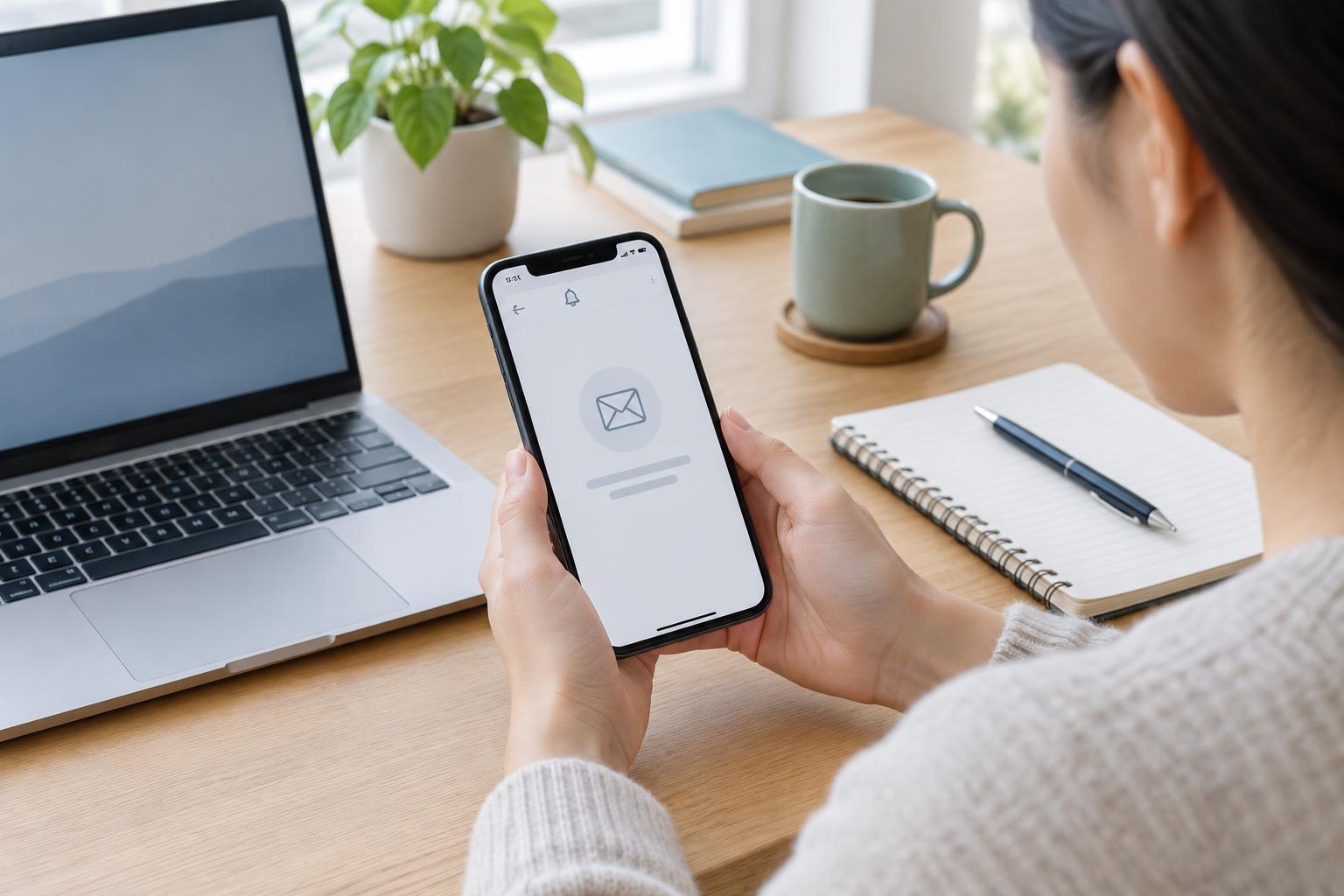
Digital AccessA missing verification code can block access to an important online account. This guide explains how to check common delivery problems, use approved alternatives, contact the right support team, and protect your account while you wait.
Read article · 4 min↗

Digital AccessTwo-step verification adds a second check when you sign in to an online account. Learn how common methods work, what to do when a code does not arrive, and how to prepare for a lost phone without giving anyone your sign-in details.
Read article · 4 min↗
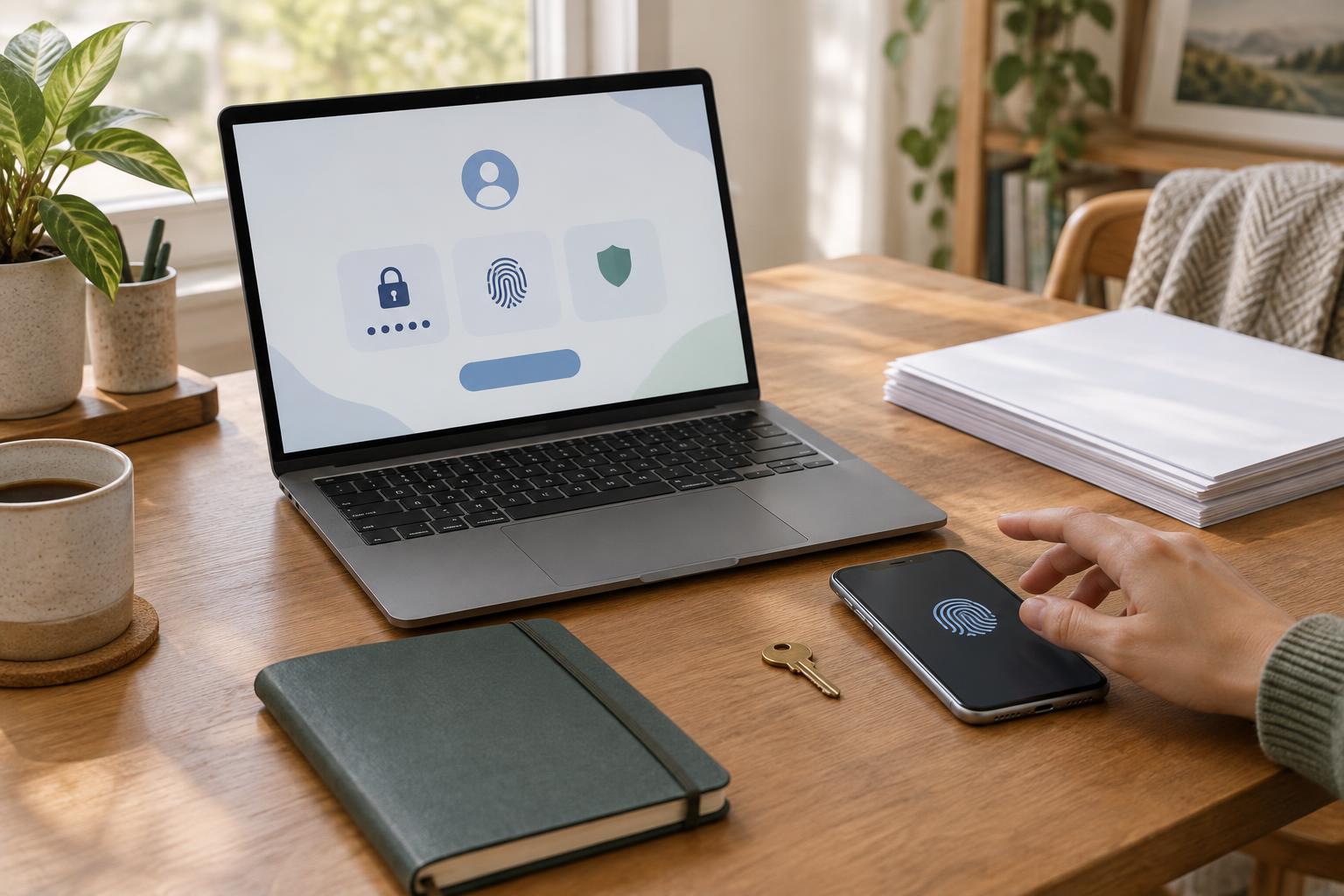
Digital AccessSigning in to a public-service account can involve a password, a passkey, or an extra verification step. Learn how these methods differ, how to choose one that fits your devices, and how to prepare for account recovery.
Read article · 4 min↗
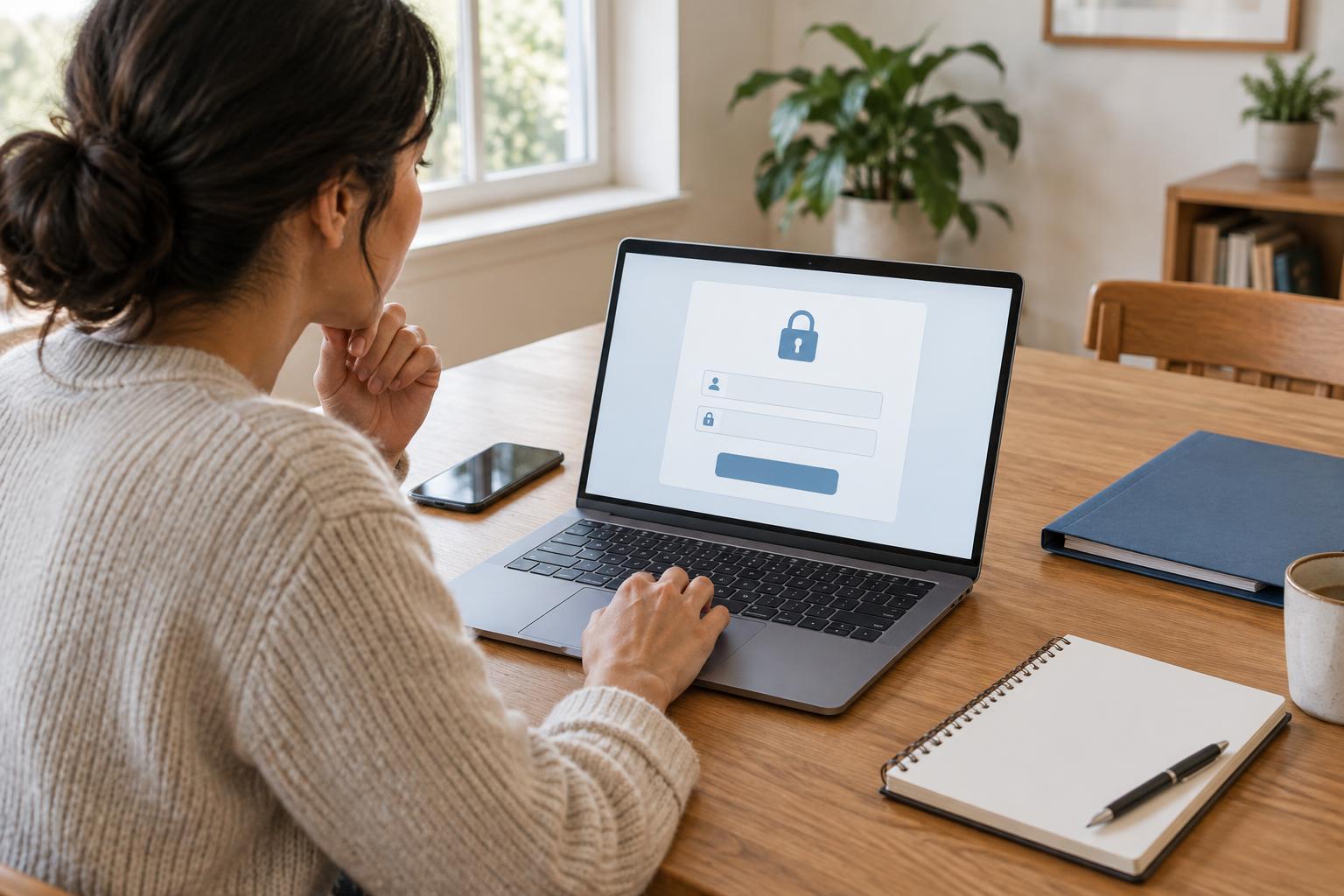
Digital AccessAn online account can make it easier to view messages, submit forms and manage requests with a public service. Before registering, check that you are using the right website, gather the details you may need and plan how you will keep access to the account secure.
Read article · 3 min↗

Digital AccessAn email account can help you receive notices, appointment details and replies from community services. This guide explains how to choose an address, protect the account, organize messages and prepare for common access problems.
Read article · 4 min↗

Digital AccessA phone, tablet, or computer can all help you find public information and complete online tasks, but each is better suited to different kinds of work. Use this guide to match your device to the task, check accessibility and security needs, and prepare a backup plan.
Read article · 4 min↗

Digital AccessPublic service websites often require a dependable connection for forms, messages, and document uploads. Compare home broadband, mobile data, and public Wi-Fi by cost, reliability, privacy, and accessibility, then plan a backup for important tasks.
Read article · 4 min↗