Pause before following an account link
Messages about online accounts can feel urgent, especially when they mention a locked account, a missed notice or a deadline. An unsafe message may use that pressure to get you to open a link, enter a password or share a verification code. A genuine service may also send account notifications, so the presence of a link does not prove a message is fraudulent. The safest first step is to pause and check the claim through a route you already trust.
Treat unexpected requests for passwords, payment details or one-time sign-in codes with particular care. Be cautious if a message says you must act immediately to avoid losing access, even if it uses a familiar logo or addresses you by name. Those details can be copied or obtained elsewhere. You do not need to settle whether the message is authentic before checking your account independently.
Look at the link without relying on appearances
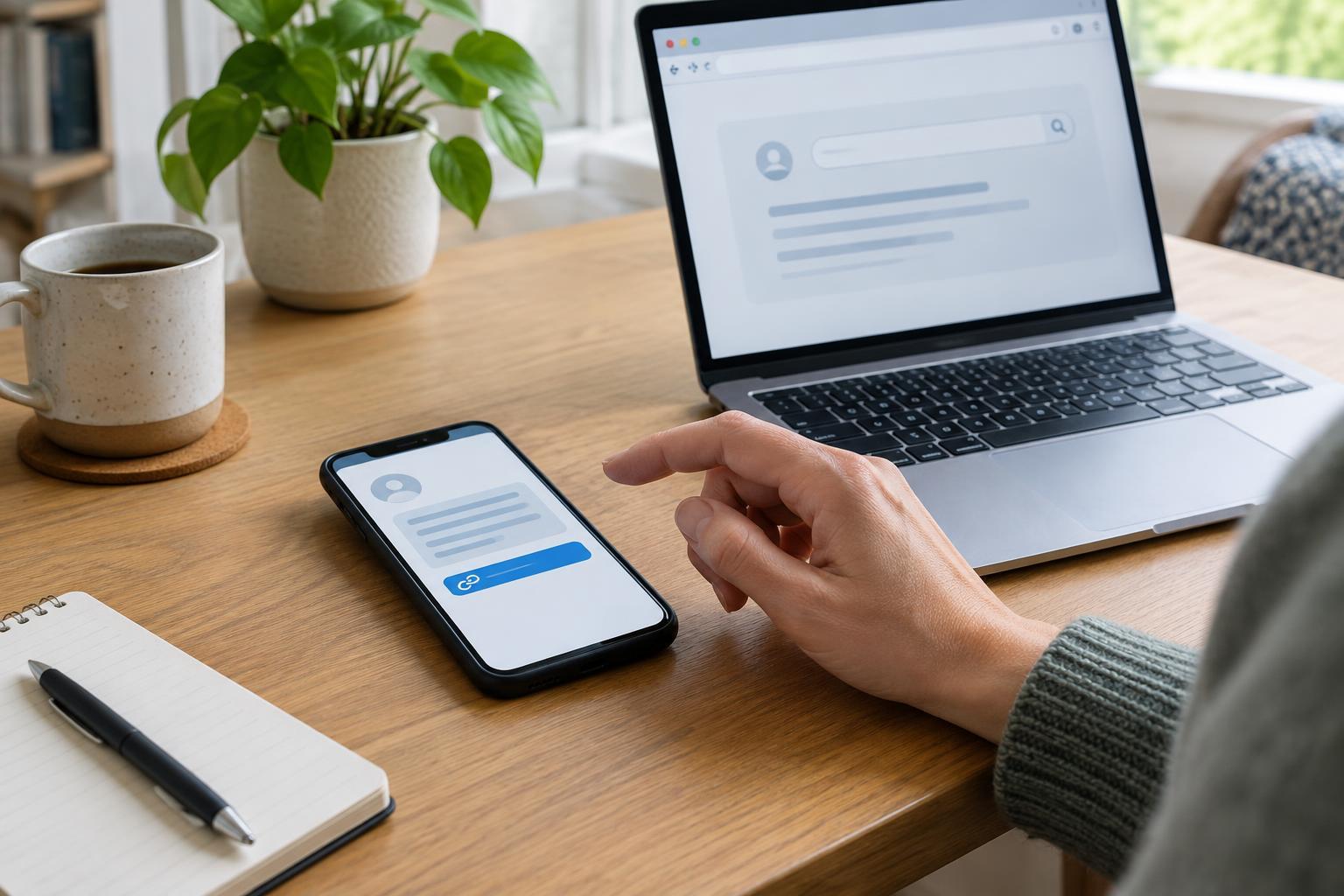
Link text can say “view your account” while leading somewhere else. On a computer, hovering over a link may reveal its destination; on a phone, pressing and holding may show a preview. Do not open the link just to inspect it. If your device does not show the destination clearly, skip the link and use another way to reach the service.
When a destination is visible, pay attention to the actual website address, not just recognizable words within it. A lookalike address might add extra words, change a letter or place a familiar service name in a longer, unrelated address. A shortened link hides the destination and is difficult to judge from the message alone. A padlock symbol or “https” indicates an encrypted connection, but it does not establish that the site belongs to the organization you intended to visit.
Sender details can offer clues, but they are not a final test. A display name may imitate a service, and an unfamiliar sending address or number may raise concern. At the same time, automated messages can come from addresses you do not recognize. Rather than deciding based on one clue, consider what the message asks you to do and verify its claim outside the message.
Reach the service by a separate route
If the message says there is a notice or account problem, open the service’s app directly or use a bookmark you previously saved. You can also type a website address you already know into your browser. Avoid copying the address from the message, since that may take you to the same unsafe destination. Once signed in, look for a matching notice in the account’s message area or settings.
If you do not know the correct address, consult paperwork you already have from the organization or a trusted directory that identifies its official website. Search results can be helpful, but check the destination before signing in; a result’s title alone is not proof that it leads to the right service. For questions that the account does not answer, use contact information found through a route independent of the suspicious text or email.
This approach is useful even when a message turns out to be legitimate. You can still complete a real account task without depending on the link that arrived in your inbox.
Protect codes, passwords and shared devices
A verification code is usually meant for the sign-in attempt you started. Do not give it to someone who contacts you by text, email or phone and asks you to read it back. If a code arrives when you were not trying to sign in, avoid sharing it or entering it on a page reached from that message. Check the account through your usual route instead.
When using a shared computer or someone else’s phone, be mindful of saved passwords, open browser tabs and accounts left signed in. Sign out when finished, particularly if you accessed personal documents. If a trusted friend or family member helps you navigate an online service, you can ask them to explain each step while you keep control of your own password and codes.
What to do if you already opened the link
Opening a link does not always mean an account has been compromised. Close the page if it seems suspicious, and do not enter any further information. If you typed a password, go to the genuine service using a separate route and change that password. Change it on other accounts too if you reused it there. Review any available account activity and security settings, and consider enabling an additional sign-in step if the service offers one.
If you entered payment information or downloaded a file, the appropriate next step depends on what happened. Contact the relevant provider through a number or website you have independently verified, and follow its account-security guidance. Keep your device and browser updated, and use your device’s built-in security tools to check a download you do not recognize.
You may also be able to report the message through your email or messaging app, or through the service’s official help channel. Keeping a copy of the message can help you describe it, but avoid forwarding its link to others without warning. The aim is to return to a trusted route, secure any information you shared and make the next account decision without pressure from the message.