Agree on the task before sharing
A family member, friend, or community worker may offer to help with paperwork. Before handing over a folder, agree on the specific task: reading a letter together, finding a particular record, making copies, or taking documents to an appointment. A clear task makes it easier to decide which papers the helper needs and when they should return or delete them.
You can also agree on what the helper should not do. For example, you might welcome help sorting papers but prefer to complete a form yourself. If a service has rules about who may speak or act on someone else’s behalf, check those rules directly with the service. Helping you organize records does not necessarily give a person permission to manage your account or make decisions for you.
Share only what is needed
Start with the document or small group of documents relevant to the task rather than an entire file box or digital folder. Check each page for information the helper does not need, including details about other household members. If a copy with some details covered would serve the purpose, ask the receiving organization whether it will accept that version before changing anything.
Keep originals in their usual place when a copy will do. If someone needs to take an original to an appointment, note which document they have and when you expect it back. Store the remaining papers securely so that sharing a few items does not disrupt your filing system.
Choose a practical way to transfer documents
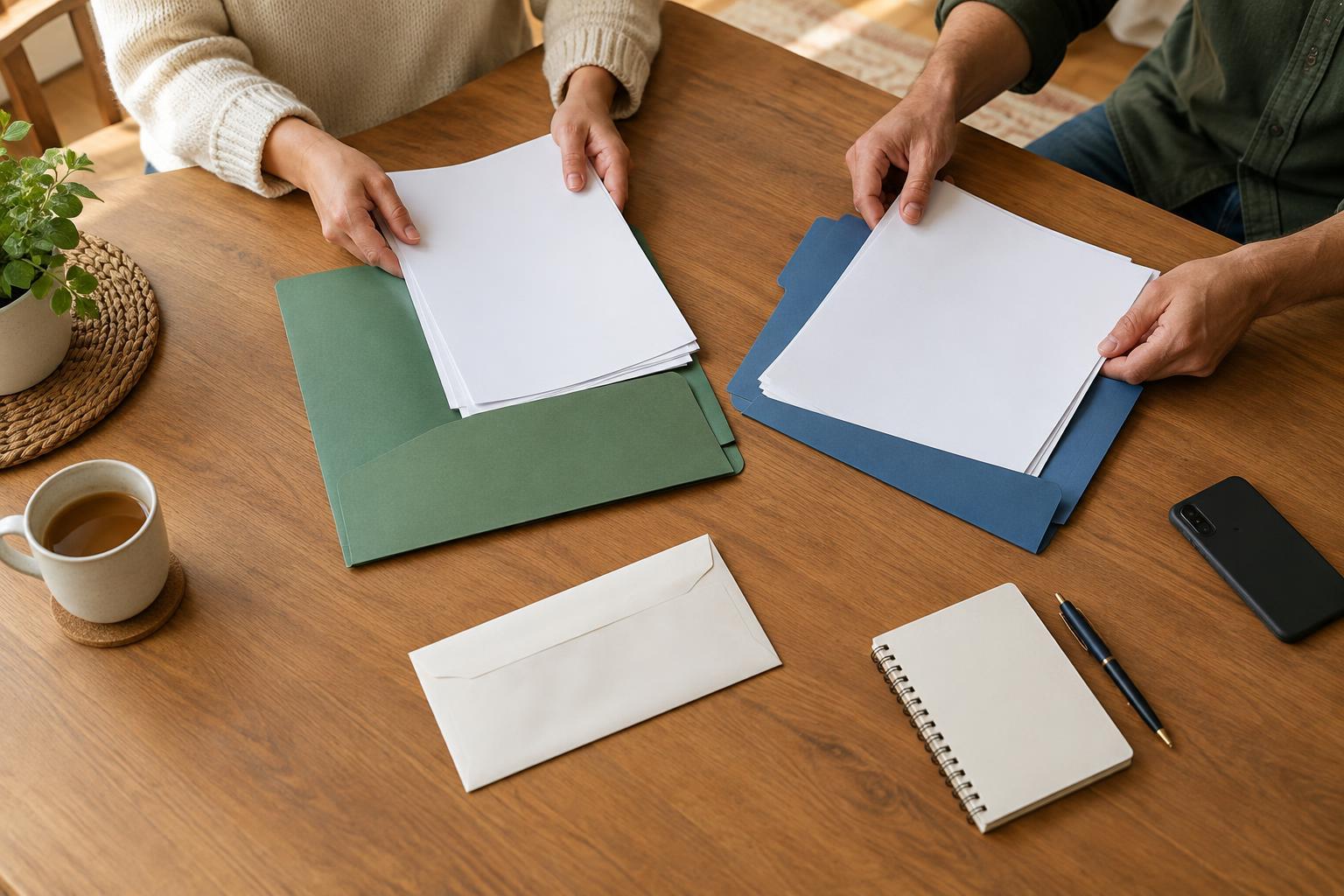
For paper documents, a labeled envelope can keep related pages together. Put a brief list inside stating what the envelope contains and whether the contents are originals or copies. Count multi-page documents before they leave your hands, especially if a letter has an attachment or a form includes supporting pages.
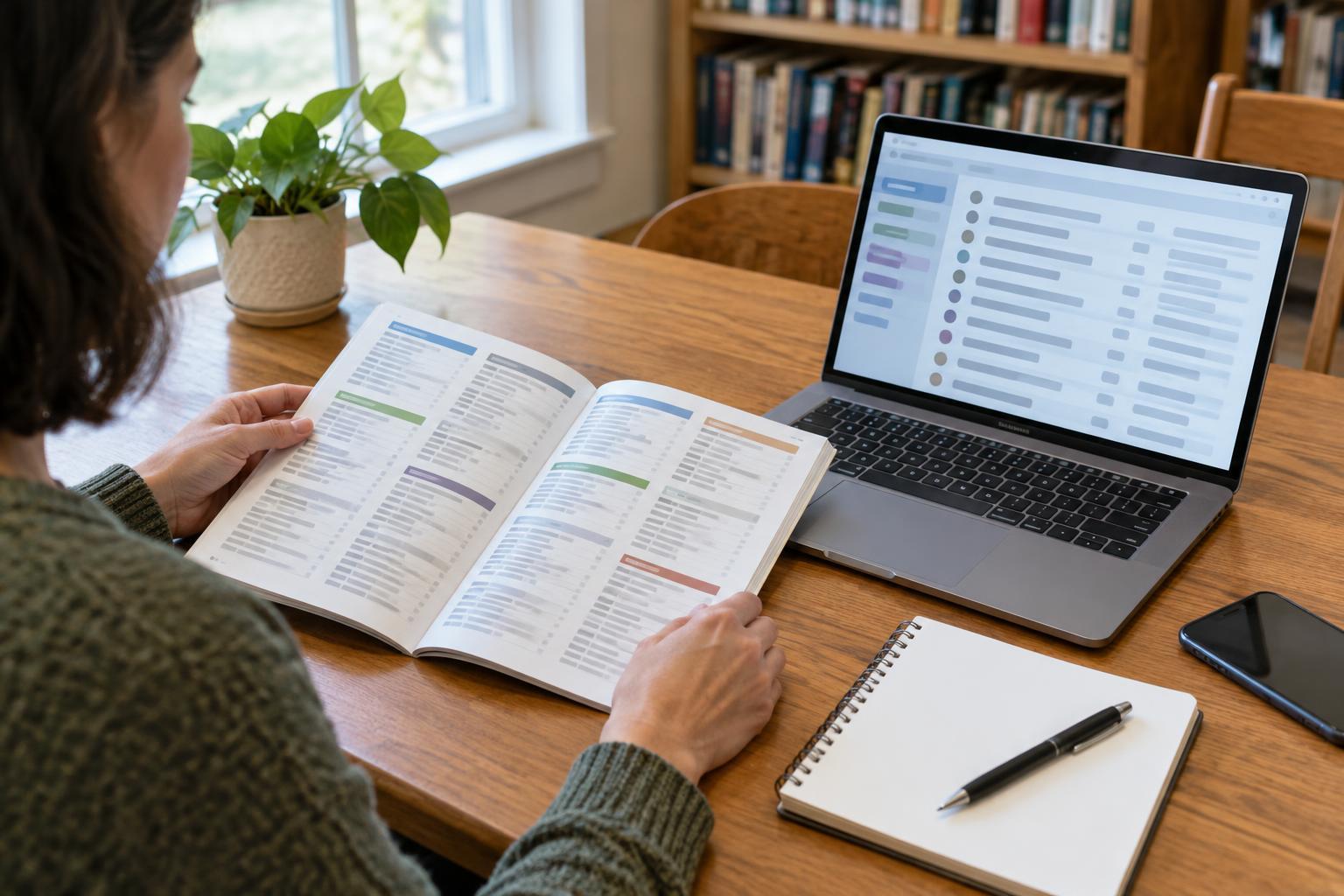
For digital documents, consider how the helper will receive and use the files. A clearly named file is easier to recognize than a series of unnamed photos. Check that scans are readable and include every page. Avoid sharing a password simply to let someone view a document; if an account offers a suitable way to download or share a file, that may allow you to keep account access separate. Remember that sending a file may leave copies in messages, downloads, or backups.
Keep a short sharing record
A small note can prevent confusion later. Record the document name, whether you shared an original or copy, the person who received it, the date, the reason, and what should happen next. This can be a page in your folder or a note stored with your digital records. It does not need to be elaborate; it needs to be understandable when you return to it.
For example, a record might say that you gave a helper a copy of a two-page letter to bring to an appointment and expect the copy back afterward. If the helper creates new notes or receives a response, decide where those items will go. Keeping them alongside the related document helps preserve the story of what happened without relying on memory.
Close the loop when the task is finished
After the appointment or paperwork task, confirm what was submitted, what remains with the helper, and what came back. Check returned originals for missing pages, then put them back in their usual location. File any new letters or receipts with the related records. If you are unsure whether an organization received a document, use that organization’s stated contact or confirmation process rather than assuming that handing it to a helper completed the task.
Ask the helper to return paper copies they no longer need and remove digital copies from places they control, where practical. Deleting a file may not remove every backup or message attachment, so it is worth discussing where copies were saved. A final check gives both of you a clear stopping point and makes it easier to accept help again without wondering who has which document.