Confirm the appointment before you connect
Start by checking who the appointment is with, when it will take place and how you are expected to join. Read the invitation carefully for the provider’s name, the purpose of the meeting, any reference number and instructions about identification or documents. If the time zone or joining method is unclear, ask the provider through a contact route you already trust. Knowing what the meeting is for makes it easier to prepare without collecting more personal information than you need.
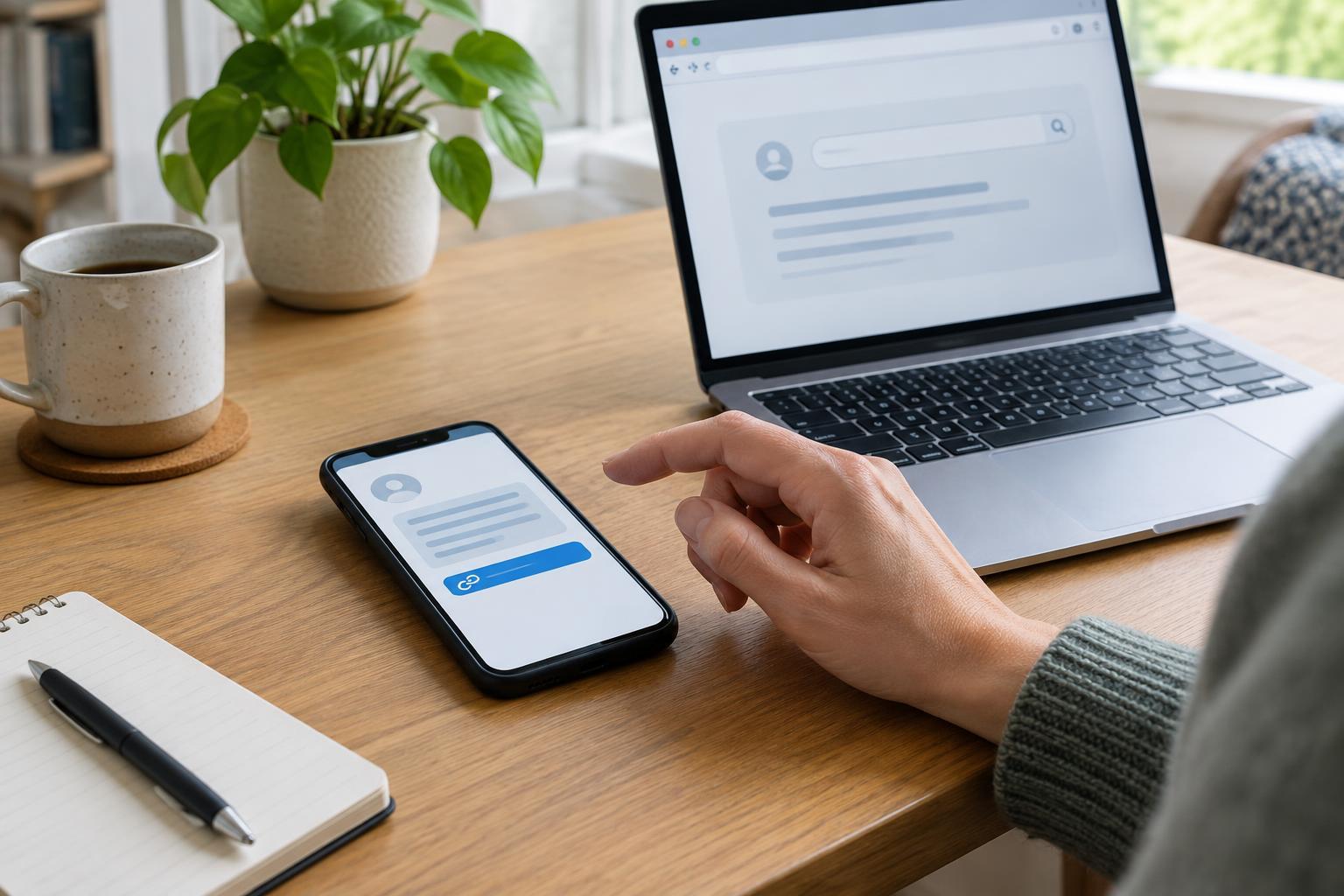
Treat unexpected links and requests with care. If a message seems unusual, avoid relying only on the phone number or link inside it to verify the appointment. Instead, find the provider’s contact details through its official website or correspondence you have previously checked. A genuine appointment should not require you to share your password or a one-time sign-in code with another person. Joining instructions vary, so follow the provider’s confirmed guidance rather than assuming every service uses the same platform.
Make the technology manageable
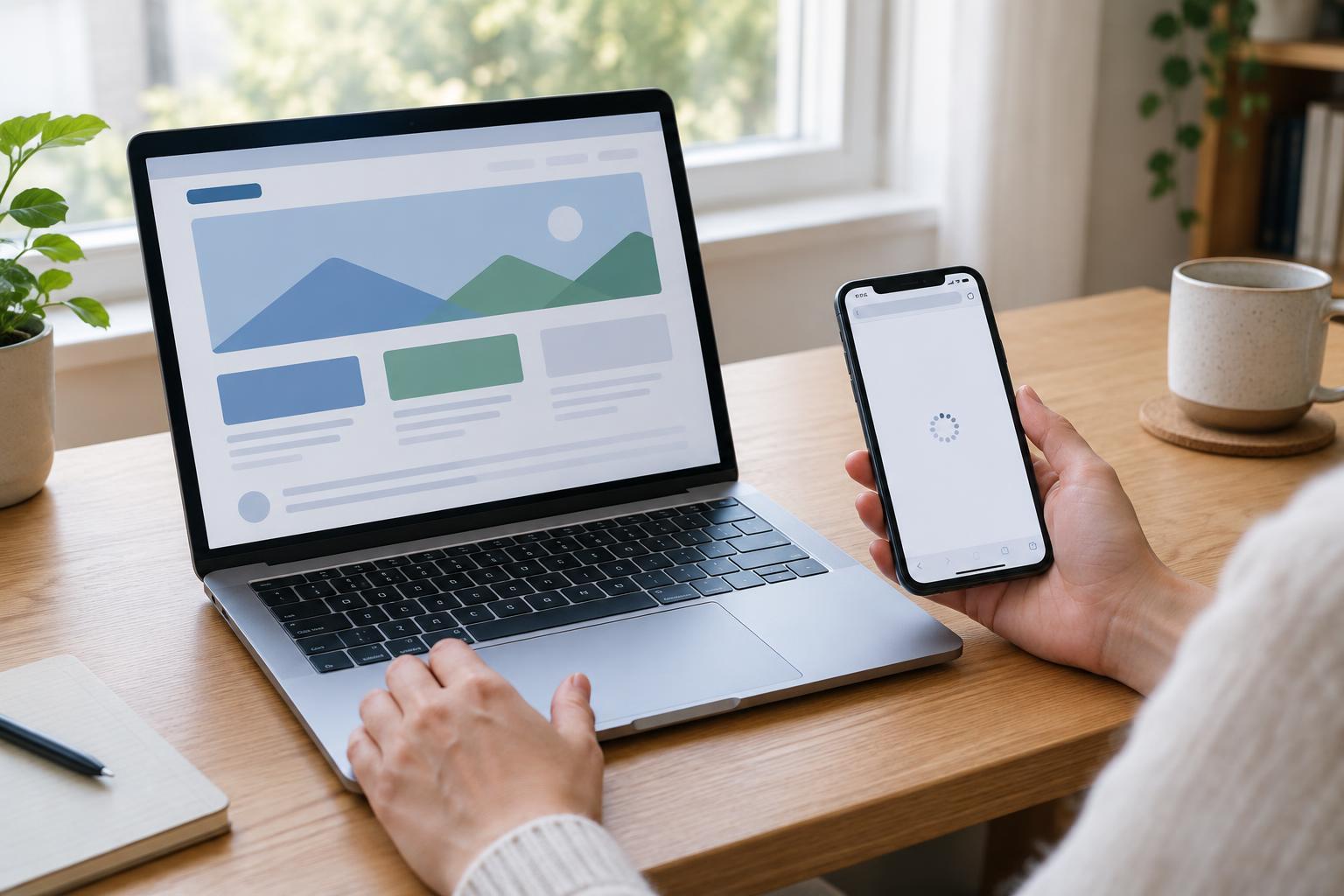
Before the appointment, check that your device can open the video service and that its camera, microphone and speakers work. Charge the device or keep it plugged in, and test your internet connection from the place where you plan to sit. If the provider offers a test link, use it ahead of time. Allow a few minutes to install an update if needed, but download software only from a source you have verified.
Keep the joining details somewhere you can find them quickly, without leaving them visible to others. If you use a shared device, consider whether another person’s account, browser profile or saved files might be accessible during the call. Close unrelated tabs and notifications, especially those that could display private messages. If your connection is unreliable, ask in advance whether a telephone appointment or another accessible option is available. A technical problem need not mean abandoning the appointment: keep the provider’s confirmed contact details nearby so you can explain what happened.
Prepare information without oversharing
Gather the documents mentioned in the appointment instructions and put them in a simple order. You might keep the invitation, relevant letters and a short list of questions together. Note any dates or reference numbers you expect to discuss. If you may need to show a document on camera, check that its text is readable; the provider may instead have a preferred secure way to receive it. Do not send sensitive files to an unfamiliar email address or upload them to an unverified site.
Think about what the person on the call can see and hear. Choose a quiet place if possible, position the camera so it does not show private papers in the background, and use headphones if they help prevent others from hearing the conversation. If someone will help you operate the device or take notes, consider whether you are comfortable with them hearing personal details. You can ask the provider how a supporter may participate and whether any permission needs to be recorded.
Know what to do during the call
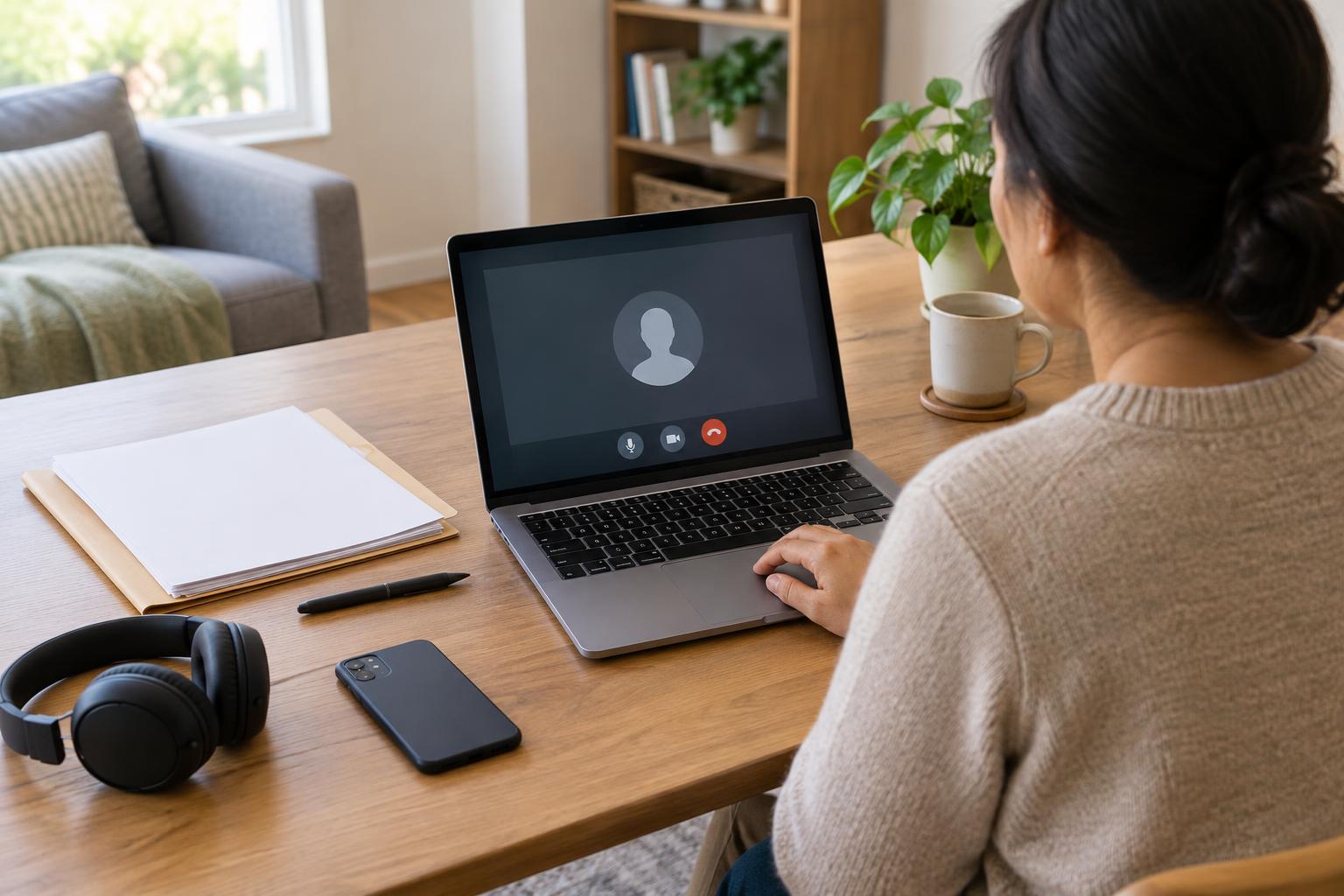
Join a little early so you can resolve routine audio or camera prompts without feeling rushed. At the start, confirm the name and role of the person you are speaking with if they have not introduced themselves. It is reasonable to ask how the provider handles documents, whether the conversation is being recorded and what will happen if the connection drops. If you cannot hear or understand something, say so and ask the person to repeat or explain it in simpler terms.
Keep your questions in view and take brief notes on the answers and any next steps. Before the meeting ends, check what you are expected to do, what the provider will do and how you will receive a follow-up. If you need a different communication format or more time to understand an explanation, ask what options the provider offers. Avoid sharing passwords or sign-in codes on the call, even if you are having trouble accessing an account.
Follow up and protect your information
After the appointment, put your notes and any follow-up message with your other service records. Record the date, the topic discussed and any actions or deadlines the provider gave you, using the exact details from your conversation rather than relying on memory. If an instruction is unclear, contact the provider through a verified channel to clarify it. Keep copies of documents you submit and note how and when you sent them.
On a shared or borrowed device, sign out of the video service and any related account when you finish. Check for downloaded documents and remove them if you do not want them left on that device. A little preparation and a clear follow-up record can make a video appointment easier to use, while helping you stay in control of what you share.