What the second step does
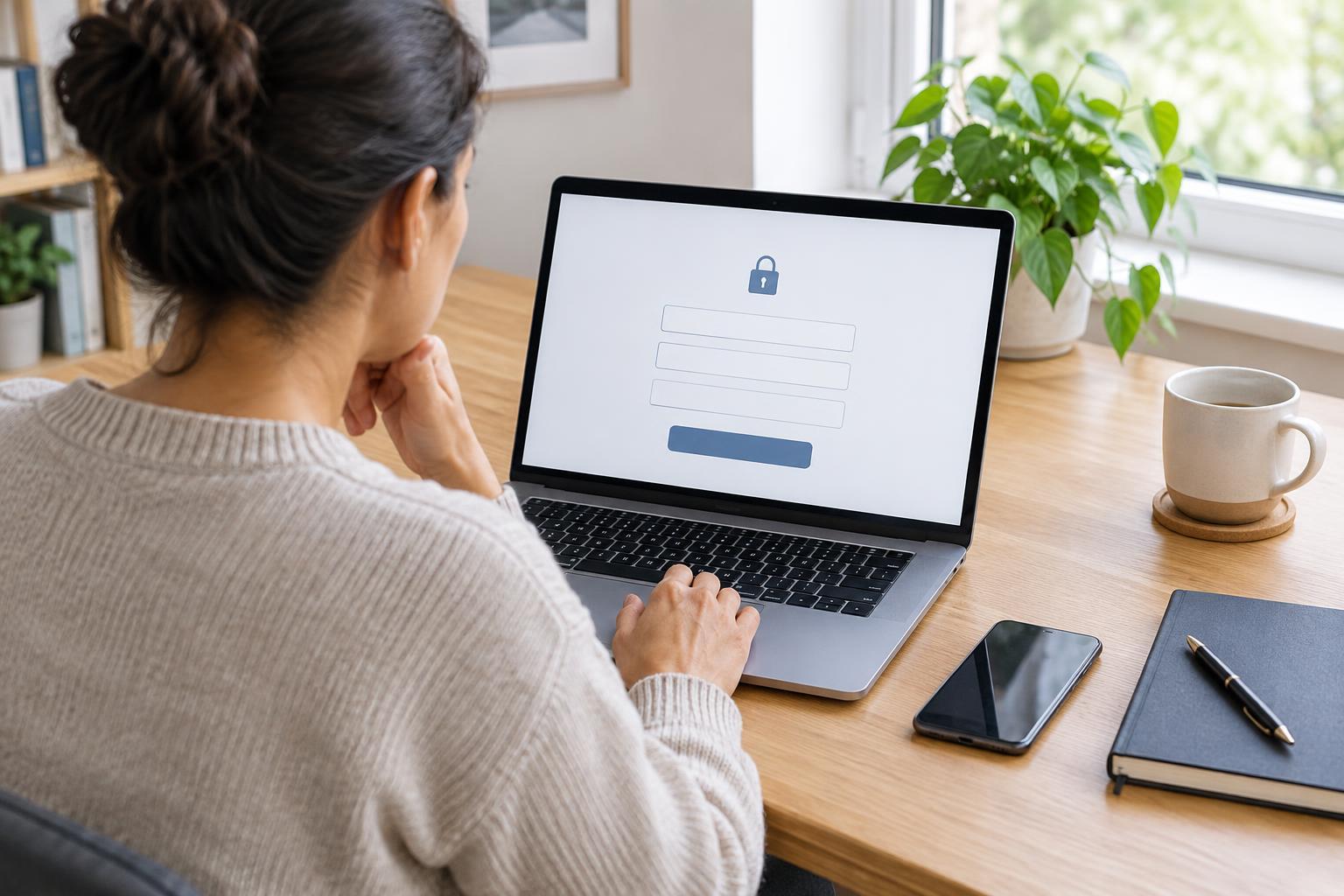
A password is one way to show that an account belongs to you. Two-step verification asks for another check, often a short code or a prompt on a device you control. You may also see it called two-factor authentication or multi-factor authentication. The details vary by service, but the purpose is similar: a password alone should not be enough for someone else to sign in.
This extra step matters for accounts used to view messages, manage appointments, or access public-service information. It does not make an account impossible to misuse. Someone who persuades you to share a code may still get in. Treat each verification request as a sign-in attempt: if you did not start it, do not approve it or pass the code to anyone.
How codes and authenticator apps work
Some services send a one-time code by text message or email. After entering your password, you type the code into the service’s sign-in page. Codes usually expire, so use the newest one requested and avoid requesting several in quick succession. A delayed message may contain a code that is no longer valid. Text and email can be convenient, but access may be interrupted if you change your phone number, lose your device, or cannot open your email.
An authenticator app generates changing codes on a phone or another device. During setup, the service typically asks you to connect the app by scanning a square code or entering a setup key. After that, you open the app to find the current code when signing in. These codes may work without a mobile signal, though you still need a way to reach the service itself. Set up the app only while following the account’s own instructions, and do not share its setup key or a screenshot of the setup code.
Some accounts offer approval prompts, security keys, or other options instead of typed codes. Read the on-screen description before choosing a method. The easiest option today is not always the easiest to recover later, especially if you share a device or expect to change phones.
Plan your backup before you need it
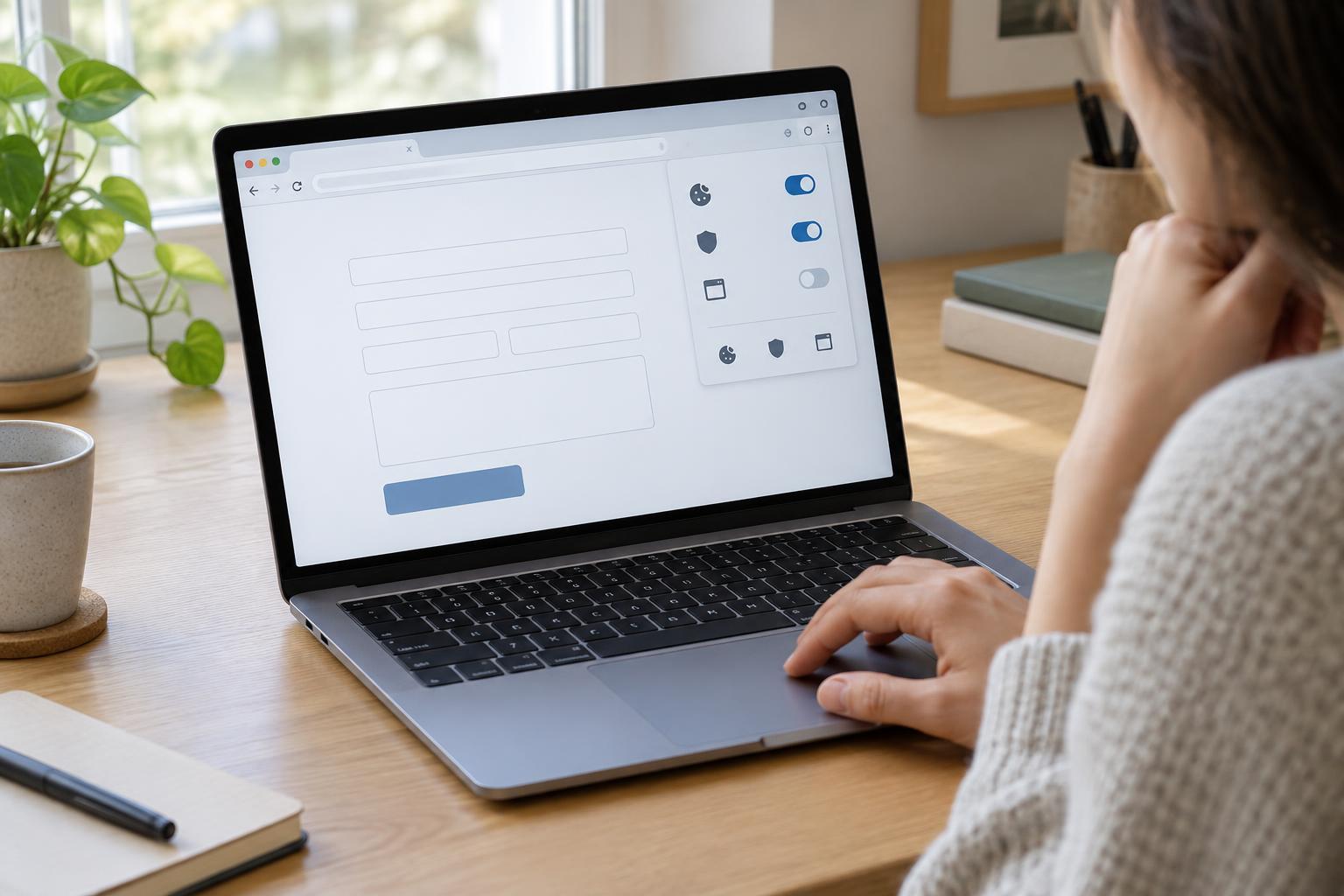
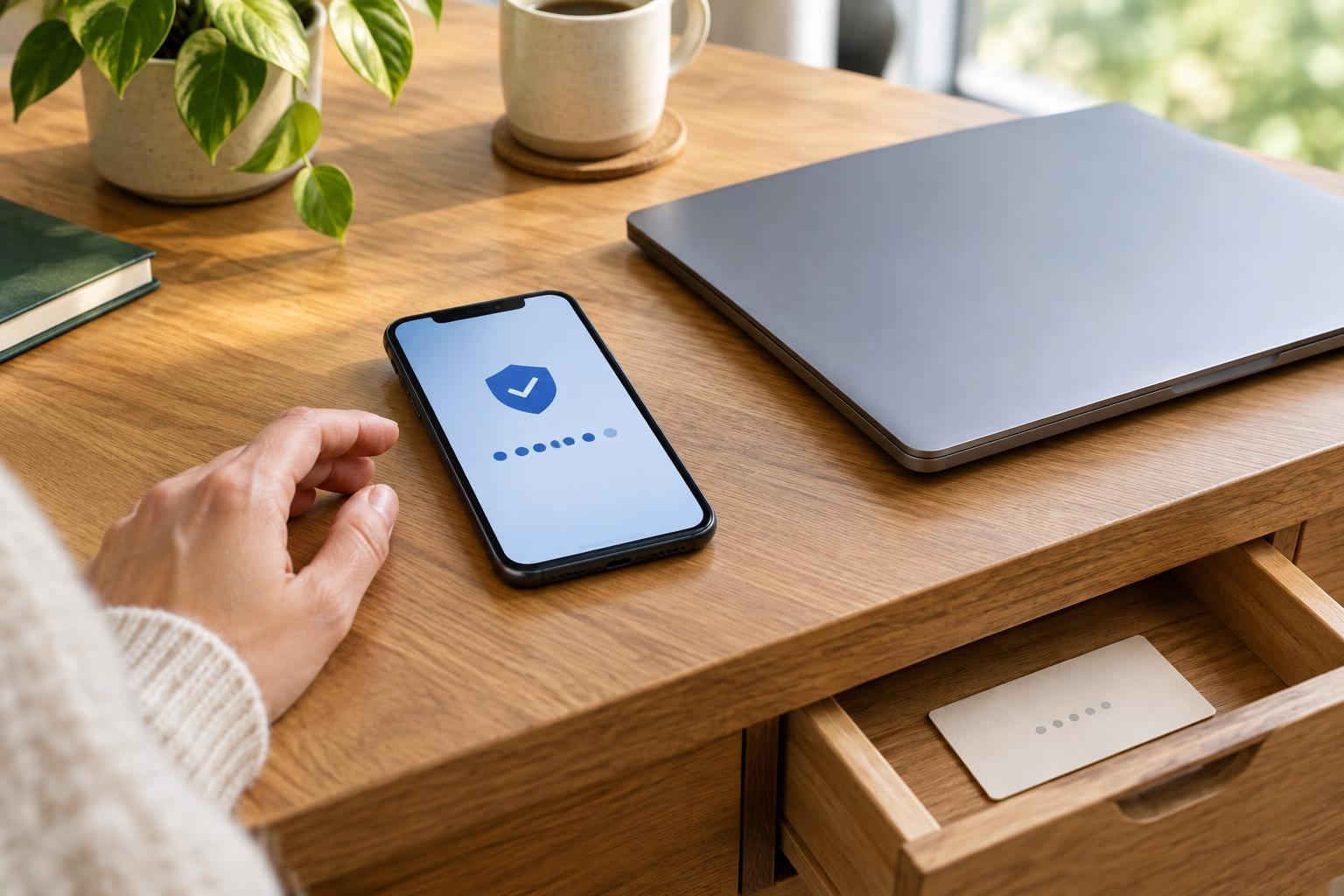
A backup method helps when your usual phone or app is unavailable. Depending on the service, choices may include one-time backup codes, a second authenticator device, another verified contact method, or an account recovery process. Look for these options in the account’s security settings while you can still sign in. Not every service offers the same choices.
If you receive backup codes, store them somewhere you can find but others cannot easily access, such as a securely stored paper copy or a trusted password manager. Do not keep your only copy as a screenshot on the phone you might lose. Each backup code may be usable only once; follow the service’s instructions about replacing codes after use. When changing devices or phone numbers, check how to transfer or update your verification method before removing access to the old one.
For an account used to support someone you care for, avoid assuming that sharing your personal codes is the right way to help. Where available, ask the service about authorized access or separate account roles. This can make it clearer who may view information and help keep each person’s sign-in details private.
When a code does not arrive
First, confirm that you are using the intended sign-in page and that the account has the contact details you expect. Check whether the message went to a different inbox, a spam folder, or an older phone number. Allow a little time for delivery, then use the service’s option to request a new code if needed. If an authenticator code fails, make sure you selected the correct account in the app and check that your device’s date and time are set correctly.
Avoid repeated guesses if the service warns that it may temporarily limit sign-in attempts. Use a backup method you set up earlier, or follow the recovery instructions reached through the service’s usual website or app. If you are unsure which page is genuine, navigate to the service the way you normally do rather than relying on a link in an unexpected message.
Keep verification requests private
A genuine verification code is meant for the sign-in process you started, not for a caller, email sender, or person offering to “fix” your account. Be cautious of anyone who asks you to read out a code, approve an unexpected prompt, or send a backup code. If you receive a request you did not initiate, leave it unapproved, check your account through a familiar route, and consider changing your password if you think someone else knows it.
Two-step verification works best as part of a simple routine: use a distinct password for the account, keep recovery details current, and know where your backup method is stored. A few minutes of preparation can make a lost device less disruptive while helping you stay in control of your account.