Decide what the account is for
An email address is often useful when contacting a community organization or using an online public service. It may be used to confirm that you created an account, send appointment details or notify you that a message is waiting in a service portal. Email does not always replace letters, phone calls or portal messages, so check how each service says it will contact you.
You can use an existing email address or create one mainly for service-related messages. A separate account may make important correspondence easier to find, but it also gives you another password to manage. Choose the option you can check regularly. If you are helping someone else, agree on who will read the messages and respond; use the account holder’s own details where a service requires them.
Create an address you can use comfortably
Choose an email provider you can access on a device you use, such as a phone, tablet or computer. Before signing up, check whether its basic account is free, what recovery options it offers and whether its sign-in screens are easy for you to use. You may want an address that is straightforward to say aloud and type. Avoid putting sensitive identifiers, such as an account number, in the address itself.
During sign-up, the provider may ask for a recovery phone number or another email address. Use contact details you control and expect to keep. Record the exact email address somewhere private, including any dots, numbers or unusual spelling. After setup, send a test message to a trusted person—or to another address you own—and ask for a reply. This checks that you can both send and receive mail.
Protect access without making it difficult to recover
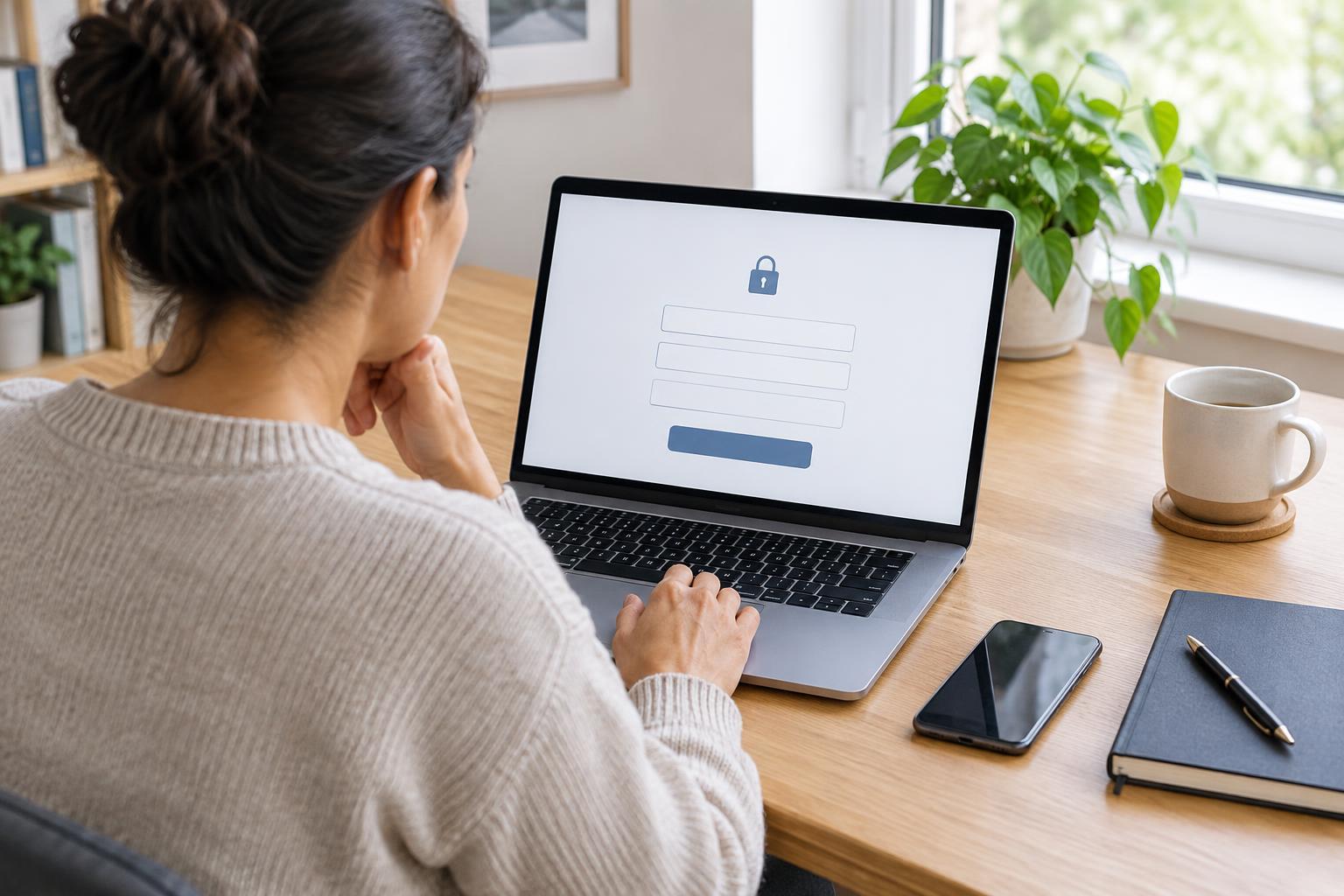
Give the account a unique password rather than reusing one from another website. A password manager can help create and store it; if that is not suitable for you, keep a written record in a secure place that other people cannot casually access. Follow the provider’s instructions for setting up an additional sign-in check, if available. Make sure you understand how you will complete that check if your phone is lost or replaced.
Look for recovery settings and save any recovery codes the provider offers somewhere separate from the device you normally use for email. Keep your recovery phone number or backup address up to date. These steps matter because a forgotten password is harder to resolve when an old phone number is the only way to verify your identity.
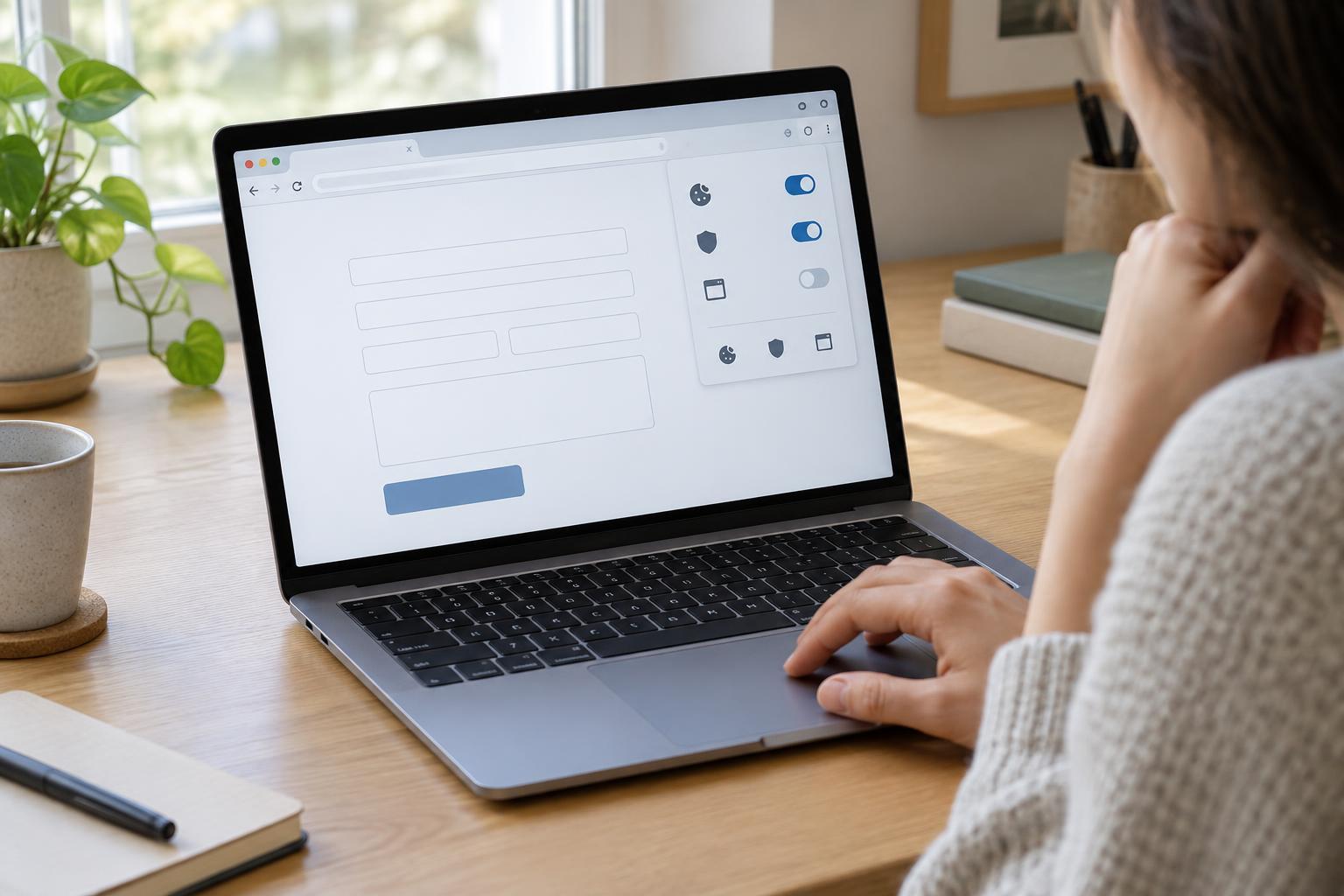
On a shared or public computer, avoid saving your password in the browser. Sign out when finished, and be cautious about downloading attachments to that device. If you share your own device, a screen lock can help prevent someone else from opening your inbox.
Make important messages easier to find
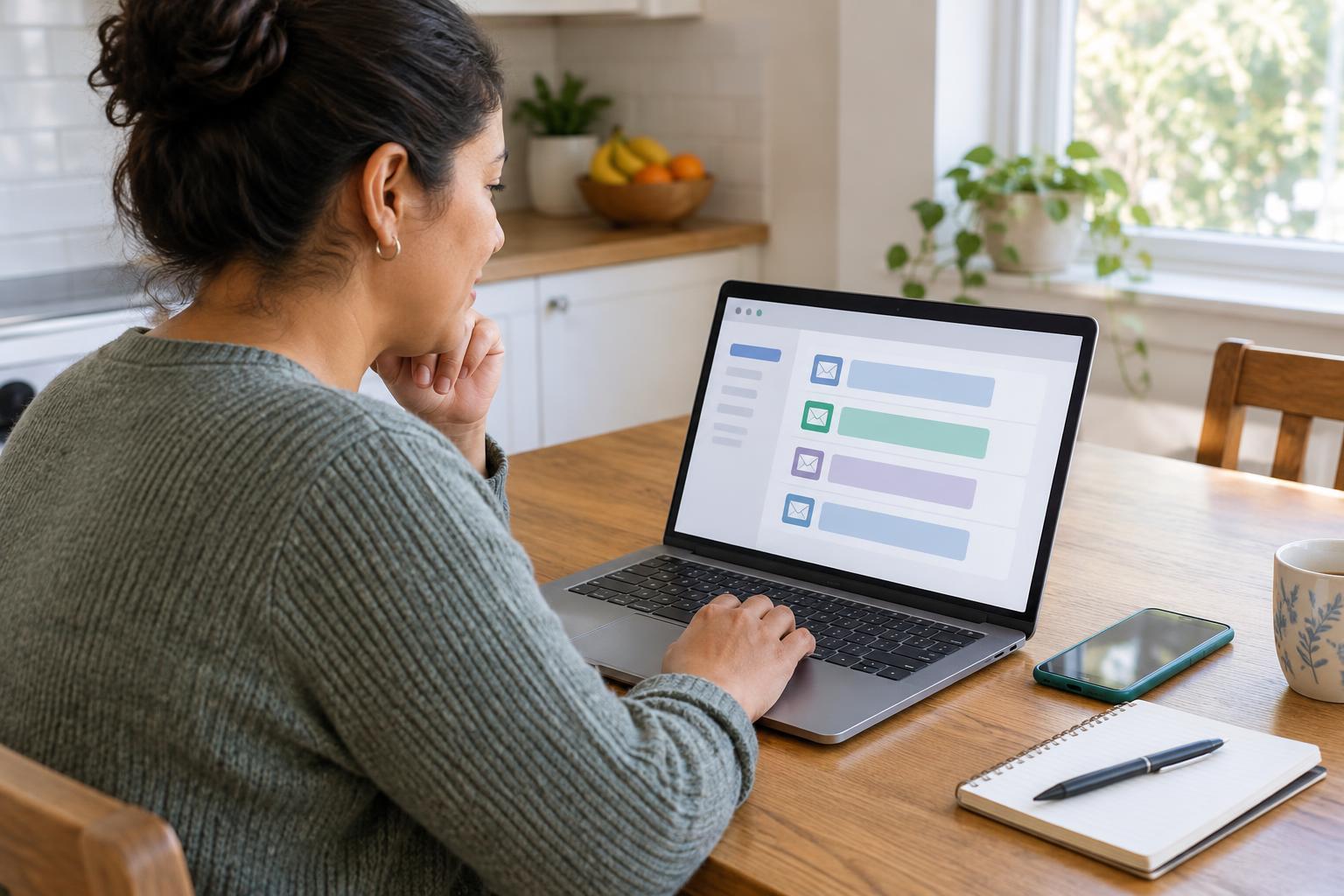
Check your inbox on a schedule that fits the services you use. When you are expecting a message, also look in the spam or junk folder. If a service uses a portal, an email may simply ask you to sign in there to read a notice. Keep a note of which service uses which method so you do not assume the full message will arrive by email.
Folders or labels can help separate appointment messages, account confirmations and general updates. Give them simple names you will recognize later. You can save a copy of an important message or its reference number, but consider where that copy is stored and who can see it. Delete messages you no longer need, while keeping records that may help you follow up on an unresolved request.
Treat unexpected messages carefully, even if they appear to come from a familiar service. Rather than opening a link in a message that asks urgently for personal information, visit the service’s website using an address you have saved or find through its official published information. Never send a password or a one-time sign-in code in an email reply.
Plan for changes to your phone or email address
Before replacing a phone, check that you can still sign in to your email account on another device or through its website. If you change your phone number, update the email provider’s recovery settings while you still have access to the old number. Then review the contact details held by any services that use your email address. Changing an address with one organization will not automatically update it everywhere else.
If you become locked out, start with the provider’s account-recovery process rather than creating a replacement account immediately. Recovery may take time or require information you set up earlier. If you do need a new address, tell relevant services through their usual contact channels and ask how to update your details. Keeping a private list of accounts connected to your email can make that task much easier.