Start with the task, not the connection
Checking opening hours may take only a moment online. Completing a long form, joining a video appointment, or uploading photographs of documents can demand more time, data, and a steadier connection. Before choosing how to connect, list the tasks you need to do and the devices you can use. A phone may be enough to read a message but awkward for comparing instructions with a form or reviewing a scanned document.
Consider where you can work without interruption, whether you need to receive a confirmation message, and whether the website allows you to save your progress. If a task has a deadline, leave room to recover from a lost connection or an upload that fails. Keep the service’s official contact details somewhere you can reach them if the website is unavailable.
Home broadband: useful for regular or lengthy tasks
Home broadband can be convenient when several people share a connection or when you regularly use websites, email, video calls, and document uploads. A larger screen and a private space may also make detailed forms easier to complete. But a home connection is not automatically the best value: compare the full cost, contract terms, equipment needs, and availability at your address before committing.
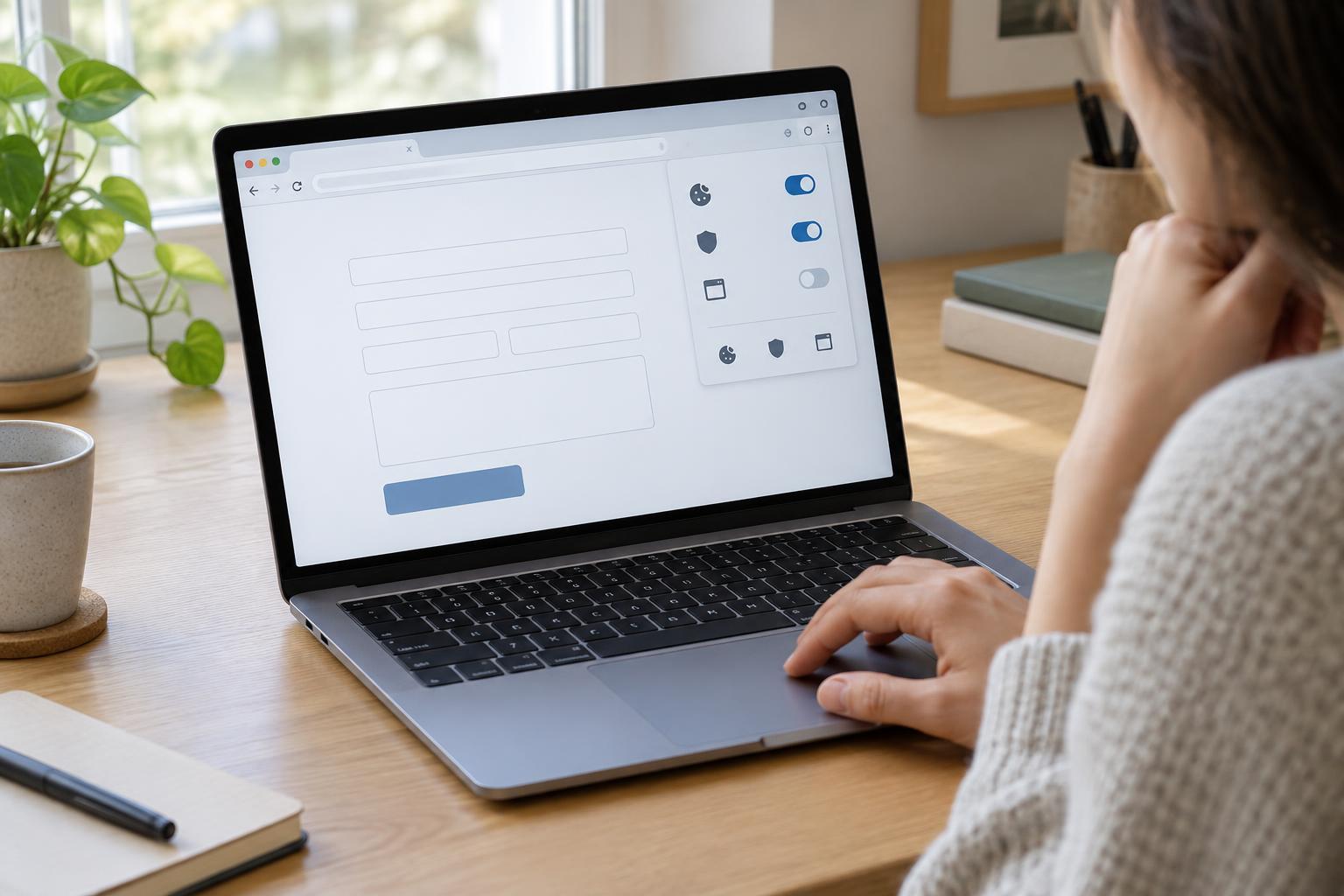
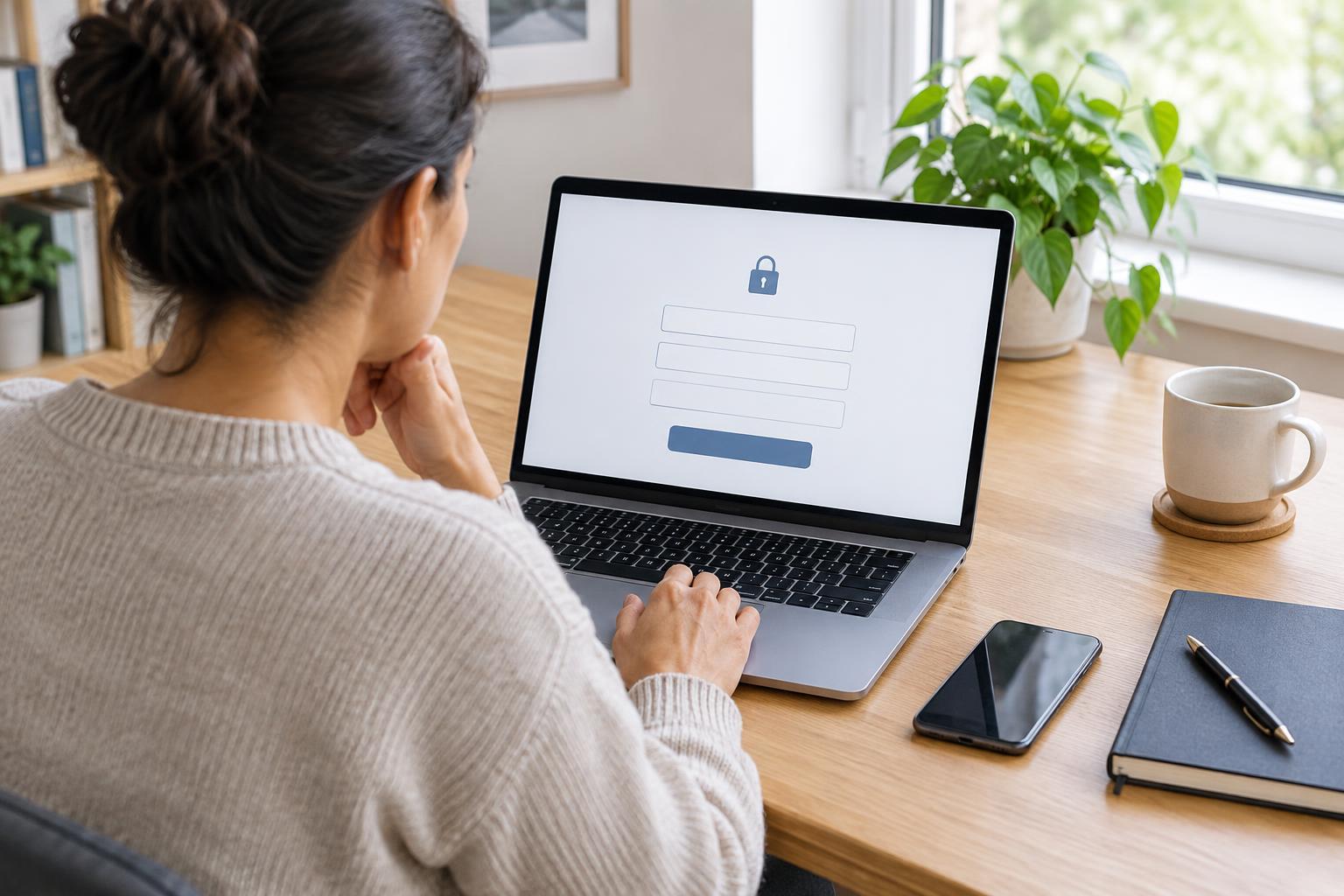
Reliability matters as much as advertised speed. If your connection drops in certain rooms or at busy times, try a different position in the home or, where possible, connect your device directly to the router for an important task. Protect the home network with a strong Wi-Fi password, keep the router and devices updated, and sign out of public service accounts when you finish, especially on a shared computer.
Mobile data: flexible, but check the limits
Mobile data lets you connect wherever your provider has usable coverage. It can be a practical main connection for light use or a backup when home broadband fails. You can also share a phone’s connection with another device through a personal hotspot, if your phone and plan allow it. Test the connection where you will actually work; coverage can vary indoors and between locations.
Check your plan’s data allowance, charges after the allowance is used, and any limits on hotspot use. Video calls, large downloads, and repeated document uploads can use more data than reading text. If you expect a lengthy task, charge your phone, keep a copy of the documents you need, and avoid switching networks midway through a form unless the website clearly saves your progress.
Public Wi-Fi: convenient access with less control
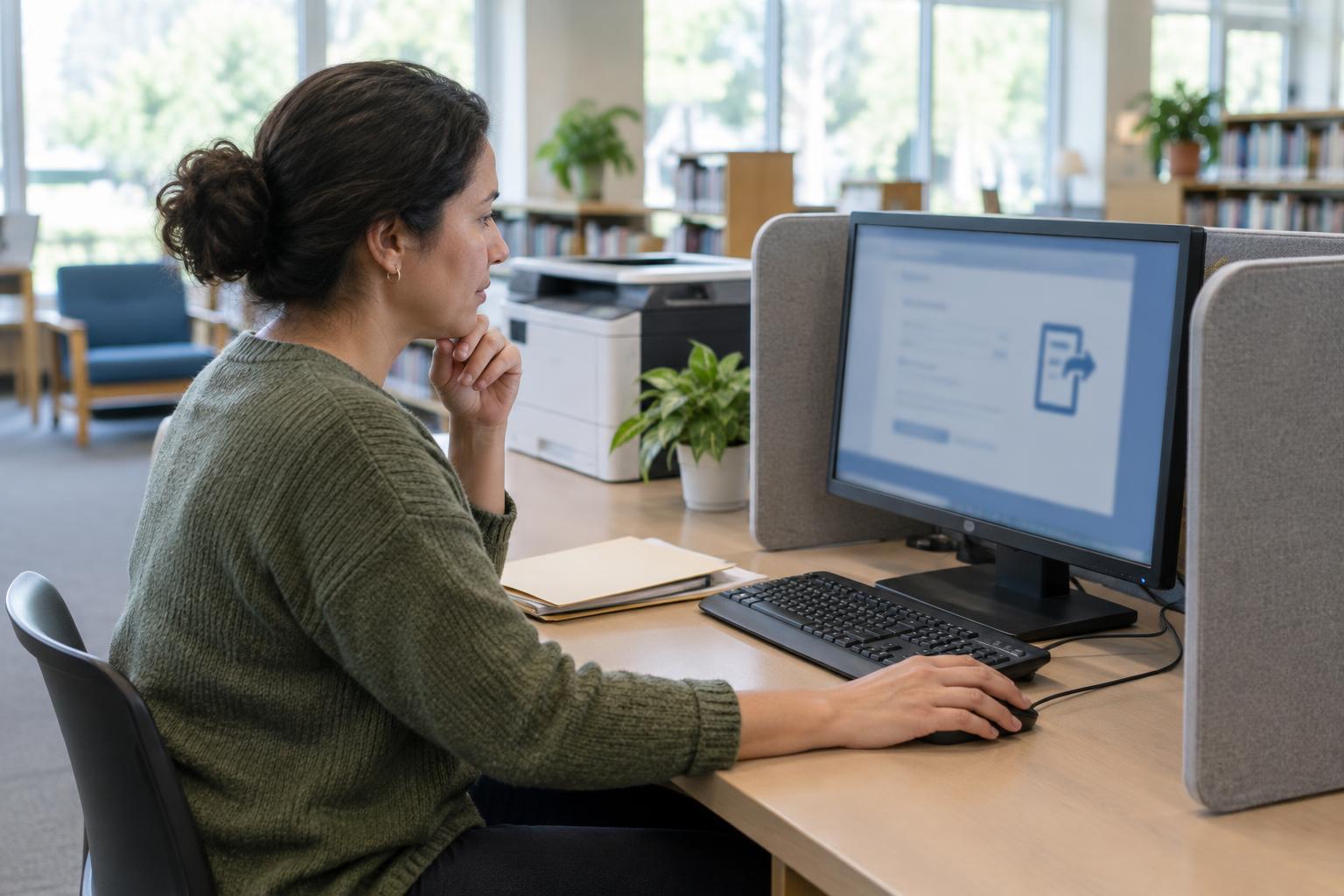
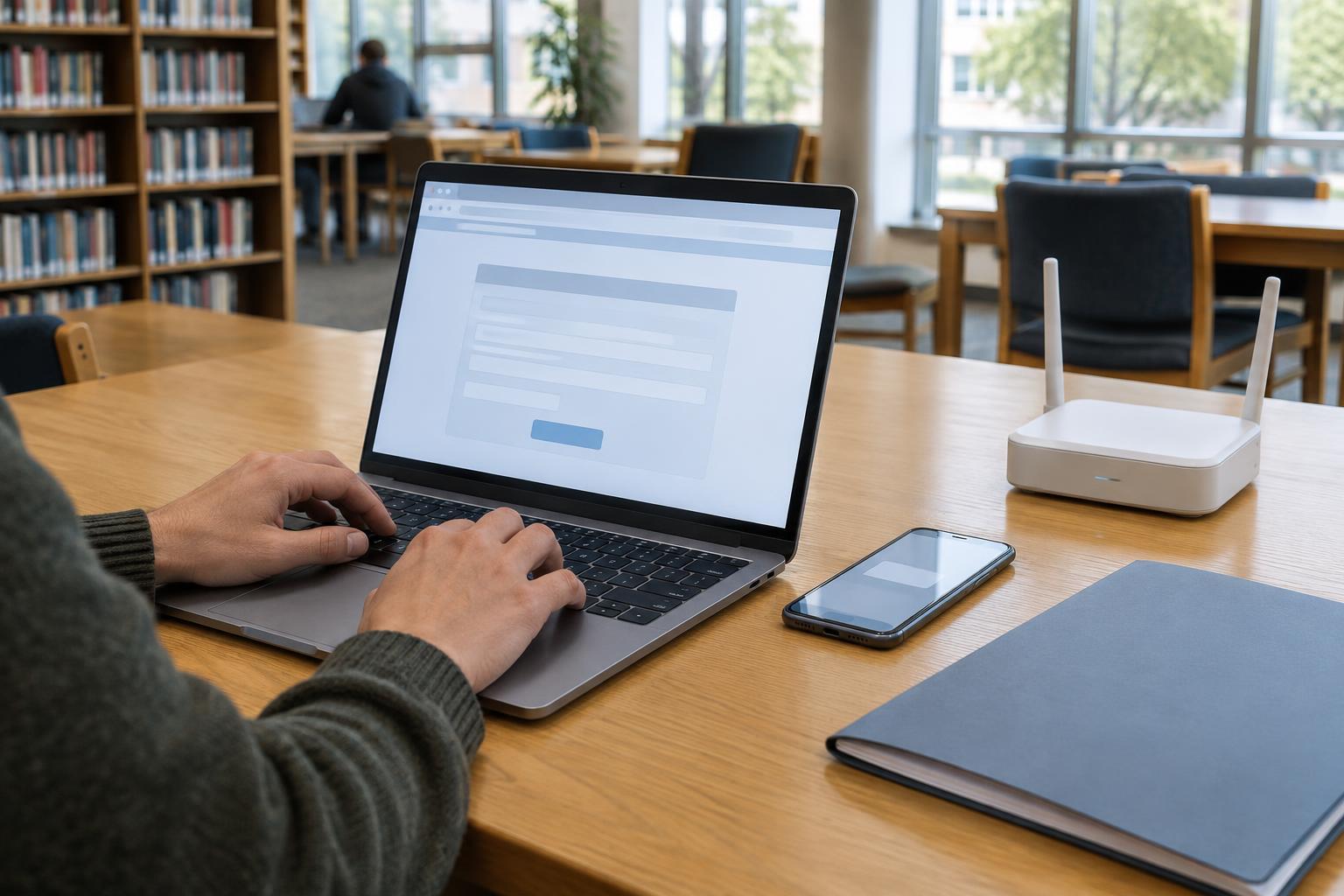
Libraries and other public places may offer Wi-Fi when a home connection is unavailable. Check the venue’s access rules, opening hours, and whether you need your own device. Public Wi-Fi can be useful for reading guidance or finding contact information, but the space may be noisy, the connection may be shared, and people nearby may see your screen or overhear a conversation.
For sensitive tasks, use a trusted private connection when you can. If you must use public Wi-Fi, confirm the network name with the venue rather than joining a similarly named network, and visit the public service website by typing its known address or using a bookmark you trust. Avoid sharing personal details with someone offering unsolicited help. On a shared computer, do not save passwords or documents, sign out fully, and check that downloaded files have been removed.
Choose a workable combination and a backup
There may be no single best option. Home broadband may suit a household with frequent online tasks, mobile data may provide flexibility, and public Wi-Fi may fill occasional gaps. Compare the total cost with your expected use, the connection’s reliability, and how comfortably you can use your device. Accessibility needs matter too: a stable connection and a larger screen can make zoom, captions, or assistive tools easier to use.
For an important form or appointment, prepare a simple backup plan. Note the official phone number, save your work where the service permits, and record any confirmation or reference number you receive. If you cannot complete a task online, check the service’s official information for other contact or access options. Being prepared is more useful than trying to find a perfect connection.