Start with the task, not the device
The best device for an online public-service task is often the one you can use comfortably and reliably. Reading a short notice, checking an opening time, completing a long form, and uploading several documents place different demands on a screen. Before choosing, list what you need to do: read information, create an account, enter details, save a copy, upload files, or attend a video appointment.
Also consider where you will work. A device that is convenient on a bus may be frustrating when you need to compare a letter with an online form. A familiar device can be a better choice than a more powerful one you rarely use. If a task has multiple steps, you do not have to complete them all on the same device, provided you can move between devices without losing your work.
When a phone is enough
A smartphone is useful for quick checks, messages, appointment reminders, and taking clear photos of paper documents. It is usually close at hand, and its camera may make a document upload easier than transferring an image from another device. Many phones also offer features such as text enlargement, voice input, and screen reading.
The small screen is the main trade-off. Long instructions can be harder to follow, and switching between a form and a reference document may interrupt your place. An upload may fail if the photo is blurry, cropped, or too large for the service to accept. Before submitting, review every field and open any attached image to check that all corners and important text are visible. If you need to keep a copy of a confirmation, save it somewhere you will be able to find again rather than relying on an open browser tab.
Where tablets and computers help
A tablet offers more room to read than a phone while remaining portable. It can be comfortable for reviewing guidance, joining a video call, or filling in a moderate-length form. An optional keyboard may help if you need to write detailed answers. Check how easily the tablet lets you download, name, locate, and attach files before depending on it for document-heavy tasks.
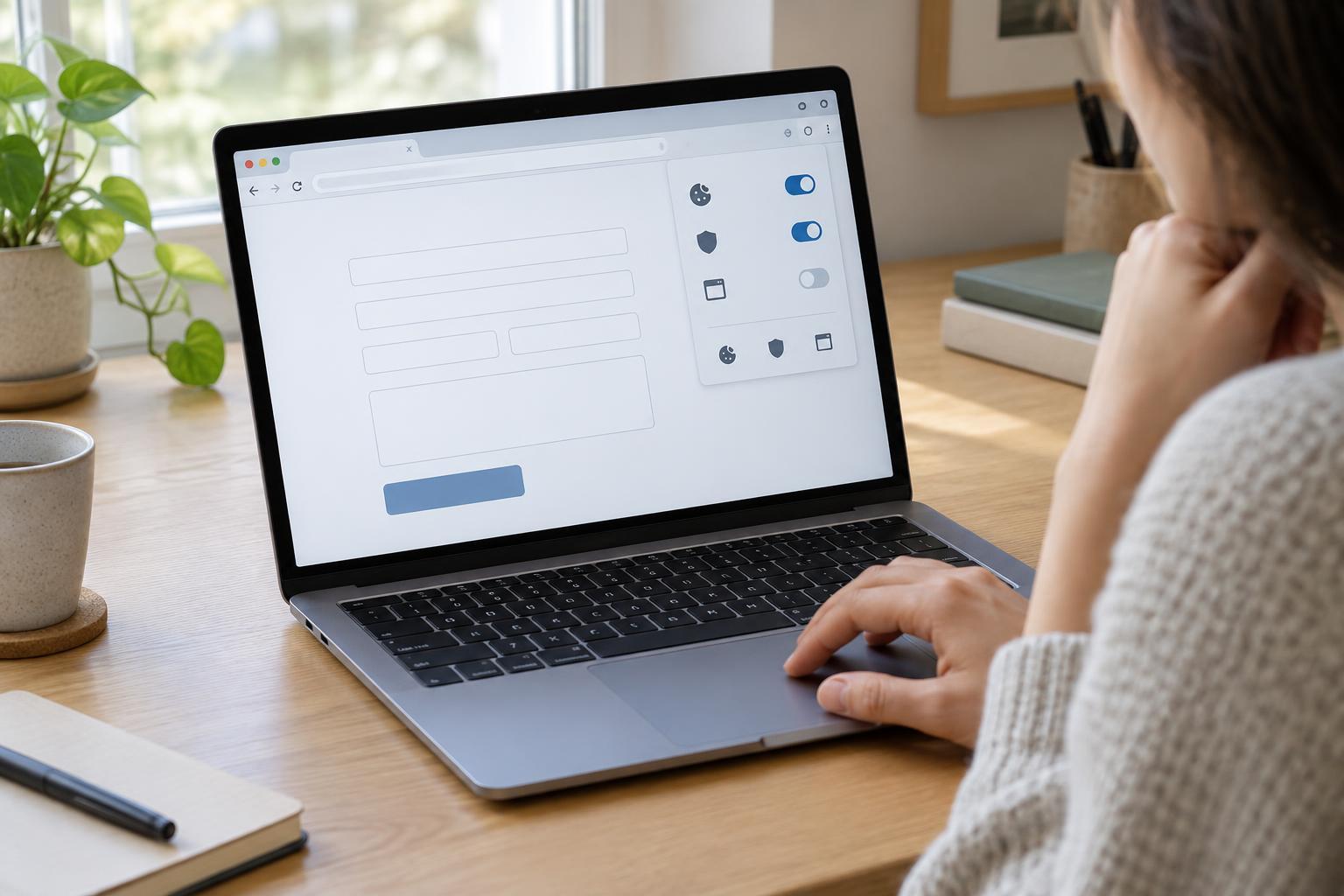
A laptop or desktop computer is often easier for long forms, side-by-side reading, and organizing several files. A full keyboard can reduce typing errors, while larger screens make it simpler to compare instructions with a document. Computers can also be useful when a site expects you to download or print a PDF. They are not automatically the better choice, though: an unfamiliar computer, unreliable connection, or lack of a working scanner can make the task harder. Choose the setup you can operate and check confidently.
Check access, privacy, and accessibility
Whatever device you use, make sure its browser can open the service and that you have a dependable connection and enough battery power. If a page does not work as expected, try the site’s own help information or another up-to-date browser before starting the form again. Save important reference numbers or confirmation messages in a secure place, especially if you may need to follow up later.
Think carefully before using a shared or public device for an account containing personal information. Avoid saving passwords in its browser, sign out when finished, and check whether downloaded documents or images remain on the device. If someone is helping you, decide in advance what you are comfortable showing them. Accessibility needs matter too: test zoom, text size, keyboard navigation, captions, or screen-reading features on the actual page when possible. A larger screen is not always more accessible if its controls are unfamiliar.
Make a simple backup plan
Online tasks can be interrupted by a dropped connection, an expired session, or a file you cannot find. Before you begin, gather the documents and details you expect to need, using the service’s own instructions as your checklist. Give digital files descriptive names so you can identify the right version when uploading. For a long form, note whether you can save progress and return later; do not assume every site allows it.
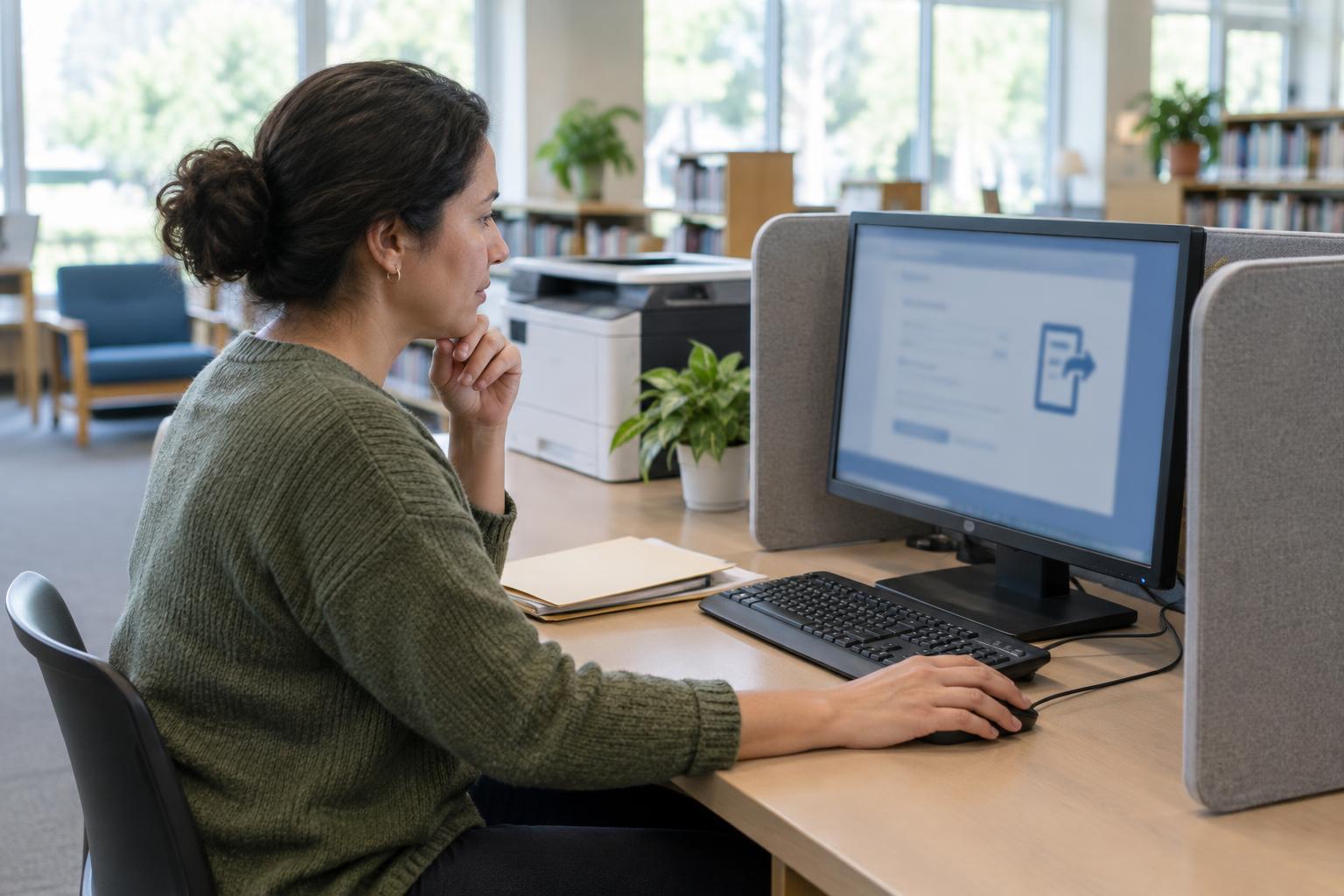
If your first device is not working well, pause rather than rushing through unclear questions. You might use a computer for the form and a phone for document photos, or read guidance on a tablet before entering details elsewhere. Libraries and community spaces may provide devices or internet access, but availability and privacy arrangements vary, so check locally. The goal is not to own a particular type of technology. It is to have a workable way to read instructions, enter accurate information, keep useful records, and finish the task with confidence.