Why sign-in methods matter
A public-service account may hold messages, applications, appointments or personal details that you need to revisit. The way you sign in should protect that information without making the account impossible for you to use. Services offer different options, so start by reading the sign-in and security instructions on the service’s official website rather than assuming every account works the same way.
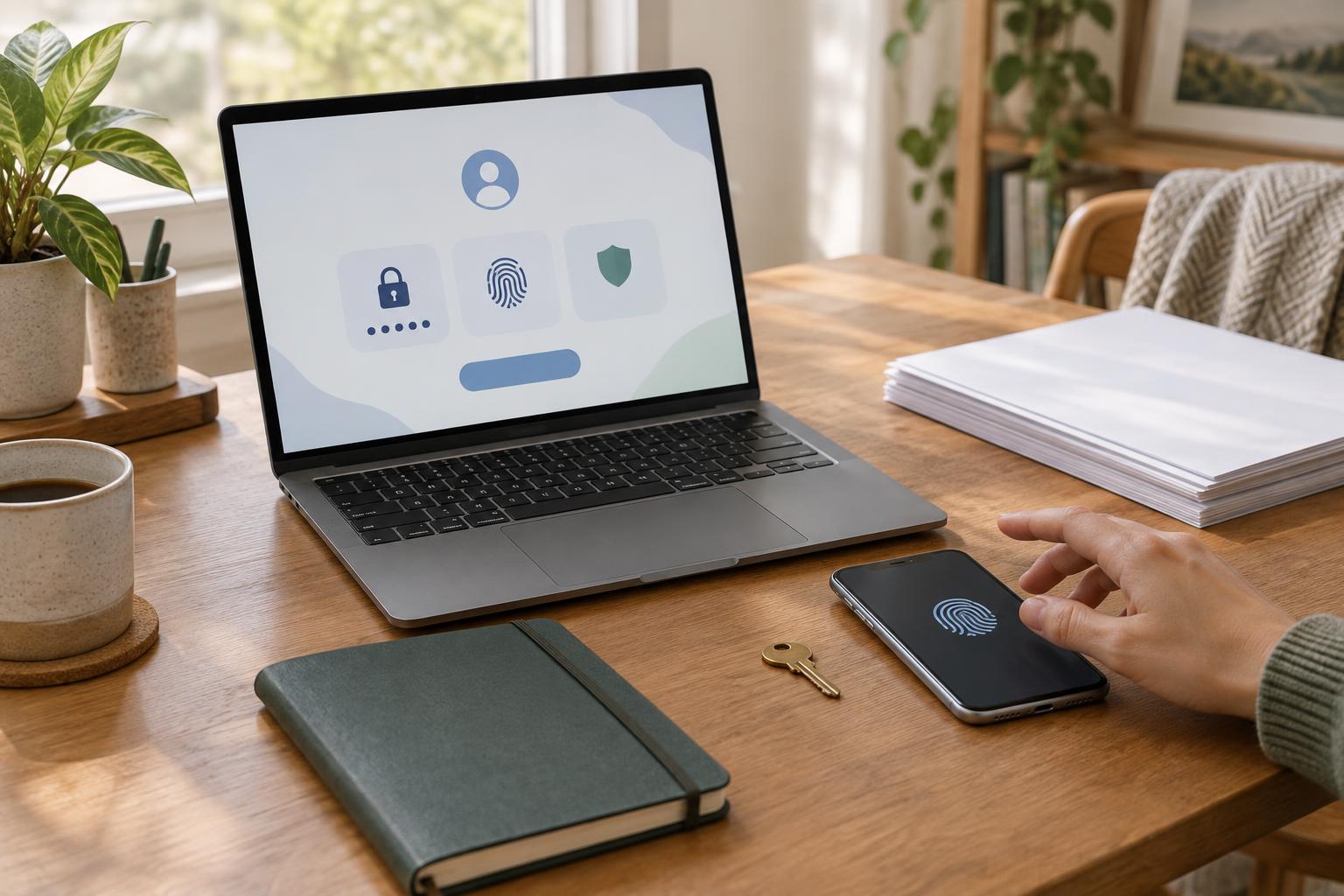
A password is a secret you type. A passkey is a different way to prove it is you, usually by unlocking a phone, computer or security key with a device PIN, fingerprint or face recognition. Some accounts also ask for a second step, such as a code or an approval prompt. These terms can sound interchangeable, but they describe different parts of the sign-in process.
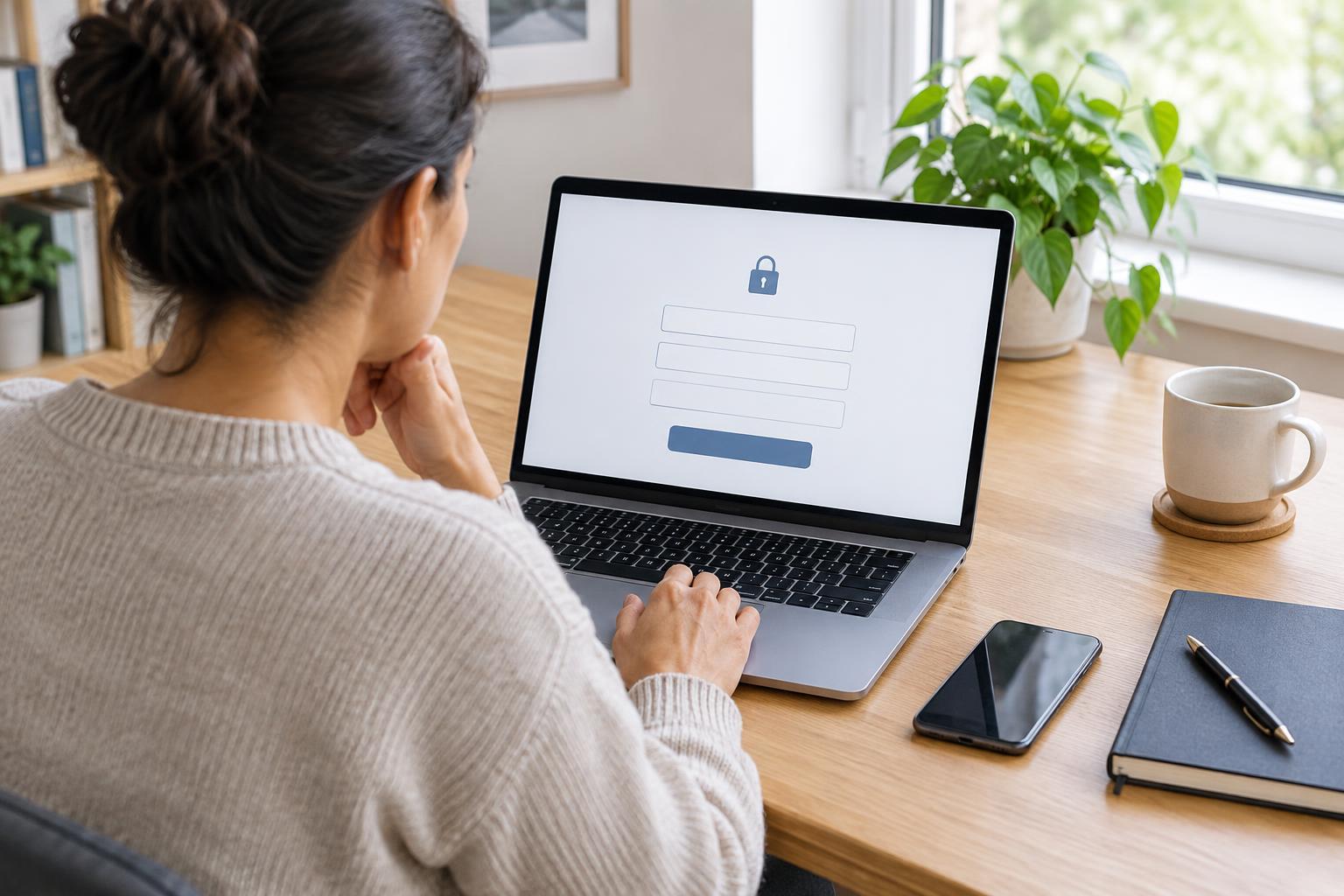
What makes a password safer
A useful password is long, unique to one account and difficult for someone else to guess. Reusing a password across services creates a problem: if it becomes known elsewhere, other accounts using it may be at risk. Avoid building passwords from easily discovered details such as names, birthdays or addresses. If you must create answers to security questions, treat them as sensitive account information too.
A password manager can create and store unique passwords so you do not have to memorize each one. Before relying on one, understand how you will unlock it and how you could regain access if your device is lost. If you keep a written record instead, store it somewhere private rather than beside a shared computer. Never send a password to someone who contacts you unexpectedly, even if they say they are helping with your account.
How passkeys work in everyday use
When a service supports passkeys, it may offer to create one on your phone or computer. On a later visit, you may be asked to unlock that device instead of typing an account password. The device can then confirm the sign-in without giving the service your fingerprint, face image or device PIN. The exact steps depend on the service, your device and where the passkey is stored.
Passkeys can help protect against lookalike sign-in pages because they are designed to work with the site or app for which they were created. They do not remove the need to check where you are signing in. Open the service through a trusted bookmark, its official app or its published website address; be cautious with links in unexpected texts, emails or search advertisements.
Before creating a passkey, check whether it will be available on your other devices and what happens if you replace or lose the device that holds it. Some passkeys can be available across devices through an account you use for device services; others may remain on a particular device or security key. If you share a device, do not create a passkey there unless you understand who can unlock it and use it to sign in.
Extra verification and recovery
An account may ask for an extra check even when you use a strong password. That check might be a code sent to a phone, a code from an authenticator app, or an approval on another device. A passkey may serve as the account’s main sign-in method or form part of its verification process. Follow the options described by the service rather than assuming you can turn every method on or off.
Recovery deserves as much attention as everyday sign-in. Keep the email address and phone number associated with the account up to date if the service uses them for recovery. Where offered, save recovery codes in a private place separate from the device you normally use. Review the service’s recovery instructions while you can still sign in, especially before changing phones or closing an email account.
Choose a setup you can maintain
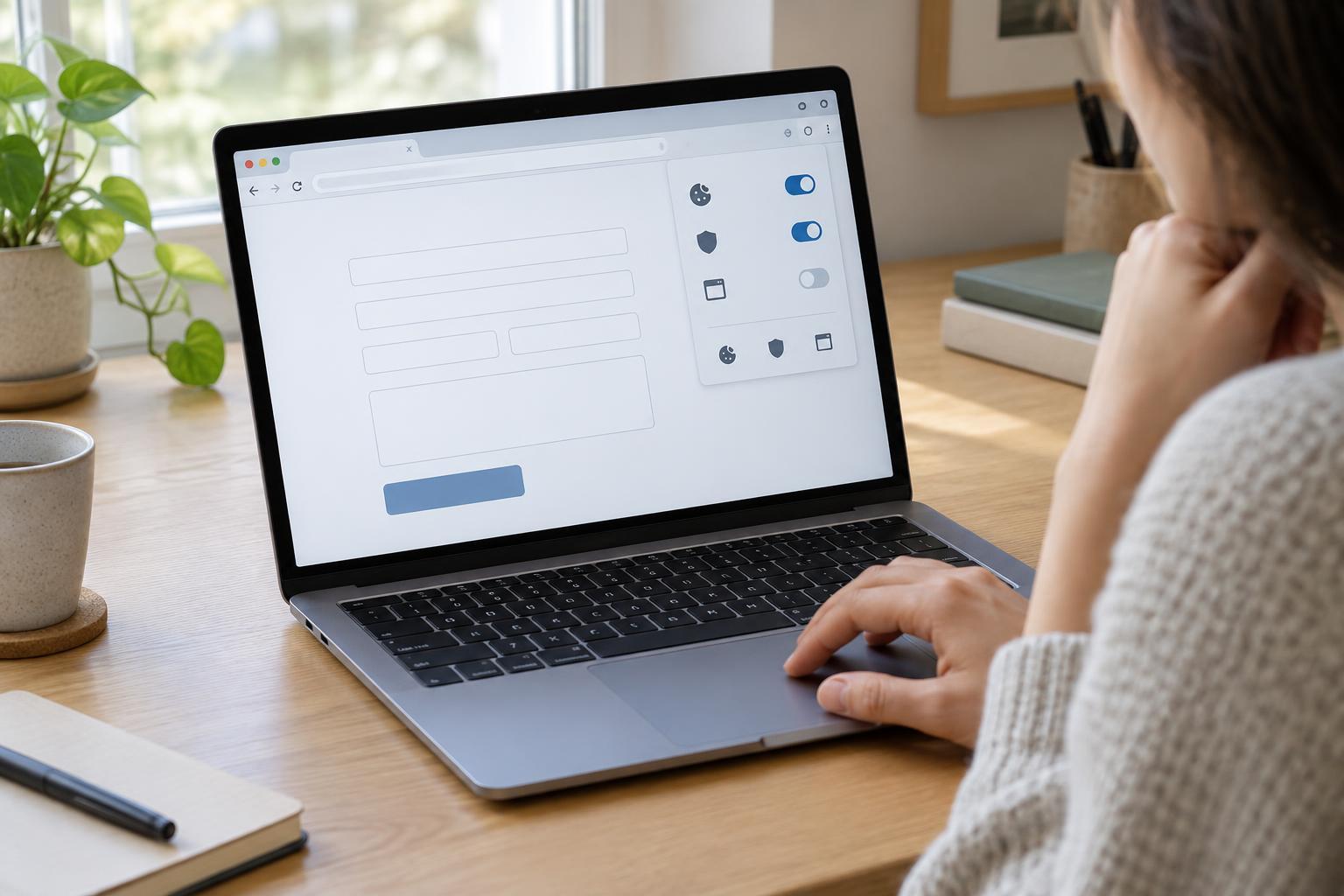
The best available option is one you can use securely and recover when something changes. If you regularly use your own supported device, a passkey may make signing in simpler. If you rely on a shared computer or borrow a phone, a unique password and an available verification method may be more practical. Avoid saving sign-in details in a shared browser, and sign out when you finish.
For someone helping a family member or another person with an account, keep the account holder’s access and consent central. Do not assume that sharing a password is the right way to manage caring responsibilities; check whether the service provides a separate, authorized way for a helper to act. If a sign-in screen is confusing, use the help pages reached from the official service website before entering personal information.