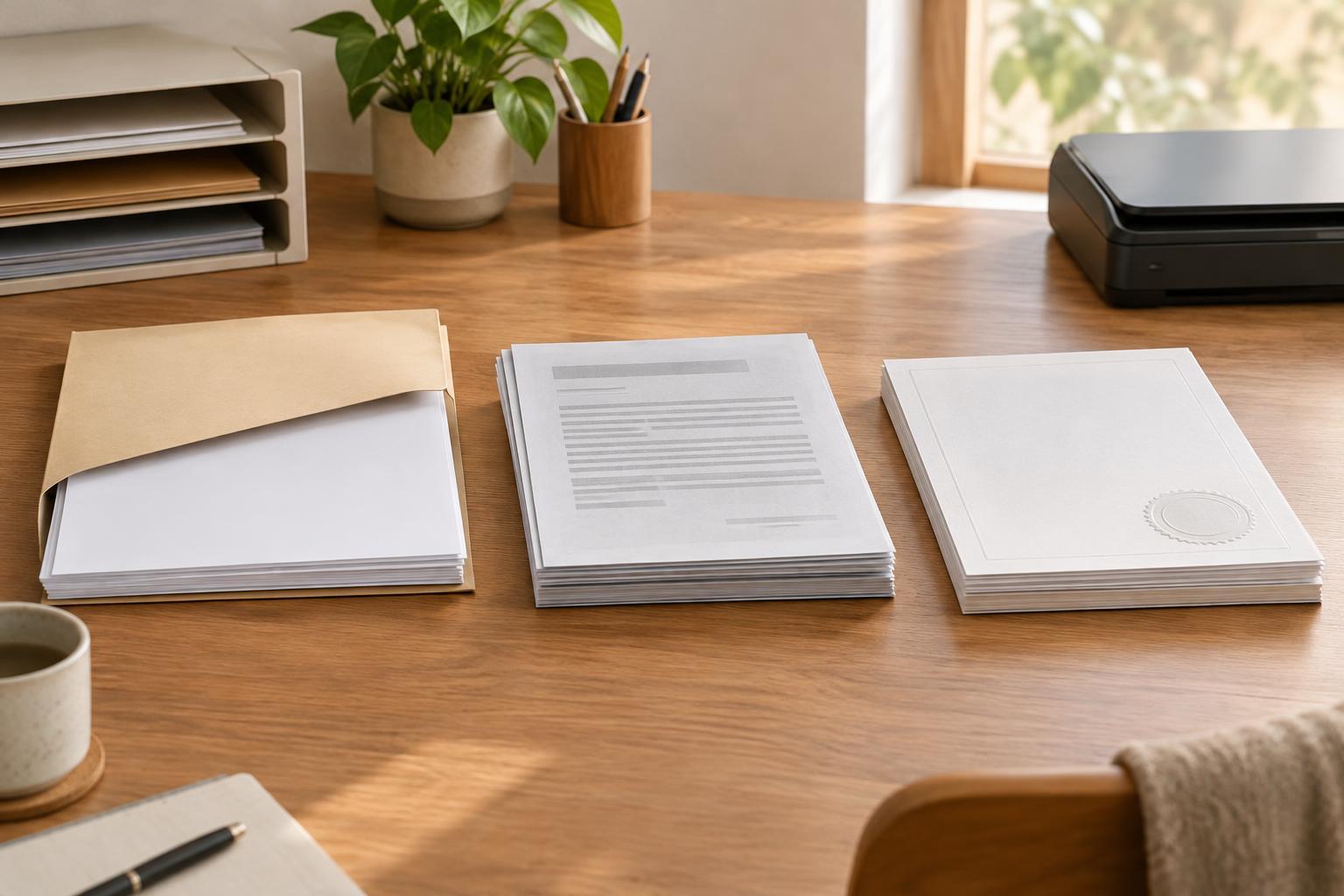
Why the wording matters
When an organization asks for a document, it may specify an original, a copy, or a certified copy. These words describe different things, and sending the wrong version can delay a request. The exact requirements depend on the organization and the purpose of the document, so treat any general explanation as a starting point rather than a rule for every situation.
Before gathering paperwork, read the request closely. Note which document is needed, whose name it must show, whether a particular version is required, and how it must be delivered. If the wording is unclear, ask the requesting organization what it accepts. It is usually easier to clarify a requirement before sending a valuable document than to resolve a problem afterward.
What counts as an original?
An original is generally the document issued or created in its authoritative form, rather than a reproduction made from it. A paper certificate issued by a records office, for example, may be an original even if it was issued long after the event it records. Some records are created digitally, in which case the authoritative version may be an electronic document rather than a piece of paper.
“Original” does not necessarily mean the first piece of paper ever produced. It may mean an officially issued document with the expected features, such as a seal, signature, reference number, or means of verification. Those features vary by document and issuer. If you have an older record, a replacement issued by the relevant office may meet a request for an original, but check rather than assume.
Originals can be difficult to replace. If you are asked to mail one, confirm whether it will be returned and whether another method of showing it is available. Keep a note of what you sent, when you sent it, and any instructions you received.
Ordinary copies and scans
An ordinary copy is a reproduction that has not been formally verified. It might be a photocopy, a printout, a photograph, or a scanned file. Copies are useful for organizing your records and may be all that is needed for some requests. For others, the organization may need to inspect an original or receive a specific type of certified copy.
A clear scan is not automatically a certified copy. Likewise, printing an electronic document does not automatically turn it into an original paper document. If a form asks you to upload a document, check its instructions for file types, image quality, and whether all sides or pages are needed. Make sure the text is readable and that nothing important has been cropped out.
For your own files, label copies so you can tell what they came from. A simple filename or folder note can identify the document, the person it relates to, and whether it is a scan of an original or a copy supplied by someone else. Avoid adding sensitive details to filenames if files may be shared.
What makes a copy certified?
A certified copy is a copy accompanied by a statement or process confirming that it matches a specified document or official record. Who can provide that certification, and what it confirms, varies. An issuing records office may provide a certified record from its files; in other settings, an authorized person may certify that a photocopy matches an original they have inspected. Those are not necessarily interchangeable.
Certification does not make the information in a document accurate in every respect. It generally addresses the copy’s relationship to an original or record. It also does not guarantee acceptance by every organization. A request may specify who must certify the copy, what wording or stamp is needed, and whether the certification must be recent.
A notarized copy is not automatically the same as a certified copy from an issuing office. Notarial practices and permitted services differ by location. If a request names a particular type of certification, ask the requesting organization whether the option available to you meets its requirements before paying for it or mailing documents.
A simple way to prepare your documents
Make a short checklist for each request: the document name, required version, delivery method, deadline if one is given, and whether you expect the document back. Keep instructions alongside your checklist so you can refer to the exact wording. If you receive clarification by message, save it with the request.
Store originals in a secure place you can remember, and keep working copies separately. Share only what is requested, especially when a document contains personal information unrelated to the task. Before submitting anything, check that names, pages, and certification details are visible and that you have followed the recipient’s instructions. If a requirement remains uncertain, a direct question to the requesting organization is more reliable than guessing from the document’s appearance.