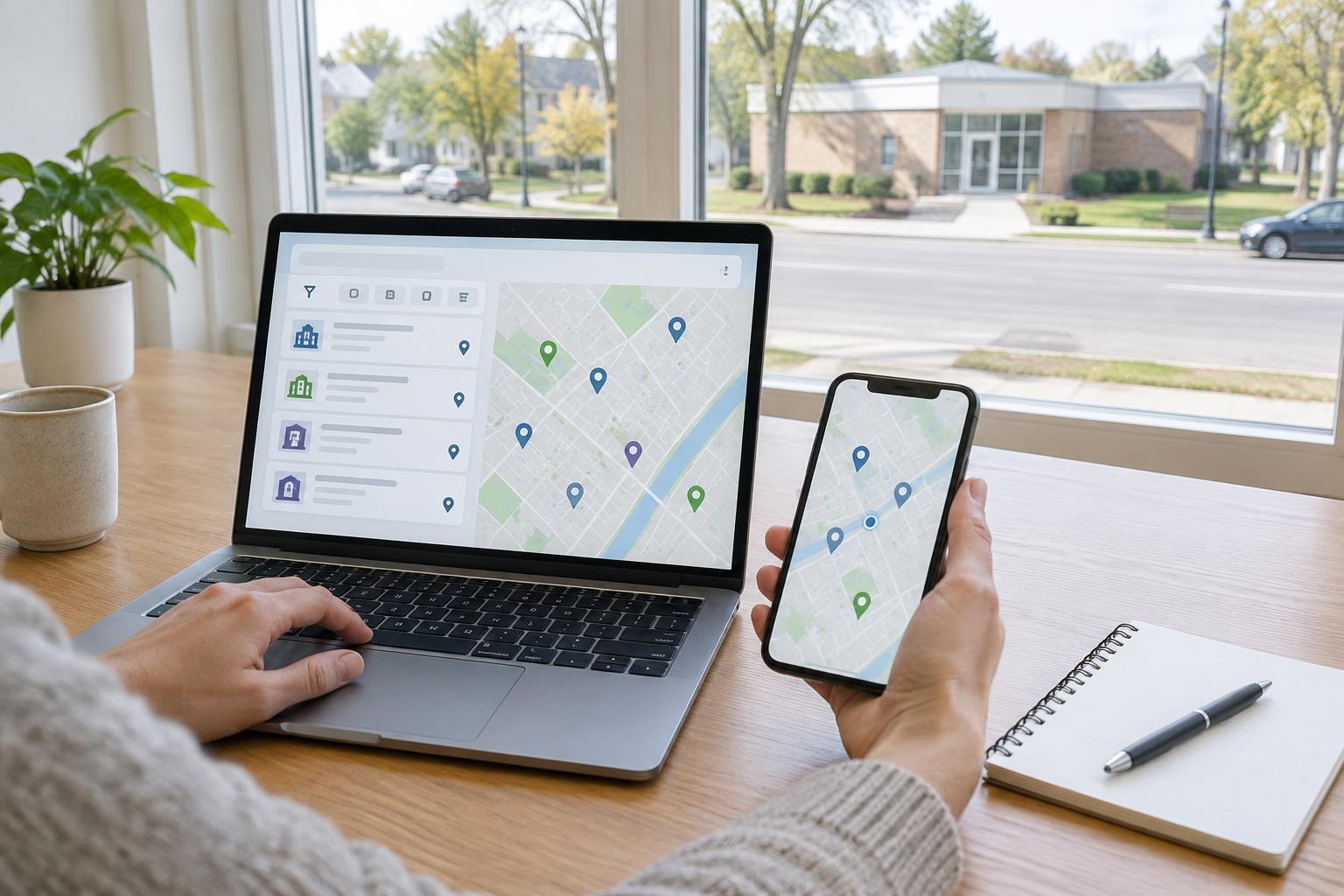
Start with the organization responsible for the service
A service directory is a searchable list of offices, providers or community locations. Some directories cover a single program, while others bring together several types of support. Before searching for a location, identify the organization responsible for the service you need. This helps you choose a directory that is relevant rather than relying on a general search result that may lead to an unrelated office.
Look for the directory through the organization’s main website or another official public information page. Check the page title, the organization named on it and any explanation of what the directory includes. A page that lists nearby locations is not necessarily a complete list of every available service. If you are unsure whether a directory is official, return to the organization’s main site and follow its navigation links to the location finder.
Search for the service, not just the nearest address
Many directories let you enter a town, postal code or address and choose a search distance. Start with an area you can reasonably travel within, then use any filters for service type, appointment type, accessibility or language support. Read the description of each result: one office may accept applications, another may only provide information, and a provider may serve a limited group of people.
If your first search produces no useful results, try a nearby town or a wider search area. You can also remove filters one at a time to see whether a setting is hiding relevant listings. Keep track of which filters you used so you can tell the difference between “no service listed nearby” and “no results under these particular settings.” If the directory covers more than one program, check that each result belongs to the program you intended to find.
Read each listing carefully
A useful listing may show an address, contact details, opening hours, available services and instructions for appointments. Compare those details with your reason for contacting the location. An office listed as nearby may not handle in-person enquiries, and a provider listed in a broad category may not offer the specific help you need. If a listing links to a separate office page, read that page too.
Pay attention to practical details that could affect your visit. Check whether the address is for a public reception area, whether appointments are required and whether the location describes any accessibility arrangements. If you need an interpreter or another form of assistance, look for instructions on how to request it rather than assuming it will be available without notice. A map pin can help with directions, but the written address and office instructions deserve equal attention.
Confirm details before making the trip
Directory entries can change, and a listing may not reflect a recent change in hours, services or contact arrangements. Before travelling, check the office’s own page if one is available. For a visit that would be difficult to repeat, consider contacting the location to confirm that it provides the service you need, whether you need an appointment and what documents, if any, you should bring.
Use the contact method shown by the official directory or the location’s linked page. When you call or write, a simple question such as “Does this location help with this service?” can clarify whether you have found the right place. Avoid sending personal documents merely to ask about availability. If you are directed to another office or provider, note its name and confirm its details through the relevant directory before changing your plans.
Keep a clear record and know when to search again
Save the listing name, address, contact method and the date you checked them. You may also want to note the directory you used, the service description and any appointment instructions. Keeping these details together makes it easier to compare options or explain which listing you found if you need to ask for help. Protect any personal information you record alongside your notes.
If a location cannot assist you, revisit the directory instead of assuming that the entire service is unavailable in your area. Try a different service category, expand the search area or look for remote contact options listed by the responsible organization. Directories are a starting point for finding the right contact, not a guarantee that every listed location will be suitable. Taking a few minutes to check the listing and confirm the next step can prevent an unnecessary journey.