Why document versions get confusing
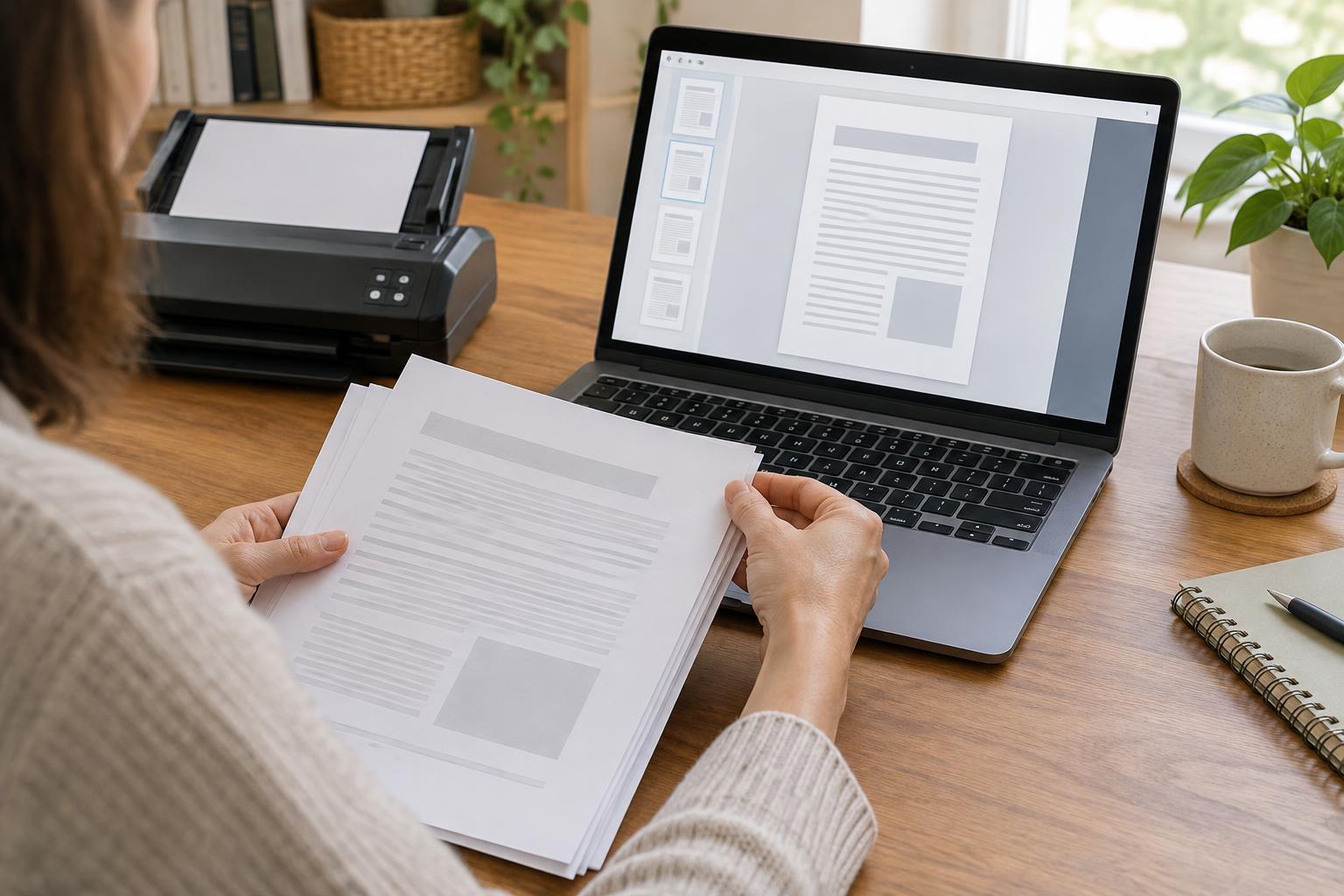
A document can become outdated without looking obviously wrong. You might have downloaded a form months ago, received an amended letter, or saved a guide that has since been revised. Printed copies add another complication: a page on your desk may look identical to a newer copy on your computer. The aim of version tracking is to make each document’s origin and status easy to see before you rely on it.
This matters when organizing information about public services, caring responsibilities or community support. Different organizations may use similar names for different forms, and a change in your circumstances may mean that an older completed copy no longer describes your situation. A tidy filing system cannot tell you what decision to make, but it can help you identify which document you are looking at and what you still need to check.
Give every saved copy a useful name
Choose a consistent filename pattern, such as organization, document name, date and status. For example: LocalService_ContactForm_2025-03-18_blank or LocalService_ContactForm_2025-03-18_submitted. The date should mean something specific, such as the day you downloaded, completed or sent the file. If the document itself shows a revision date or version number, record that too rather than treating your download date as its publication date.
Use status words that describe what happened: blank, working, ready-to-check, submitted or superseded. Avoid naming several files “final,” because a later correction can make that label misleading. If you revise a file, save a new copy instead of repeatedly overwriting the previous one. That leaves you a record of what you had at each stage.
Keep filenames informative without putting sensitive details in them. A filename may appear in search results, email attachments or shared folders. Store personal information inside appropriately protected files, and limit access to folders containing it.
Keep a small version log
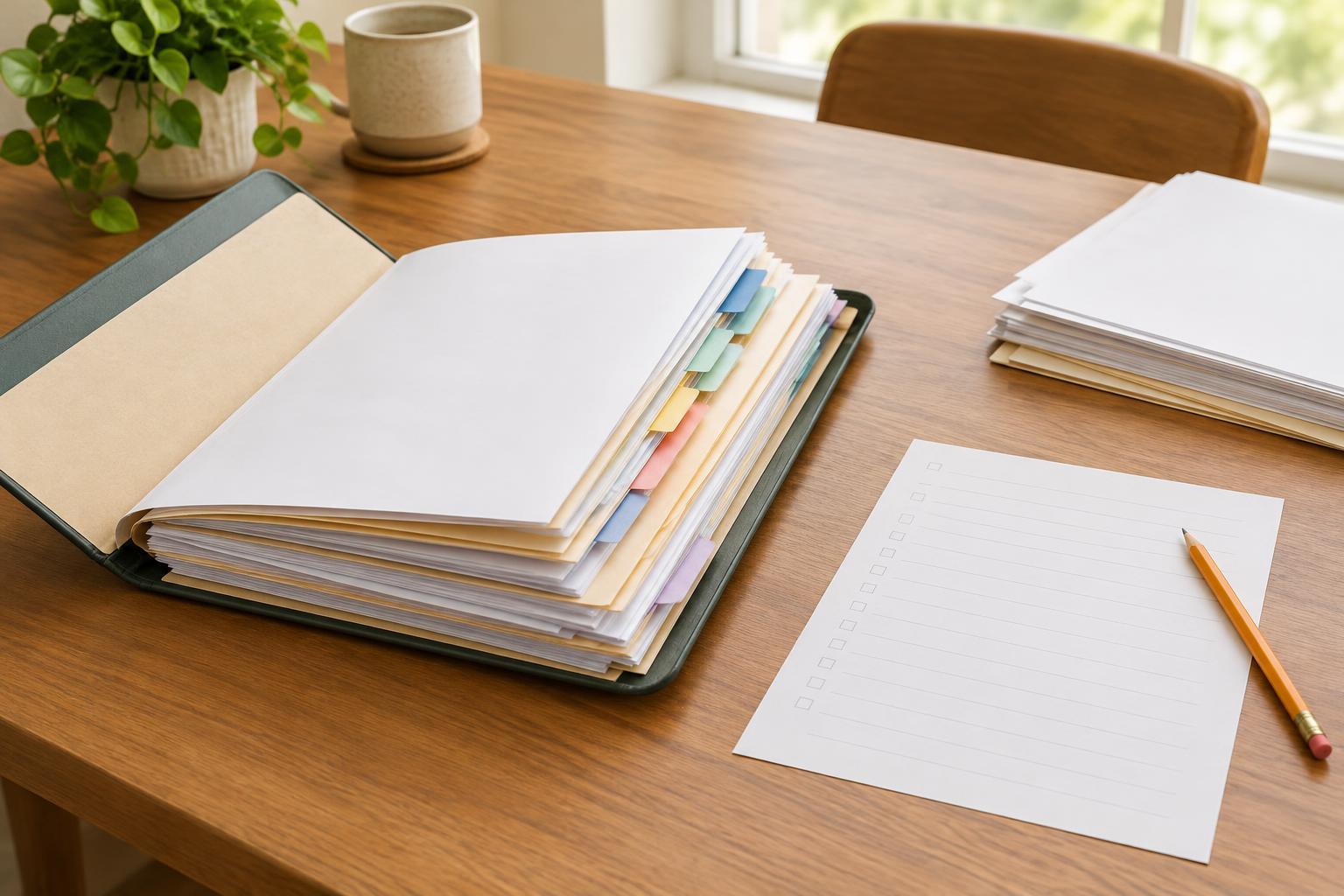
A version log can be a note, spreadsheet or page at the front of a paper folder. It does not need to be elaborate. For each important document, record its name, where it came from, any version or revision date shown on it, when you obtained it, what you did with it and where the saved copy is stored. If you replace it, note which copy is now the one to use.
For example, a log entry might say: “Contact form; downloaded from the organization’s official website; revision date printed on page two; blank copy saved in Forms; completed copy sent by post; earlier blank copy marked superseded.” This separates the form’s own revision information from the dates of your actions. If you later need to explain which copy you used, you will not have to reconstruct the sequence from memory.
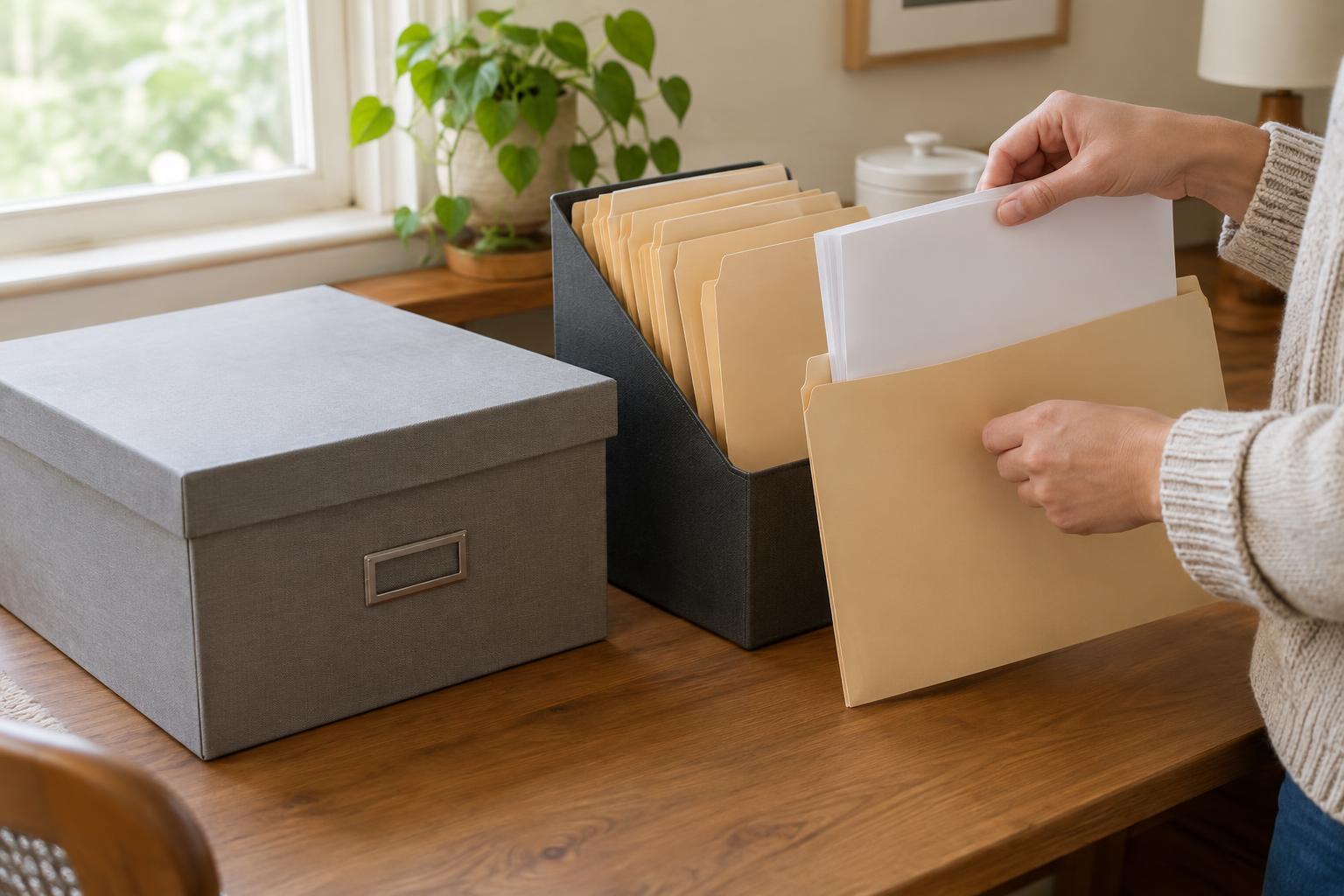
For paper records, write a brief status note on a removable folder tab or cover sheet rather than across the document itself. Keep submitted copies and any confirmation or correspondence together. Do not discard an older version merely because a newer one exists; you may need the older copy to understand what was previously sent or received.
Check the source before using a copy
Before completing a stored form or following saved guidance, look for signs that it is still the appropriate version. Check for a printed revision date, version number, title and issuing organization. Then compare it with information available through the organization’s official website or a contact method you can independently verify. A search result, forwarded attachment or old bookmark may lead to a copy without making clear whether it is current.
Also check what the document is for. A blank form, an example form and a copy you already submitted may sit in the same folder but serve different purposes. If instructions refer to a different form name or process, pause rather than assuming that your saved copy is interchangeable. When you cannot confirm which version to use, ask the issuing organization for clarification through its published contact route.
Make the system easy to maintain
Create a small number of folders with clear purposes, such as Current blank forms, Working copies, Submitted copies and Superseded material. Move a file when its status changes, and update the log at the same time. If you use both paper and digital records, give them matching labels so you can find the corresponding copy in either place.
Build a brief version check into the moment you use a document: confirm its source, read any revision information, check its purpose and update its status when you finish. Keep backups of important digital records in a secure location you can access. A simple routine you follow consistently is more useful than a complicated system that is difficult to keep up to date.