Start with a small, useful system
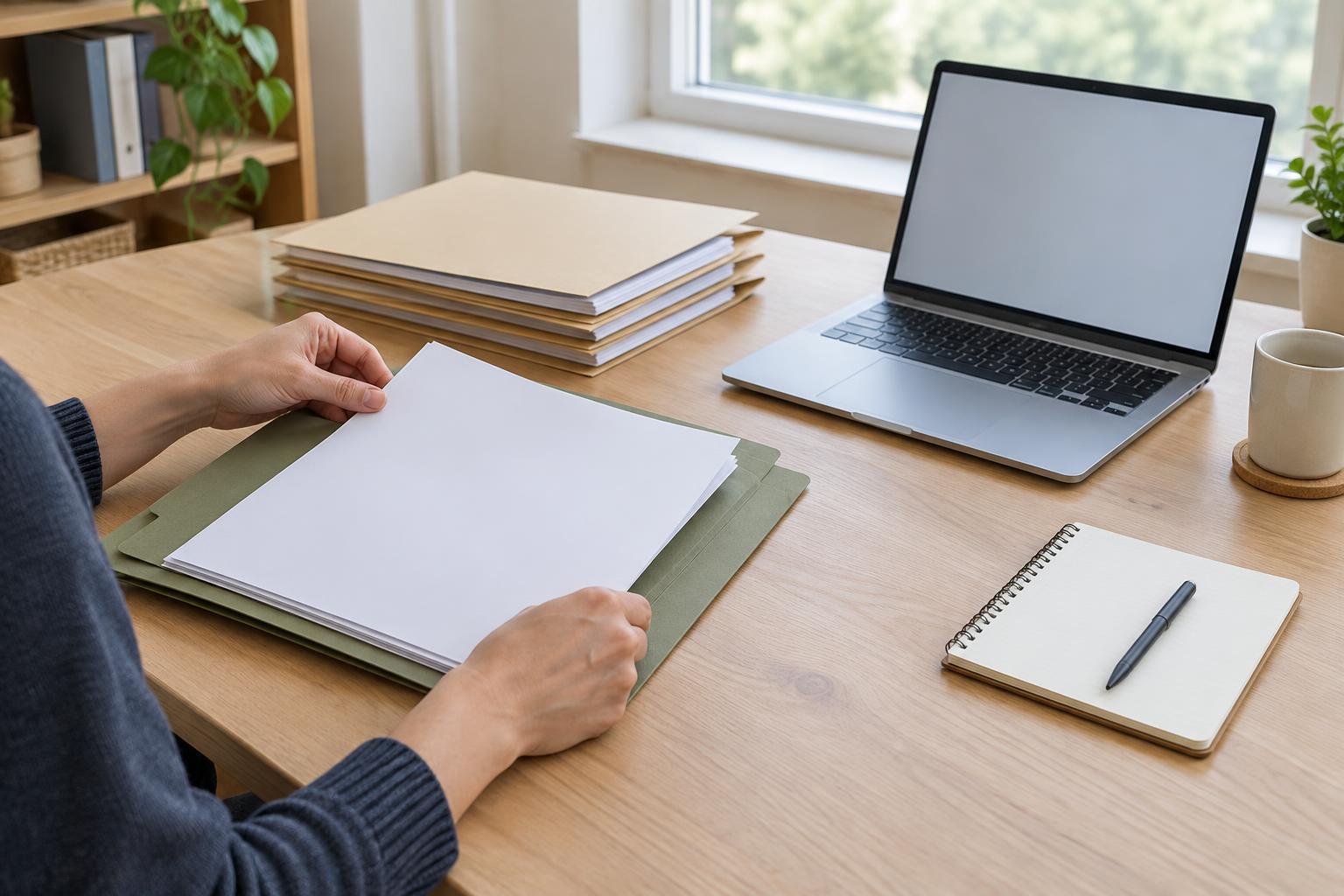
Important papers often end up in different places: a kitchen drawer, a bag brought home from an appointment, or a stack of unopened mail. The first goal is not to create a perfect archive. It is to give records a predictable place so you can find them without searching the whole home.
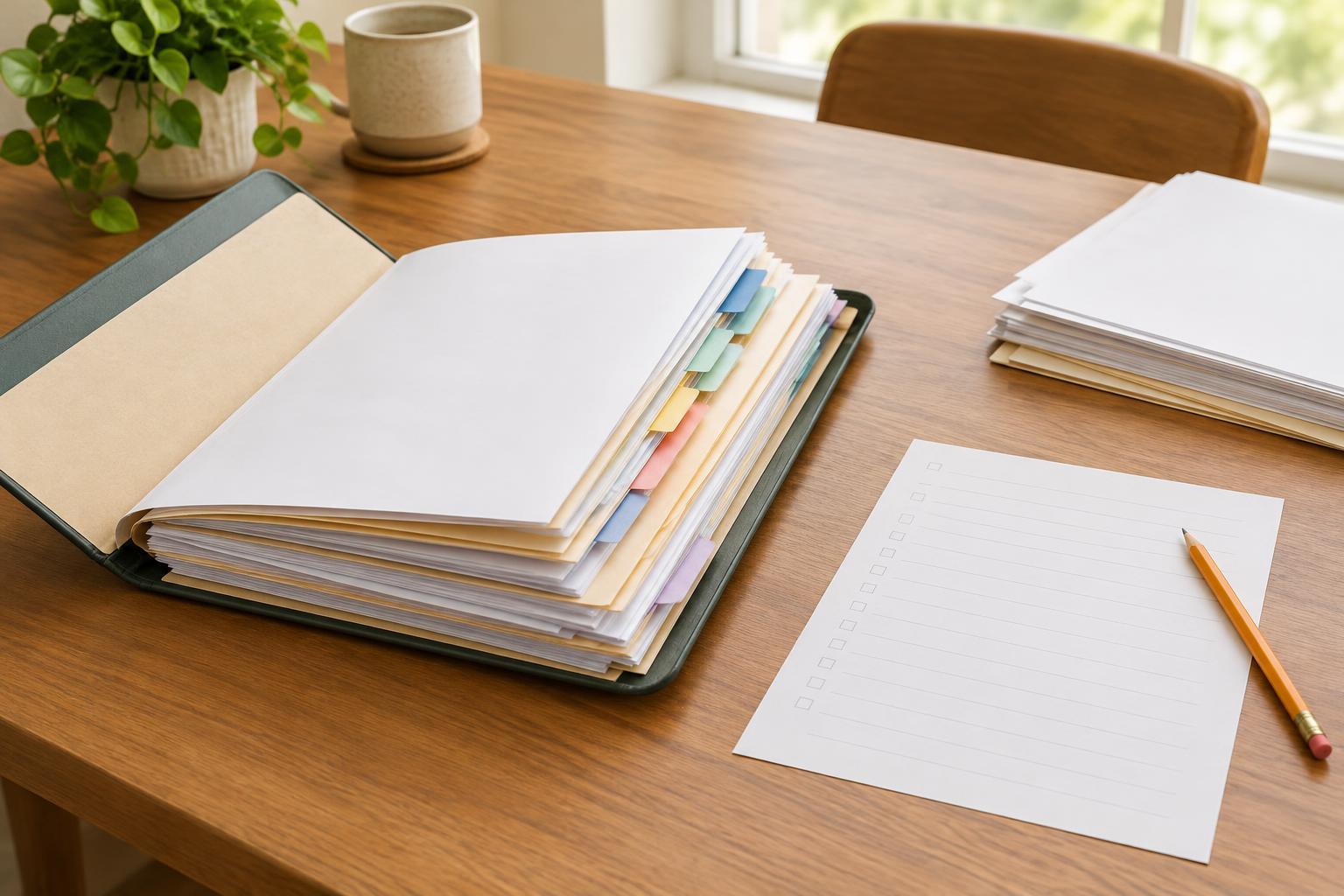
Choose a small number of categories that make sense to you, such as identity and household records, housing, work and income, health-related paperwork, caring responsibilities, and public-service correspondence. Label folders in everyday language rather than trying to match the name of every organization you deal with. A separate folder for papers that need action can keep an unfinished form or recent letter from disappearing into long-term storage.
If you are sorting a large pile, work in short sessions. Gather papers from their usual locations, then group them before deciding what to keep. When you are unsure whether a document matters, put it in a clearly marked “review” folder instead of discarding it in a hurry. You can return to that folder when you have more time or have checked the relevant organization’s guidance.
Give originals extra protection
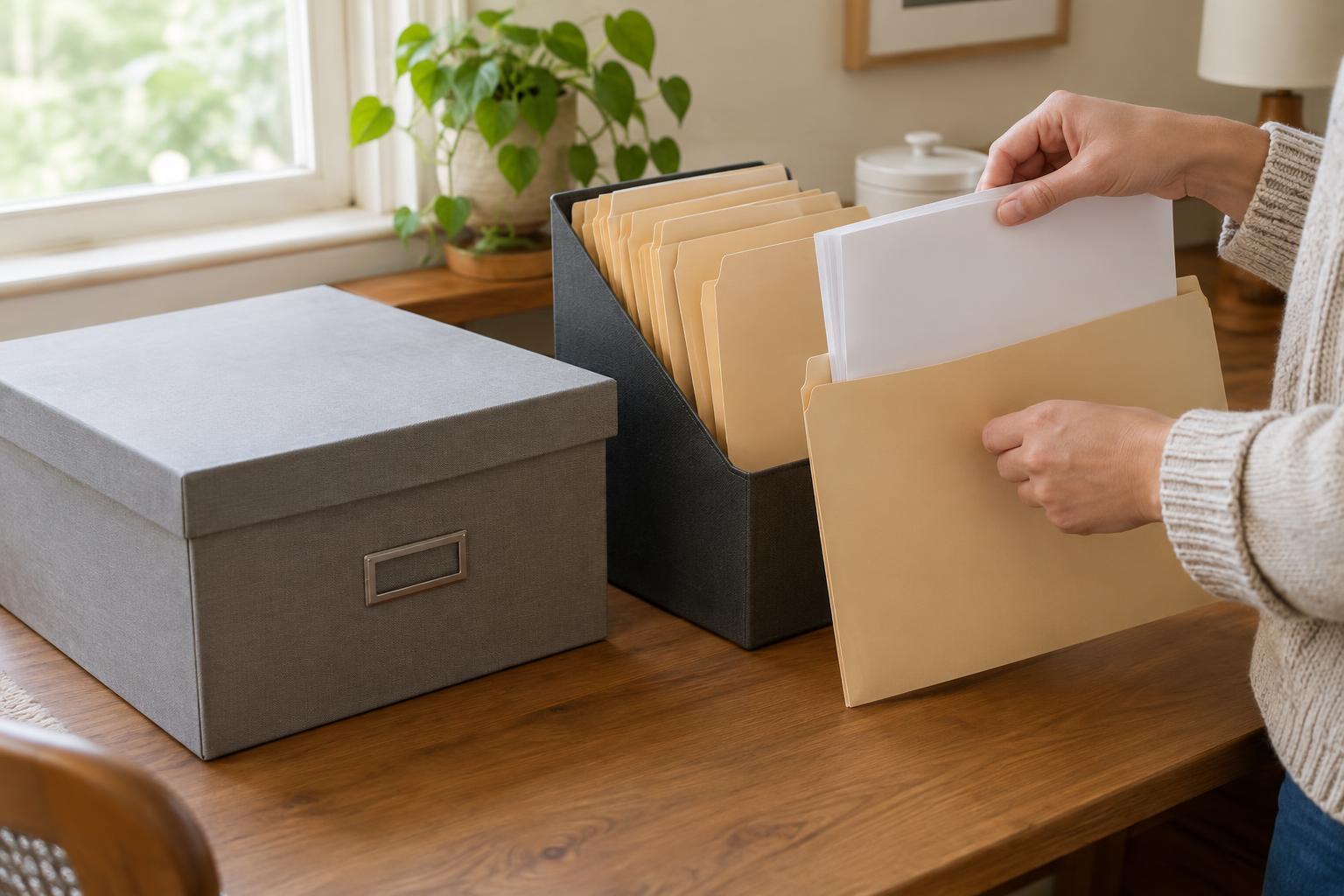
Some papers are difficult to replace or especially important to have in their original form. Identify those first and keep them together in a protective folder or container. A sturdy, closable container can help prevent everyday spills and wear. If you use a product described as water-resistant or fire-resistant, check its stated limits; no home container should be assumed to protect its contents in every situation.
Pick a storage spot that is easy for the right people to reach but away from obvious hazards. Avoid damp areas, direct sunlight, and places where pipes may leak. Keep papers off the floor if water could enter the space. A stable shelf or cabinet is generally more useful than a location so hidden that you forget where it is.
Privacy matters too. Records may contain addresses, account details, or other personal information. A drawer or cabinet that closes can reduce casual access, especially in a shared home. Think about who genuinely needs access and how they could find the papers if you were unavailable. Protection should not make essential records impossible to retrieve.
Make records easy to identify and use
Within each folder, place the newest correspondence at the front or use a consistent date order. Keep related pages together, including any instructions that came with a form or notice. If a document was sent to an organization, you may want to retain a copy alongside any confirmation of when and how it was submitted.
A one-page index can save time. List your folder names and where they are stored, without copying sensitive numbers onto the index. If you help manage papers for someone else, use labels that both of you understand. Where possible, agree together on what belongs in each folder and who may handle it. This respects the person’s privacy while making everyday tasks easier.
Consider keeping a brief contact list near your filing system with the names of organizations you regularly deal with. Check contact details against an organization’s official materials before using them, since details can change. There is no need to keep passwords or other access secrets on a sheet attached to the files.
Decide whether copies would help
Copies can be useful when you need to refer to a record without repeatedly handling the original. Paper copies of frequently requested documents can go in the relevant folder, clearly marked as copies. Before sending one, check what the receiving organization actually asks for; some processes require an original, while others accept a copy or another form of evidence.
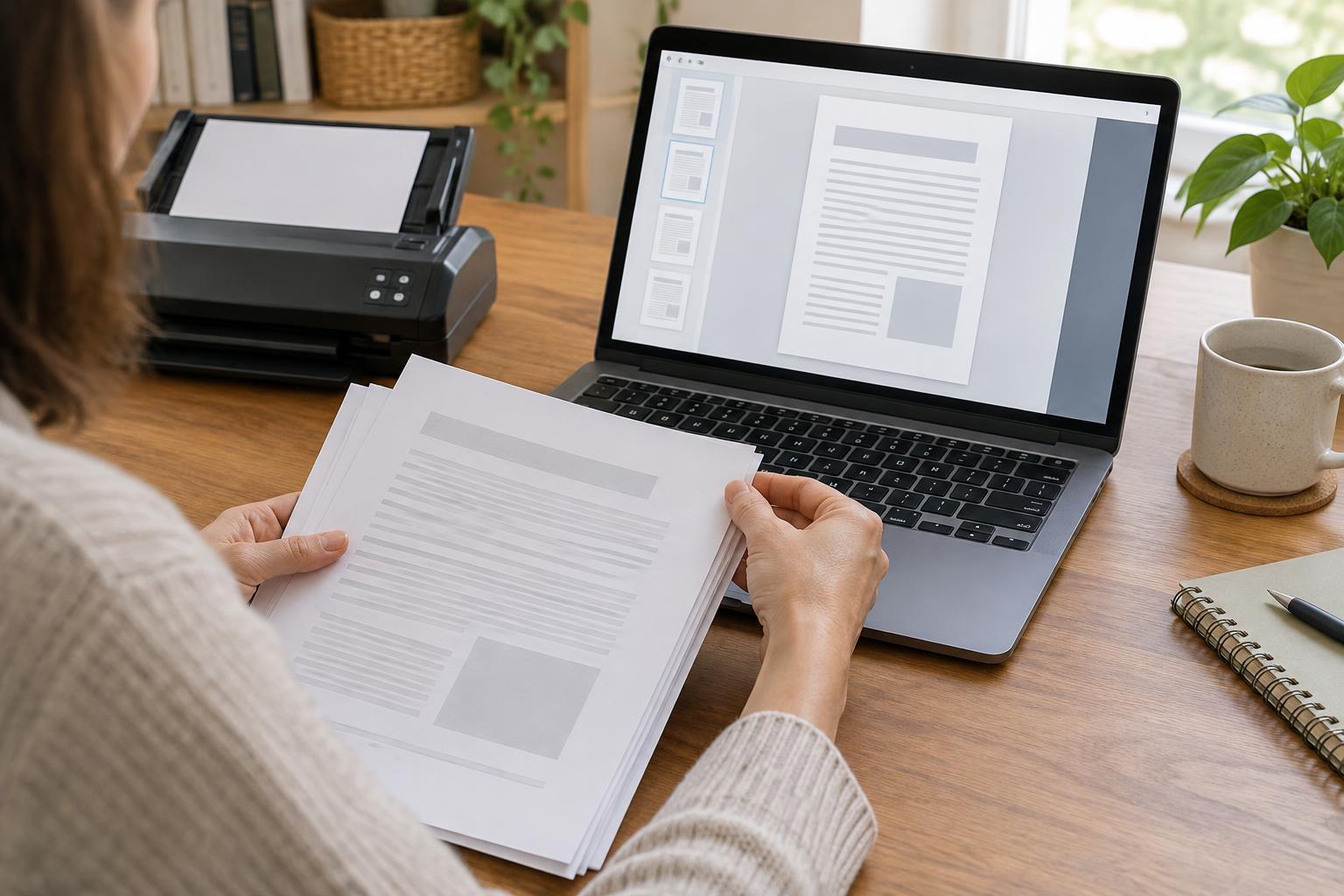
Digital scans or clear photographs can provide another way to consult a document, but they bring their own privacy considerations. If you create digital copies, store them in an account or device you can access securely, and avoid leaving them in a shared photo gallery or an unprotected folder. Use meaningful file names that help you recognize documents without putting sensitive personal details in the names. A digital copy is a supplement to, not an automatic replacement for, a paper original.
Review the system and dispose of papers carefully
A filing system stays useful when it has a simple routine. Set aside a regular time to file new mail, clear the action folder, and check whether contact information or labels still make sense. This also gives you a chance to spot missing pages before you need them.
Avoid applying one retention rule to every document. How long a paper may be useful can depend on its purpose and on the requirements of the organization involved. If you are uncertain, check the organization’s official guidance before disposing of it. When you do discard papers containing personal information, use a method that makes the details difficult for someone else to read. The aim is a manageable collection: protected enough to be safe, but organized enough to be useful.