Start with the document, not the service
When you use more than one public service, sorting every paper into a separate service folder can create confusion. A proof of address, identity document or letter about household circumstances may be relevant to several requests. If the only copy is filed under one service, it can be hard to find when another service asks for it. A useful alternative is to keep a central set of documents organized by type, alongside a smaller file for each service or application.
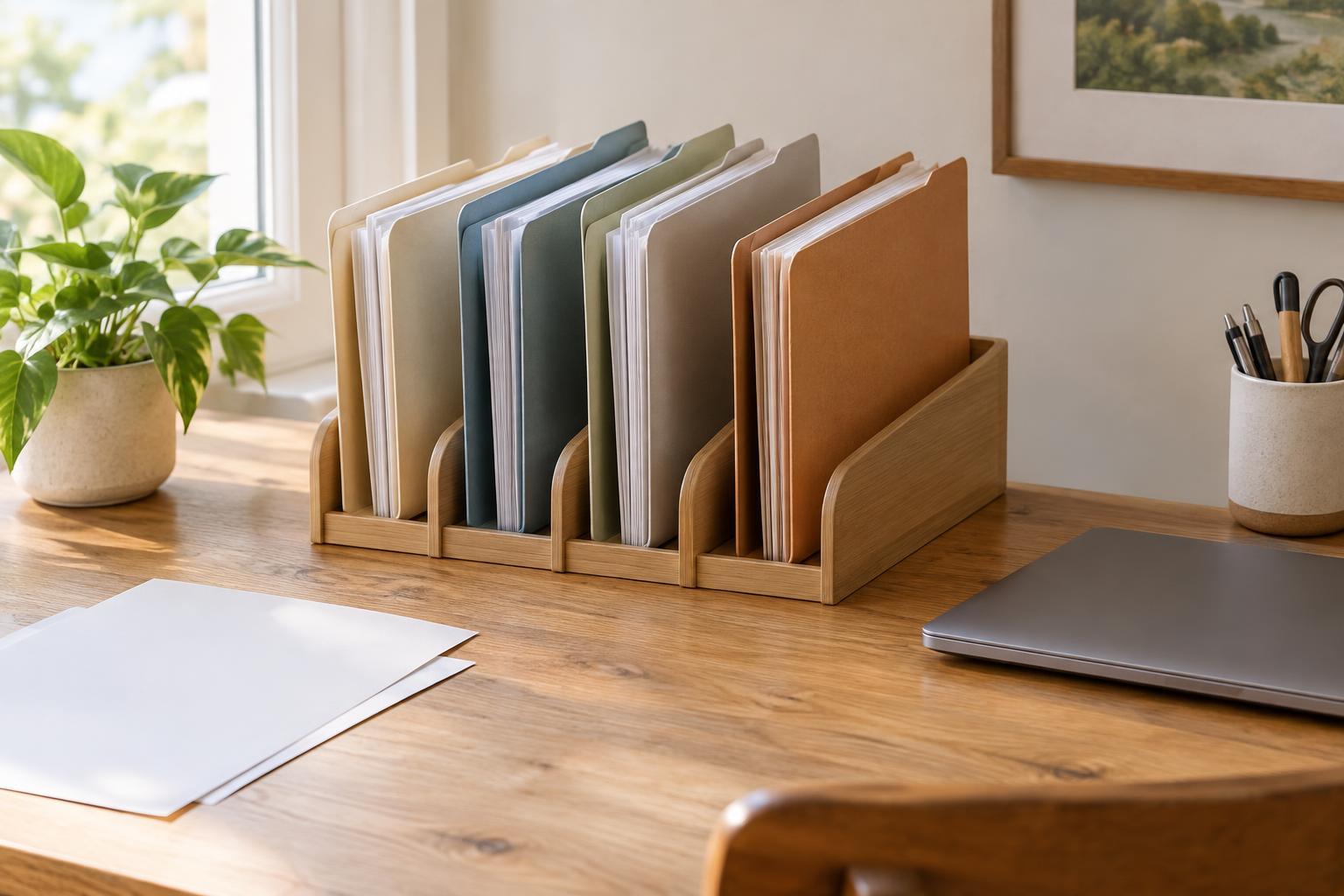
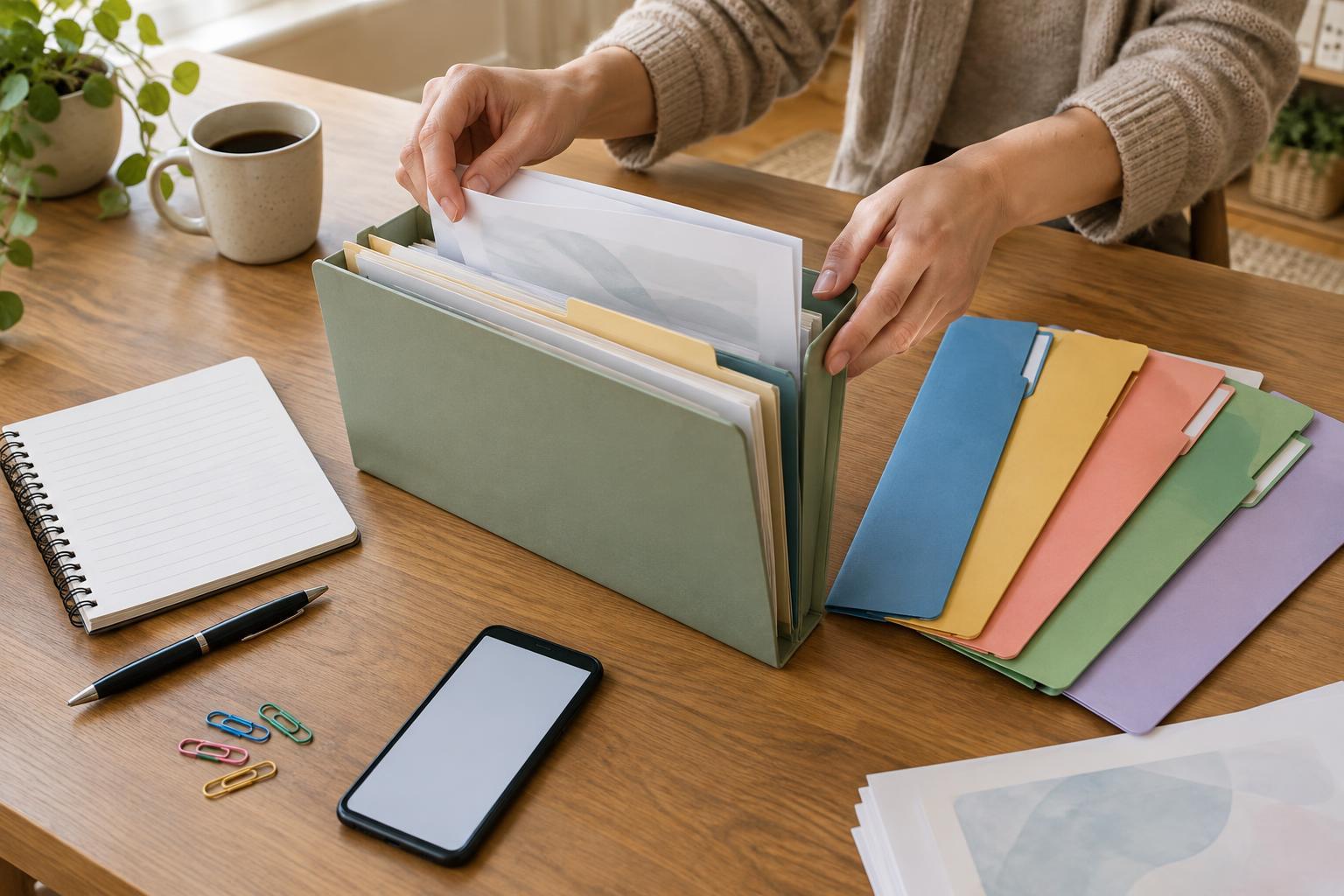
Begin with broad categories you can recognize quickly, such as identity, address, household, work, income, care responsibilities and correspondence. You do not need a perfect system before you start. Gather loose papers, remove obvious duplicates where appropriate, and label a few folders or envelopes. Put documents you have not identified in a temporary “to sort” folder rather than guessing where they belong. This keeps the main system usable while you work through the rest.
Keep a shared file and separate service records
The shared file is the home for documents that may be needed again. Within it, keep related items together and make the labels specific enough to be useful: “address documents” is easier to scan than “miscellaneous.” If an item changes over time, such as a household bill or a letter confirming a circumstance, arrange versions in date order. That makes it easier to check whether you are looking at the most recent one.
Give each service its own folder for the material connected to that particular request: forms, letters, instructions, reference numbers and notes about contact you have made. If a shared document is submitted to a service, you can place a copy in that folder or add a note identifying which version you used. This avoids moving an original back and forth. Keep important originals in a secure place, and check a service’s own instructions before sending anything; it may specify whether it accepts a copy, a scan or an original.
Track versions and what you have shared
A document that looks familiar is not always the right one for a new request. Two services may ask for evidence covering different periods or showing different details. Before reusing a document, read the current request and compare it with the document’s date, name, address and contents. If instructions are unclear, use the service’s published contact route to ask what it needs rather than assuming that a document accepted elsewhere will also work.
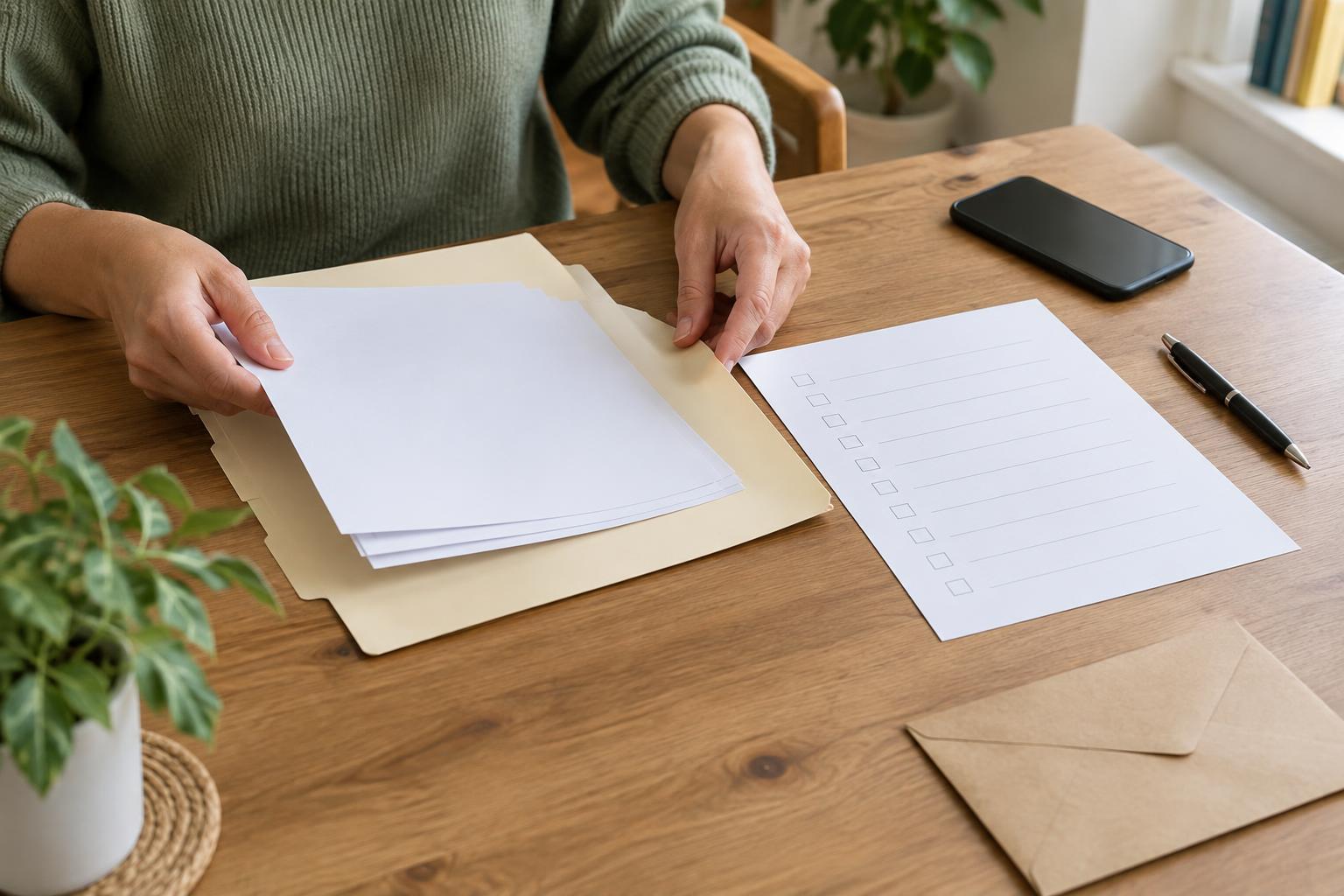
A simple tracking sheet can prevent repeated searching. For each request, record the service name, the document requested, the version you supplied, how you supplied it and any deadline stated in the correspondence. You can also note where you stored a receipt or confirmation. This is a record for your own use, not a substitute for the service’s requirements. If you correct or replace a document, update the sheet so it does not point you to an older version.
Make digital copies easy to find and protect
If you use digital files, mirror your paper system with a shared documents folder and a folder for each service. Clear filenames can include the document type and its date, such as “address-letter-2024-04,” rather than “scan3.” Use a consistent date format so files sort predictably. Check that scans or photographs show every requested page, are readable and do not cut off important details. A digital copy can be convenient, but it does not always replace a paper original.
Because these files may contain personal information, limit who can access them. Use a device lock, protect accounts with strong passwords and store backups in a place you trust. Be cautious about sending documents through ordinary messages or to an address you have not verified. When a service provides a document-upload method, follow its instructions. Avoid keeping extra copies in downloads folders, shared devices or email attachments longer than you need them.
Build a routine you can maintain
Set aside a regular time to file new letters and review upcoming requests. When something arrives, note whether it needs a response, record any stated deadline and place it in the relevant service folder. If the letter also changes information in your shared file, add the new version there and mark the older one clearly. Do not discard older correspondence simply because a newer letter has arrived; it may help you understand what was requested or supplied earlier.
The best system is one you can use when you are busy or helping someone else. A short index on the front of a folder, a labeled box or a basic spreadsheet may be enough. If another person helps you organize paperwork, agree on where documents go and take care with private information and permissions. The goal is not to collect every possible document. It is to find the relevant one, check that it matches the current request and know what happened after you shared it.