Start with one place for incoming mail
Letters about public services, housing, care, or other community support can arrive at different times and in different formats. A useful system does not need many folders. It needs a reliable place for new items, a consistent way to describe them, and a habit of putting related pages together. The aim is to make it easier to answer ordinary questions: What arrived? Who sent it? What is it about? Where is the latest copy?
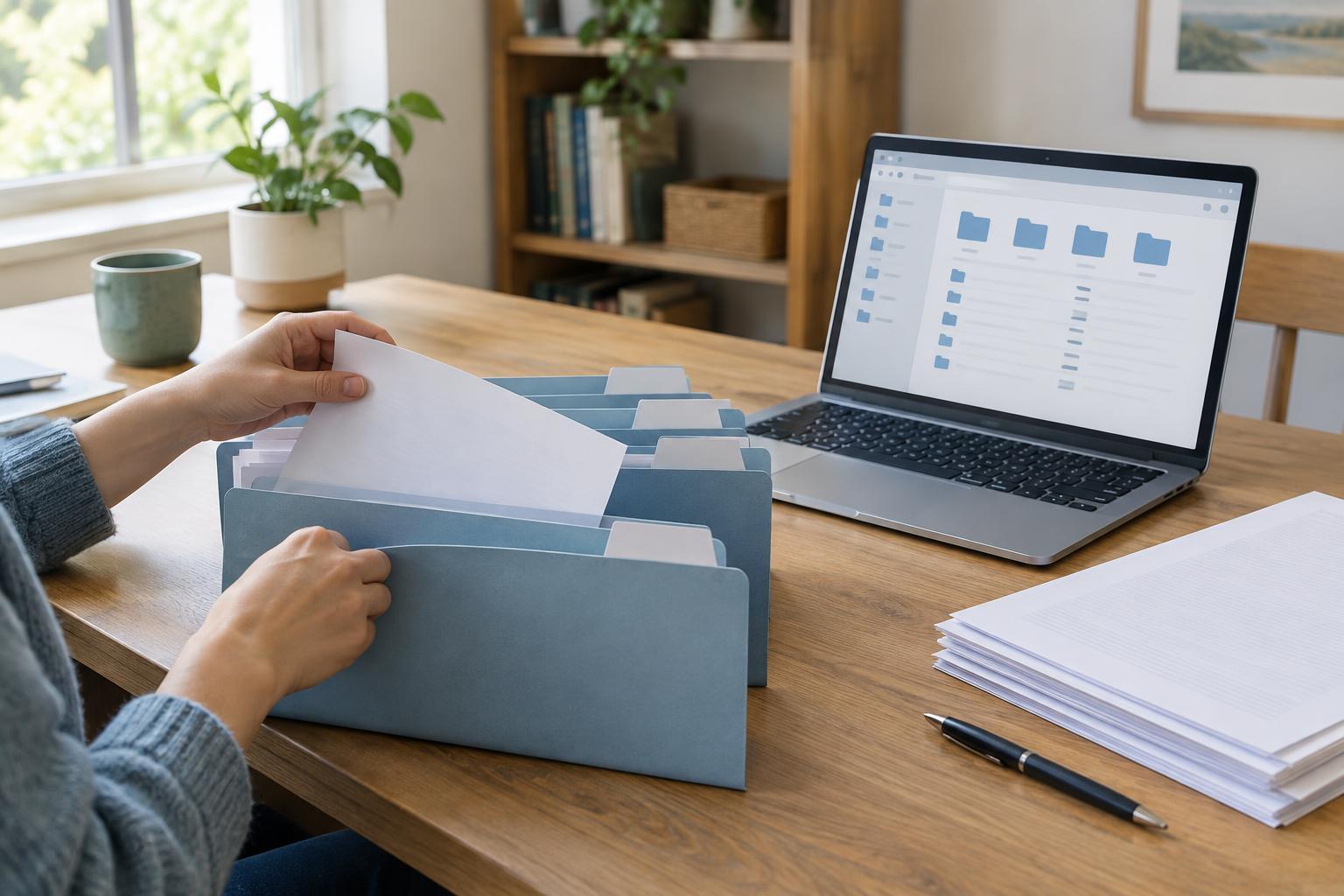
Choose a tray or folder for paper that has not yet been sorted. For digital notices, choose one email folder or a dedicated folder on a device. If a notice is available through an online account, consider saving a copy when that option is offered, or note where to find it again. Avoid leaving important information only in a browser tab or among unrelated downloads. A regular, brief sorting session may be easier to maintain than a large filing task.
Record both the document date and the arrival date
Dates help you reconstruct the order of events, but a letter may carry more than one. It might show the date it was written, a period it discusses, and a date by which a response is requested. You may also receive it days after the date printed on it. On a paper envelope, you can note the date it arrived; for an email, the received timestamp usually provides that record. Keep the envelope with the letter if its markings or address may help you identify the mailing later.
File related documents in date order, using whichever direction feels most natural. Putting the newest item at the front makes recent correspondence quick to find. If you make a simple index, label dates clearly, such as “letter dated” and “received,” rather than placing two unexplained dates side by side. Highlighting a requested response date can help you notice it, but keep the original wording visible. A filing system helps you track a request; it does not determine what a notice means or whether a particular deadline applies.
Identify the sender without relying on a logo
The sender is the organization or person responsible for the message, which may differ from the service or subject mentioned in it. Look at the name in the letterhead, return address, signature, or email sender details. If an organization has several departments, record the department too when it appears. That extra detail can distinguish two letters that otherwise look similar.
Use a consistent name in your files even when a sender uses slightly different wording across messages. For example, choose one folder name for the organization and note a department on individual documents. If you are unsure who sent something, label it “sender unclear” rather than guessing. Treat unexpected requests for personal information cautiously: finding a notice in your files does not establish that it is genuine. To check a sender, use contact details found independently through an official resource you trust, rather than relying only on details in the message.
Group by subject, then link related replies
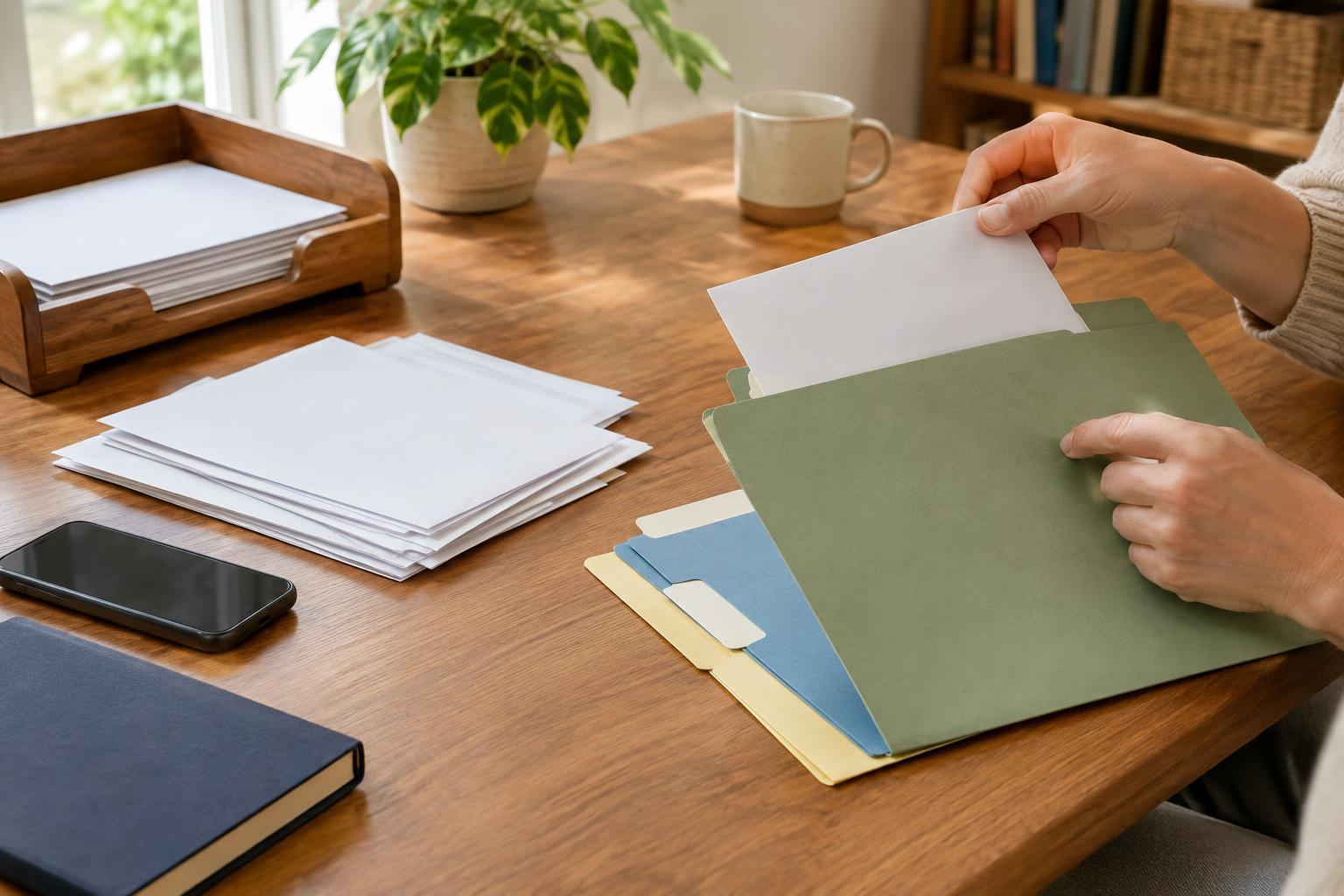
Subject labels should describe the matter in words you would use when searching for it later. “Housing repair,” “care arrangements,” or “account access” is usually more useful than “important letters.” Begin with a small number of broad subjects and add narrower folders only when a broad one becomes hard to scan. One document may concern several subjects; choose its main purpose for filing and add a brief cross-reference elsewhere if needed.
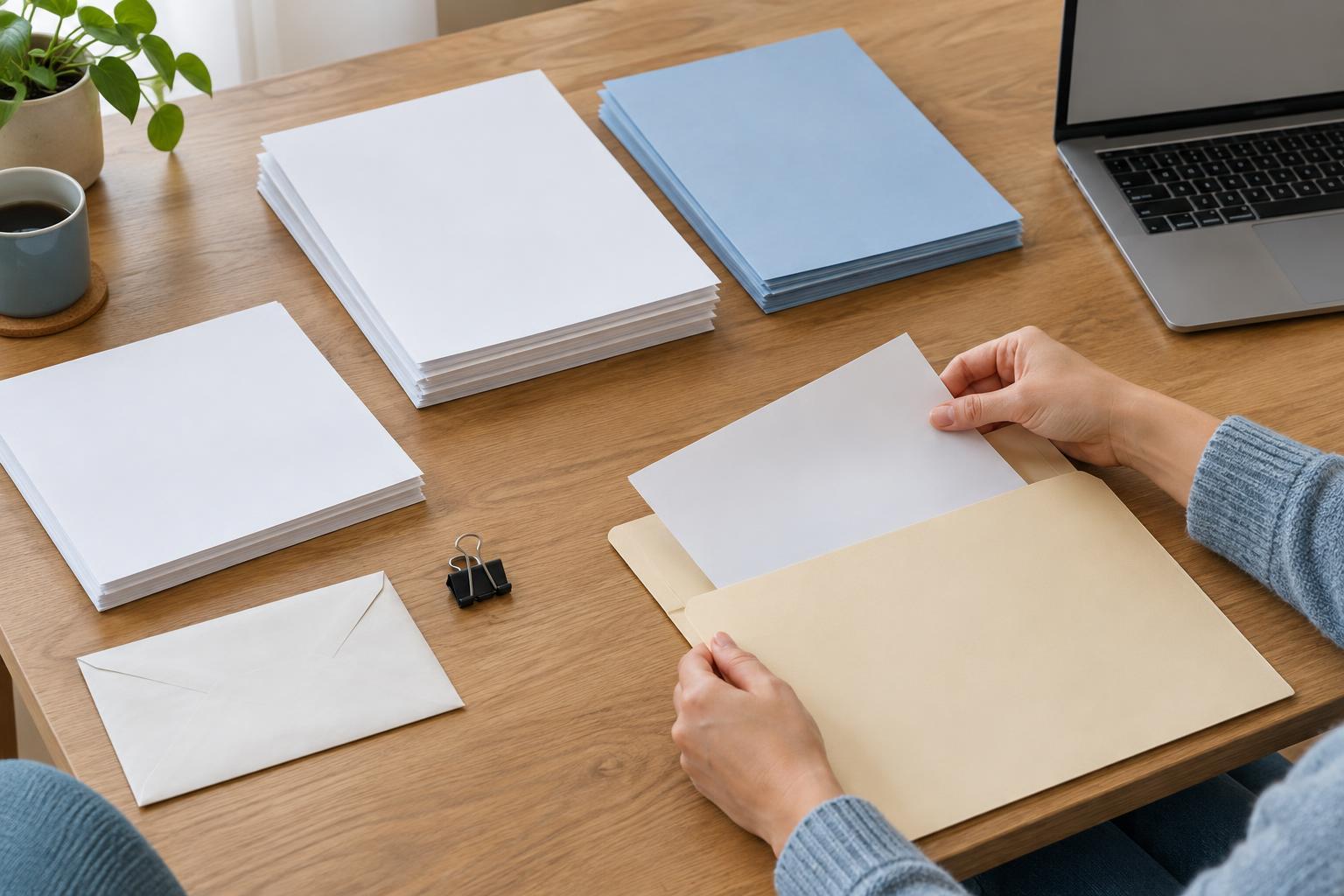
Keep each notice with the material that explains what happened next, such as your reply, a confirmation, or a later notice about the same matter. For paper records, a paper clip or separate sleeve can hold a set together. For digital records, matching file names can serve the same purpose. A name such as “2025-04-18_sender_subject_letter” uses a year-month-day format that sorts neatly on many devices. Use the date shown on the document, or mark it as the received date if that is the only one you know. Choose a naming style you can repeat rather than trying to describe every detail.
Keep the system usable and private
A small index can save time when several subjects overlap. It might list the document date, sender, subject, where the item is stored, and whether you sent a reply. For a household managing another person’s correspondence, agree on clear folder names and who may access them. Keep private details out of file names if those names could appear on a shared screen or device.
Store paper in a place protected from casual access and everyday damage. For digital copies, use device security and a backup method you can maintain. Before discarding an envelope, duplicate, or older notice, check whether it contains information you still need or helps explain a later document. Periodically review an “unsorted” folder and move items into their subjects. The best system is one you can understand at a glance and continue using when new mail arrives.