Start with the job the index needs to do
An index is a finding aid: it tells you what you have and where to look for it. It does not need to summarize every page. For a large folder, its most useful job may be helping you find a particular letter, form, receipt, or record when you need it. Decide whether you will usually search by subject, date, organization, or person. That choice will help you set up an index you can actually use.
You can make the index on paper or in a basic spreadsheet or text file. If the folder is shared, choose a format that everyone who needs it can access. Keep the first version modest. A short, consistent list covering the whole folder is often more helpful than a detailed system that stops halfway through.
Give the folder a simple structure
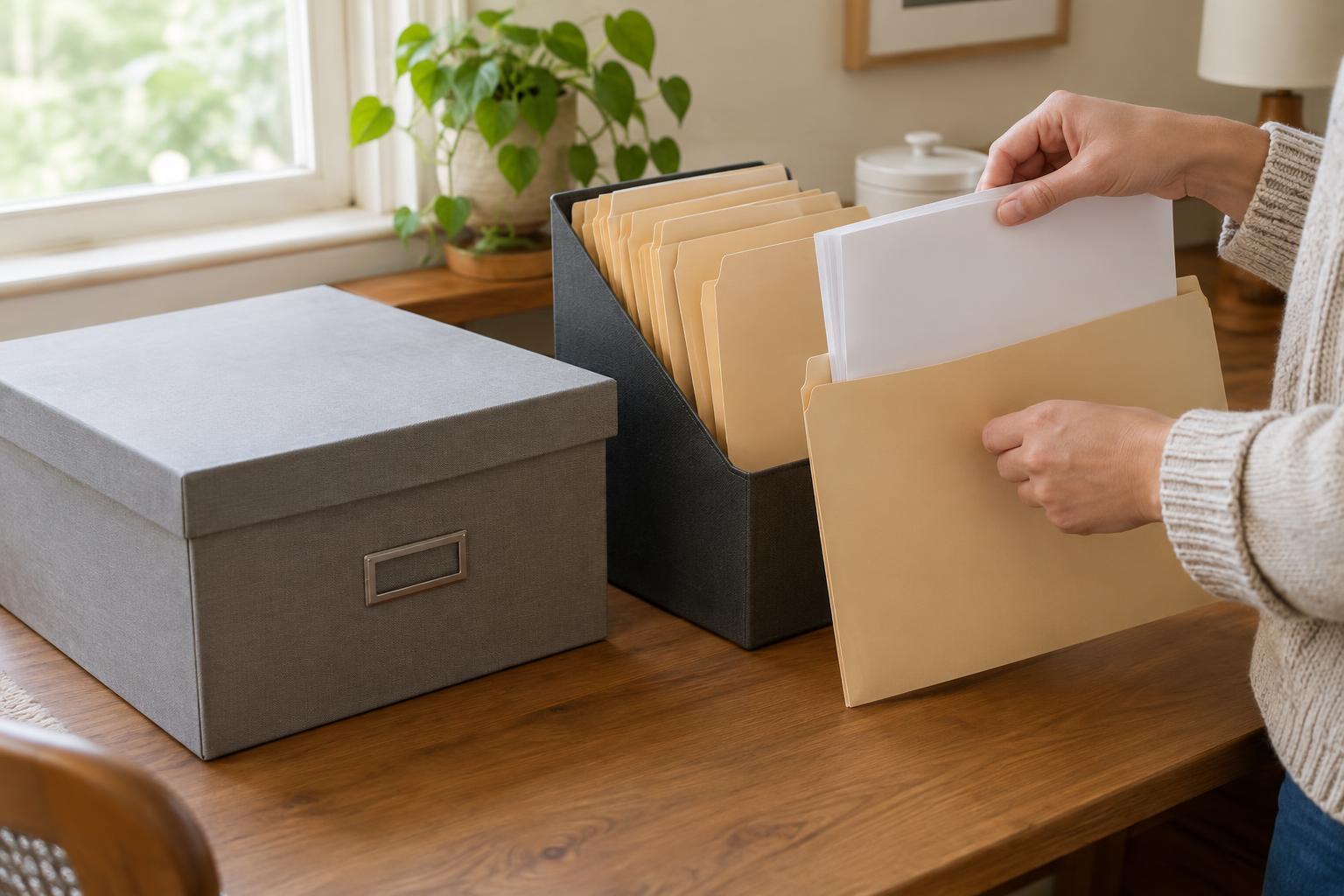
Before listing individual documents, divide the folder into a few broad groups. Depending on what it contains, these might be correspondence, forms and applications, identity records, appointments, household records, and care-related information. Use labels that make sense to the people who will search the folder. If one group becomes too large, split it later rather than creating many narrow categories at the start.
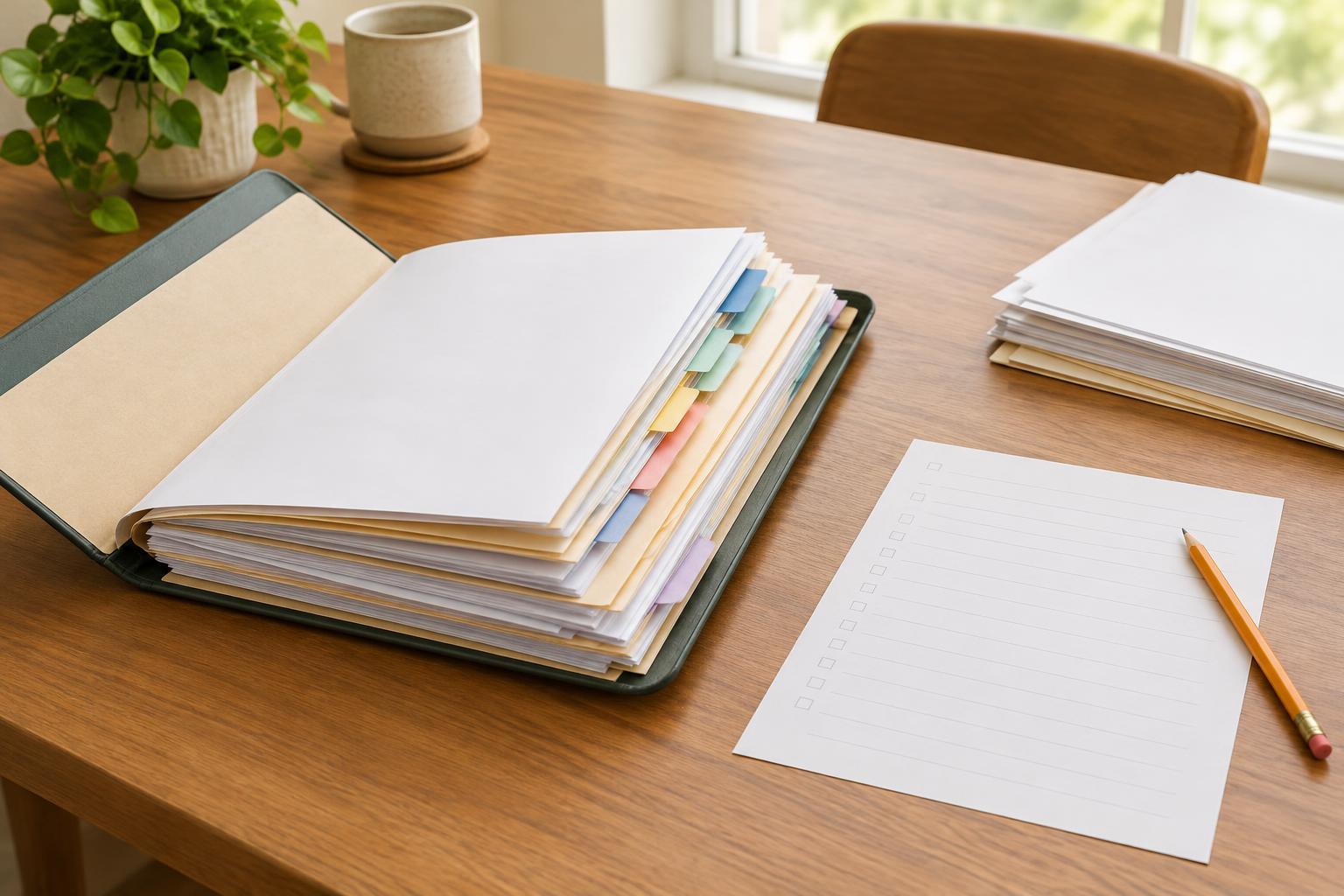
Mark each group’s location. For paper, you might use numbered dividers and label a thick section with smaller tabs. For digital files, you might use clearly named subfolders. An index entry can then point to “Divider 3, correspondence” or “Care / Appointments” instead of relying on your memory. Avoid changing locations while you are indexing unless you also update the entries you have already made.
Record enough detail to find each item
Give each index entry a few consistent fields: a document name, a date if one appears, the sender or issuing organization when relevant, and its location in the folder. A brief note can distinguish similar items, such as “request for information” versus “reply with attached form.” If a document has several pages, keep them together and make one entry unless the pages serve different purposes.
Use descriptions that will still make sense months from now. “Letter about appointment on 14 May” is easier to identify than “important letter,” though you should copy a date only when you can confirm it from the document. If a page is undated, write “undated” rather than guessing. For documents with similar names, add another identifying detail, such as a reference number’s last few characters, without copying more sensitive information than the index needs.
Make room for duplicates and missing items
Large folders often contain multiple copies of the same document. You do not have to list every copy separately. Choose one copy as the main one, note where it is, and record any other location only if that copy has a practical use. If two versions differ, however, label them clearly. “Draft,” “signed copy,” and “revised version” can prevent confusion when you return to the folder.
An index can also show what you expected to find but could not locate. Keep a small “to check” list separate from the confirmed entries, with notes such as “mentioned in a letter; not found in folder.” This avoids presenting a missing document as though you have it. Review that list when new papers arrive or when you check another storage place.
Keep the index useful and private
Put the index at the front of a paper folder or somewhere easy to spot within a digital folder. Add new documents using the same labels and fields each time. A brief review after adding several items can catch entries with vague names, documents filed in the wrong section, and outdated location notes. You do not need to redo the entire index whenever one item moves; correct its entry and continue.
Because an index may reveal what types of personal records someone keeps, store it with care. Limit sensitive details in the index itself, and consider who can open a shared folder or file. If you help organize documents for someone else, agree on labels they understand and a place they can reach. The finished index should let a person find a document confidently without requiring you to be there to explain the system.