Start with the appointment, not a generic list
Before collecting documents, write down the purpose of the appointment, the office or service you are visiting, and whether the meeting is in person, by phone or online. Add the appointment time, location or joining instructions, and any reference number you were given. This small header keeps the checklist tied to the right task, especially if you are arranging more than one service at once.
Next, look for instructions supplied by the service itself. An appointment letter, confirmation message, official website or staff member may tell you what to bring and whether copies, originals or digital files are accepted. Requirements can differ by service and by the reason for the visit, so treat a general checklist as a planning aid rather than a definitive list. If an instruction is unclear, note the question and ask the office before the appointment if you can.
Turn the instructions into clear checklist items
Create one line for each item mentioned in the appointment instructions. Use specific labels such as “appointment letter” or “completed form” rather than a broad reminder like “paperwork.” Beside each item, record the required format if one is stated: original, copy, uploaded file or something else. If a document needs a signature or must cover a particular period, include that detail on the same line.
Keep a separate section headed “Check whether needed” for items you think may be relevant but have not been asked to provide. Depending on the service, these might include identification, proof of address, correspondence about an existing case or records related to the issue you want to discuss. Keeping them apart from confirmed requirements helps prevent guesswork from looking like an official instruction.
Add tasks as well as documents. For example, you might need to complete a form, arrange an interpreter or accessibility support, check whether another person may attend with you, or confirm how to submit files. A checklist is most useful when it captures what must happen before the meeting, not just what goes into a folder.
Organize papers and digital files for easy use
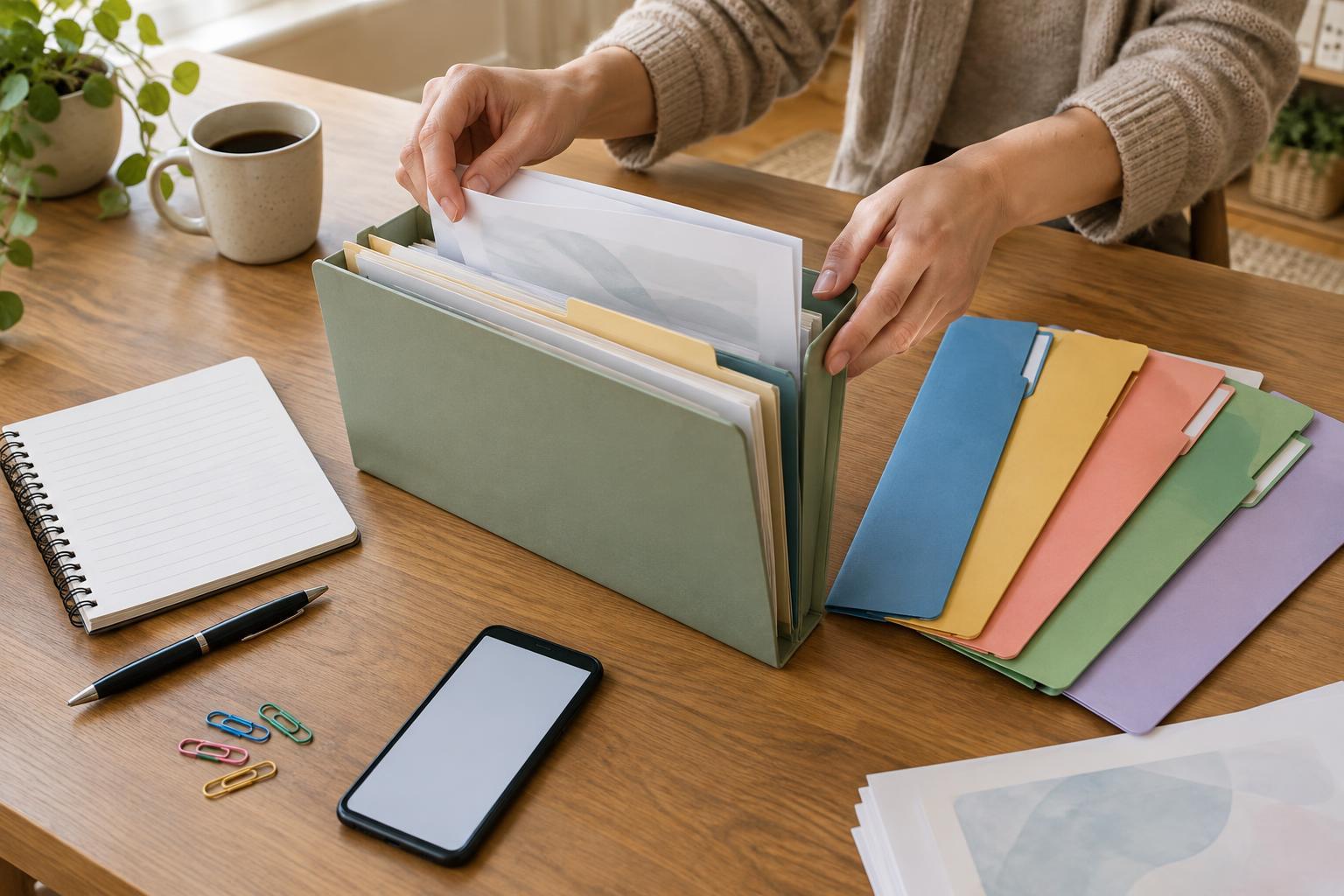
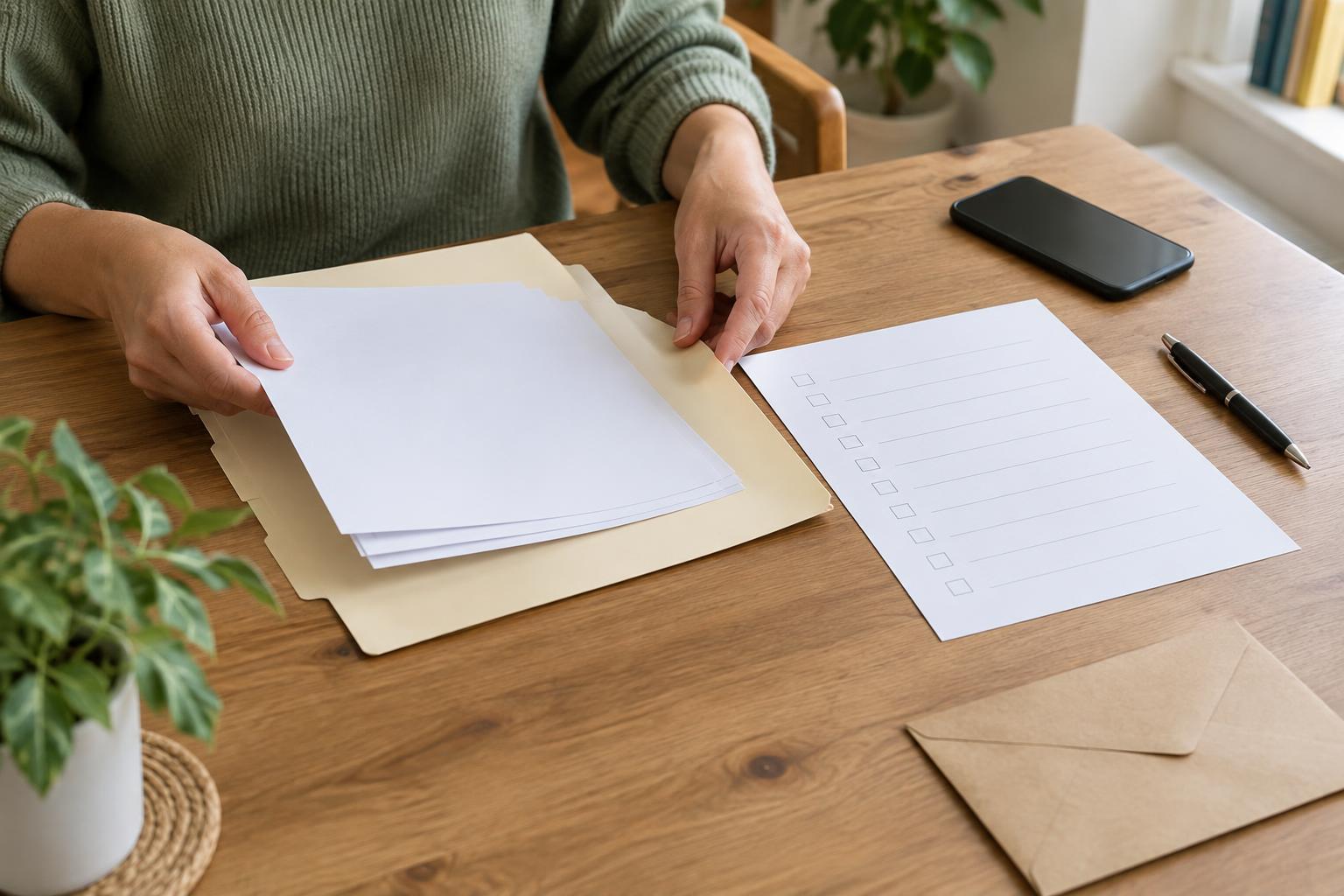
Place your checklist at the front of a folder, with documents behind it in the order you are likely to need them. Group related papers together and label sections in plain language, such as “appointment details,” “forms” and “past correspondence.” If you plan to take copies, mark which papers are copies and keep originals separate. That makes it easier to find an item without handing over the wrong version.
For an online or phone appointment, the same structure can work in a clearly named digital folder. Give files recognizable names so you can identify them quickly, and open any required forms ahead of time to make sure they are readable. Check the service’s instructions before uploading or emailing sensitive records; an ordinary email attachment may not be the method it expects. If you use a shared device, consider where files are saved and whether someone else can access them.
If a requested document is missing, write “not available” beside that item rather than silently removing it. You can then ask the service whether an alternative is accepted or whether you should bring the rest of your materials. Avoid altering a record to make it appear complete.
Protect information and plan for the conversation
Public-service records can contain personal details about you or other people. Bring or send what the service requests, and ask before providing extra sensitive material that does not seem relevant. Keep physical papers in a secure place on the way to and from the appointment. If you are helping someone else prepare, check what they are comfortable sharing and whether the service has rules about discussing their information with you.
Reserve a few lines at the bottom of the checklist for questions and notes. You might ask what happens next, whether anything else is needed, and how the service will contact you. During the appointment, record any agreed follow-up tasks and deadlines given to you. If someone asks to keep an original document, make sure you understand the process for getting it back before leaving it.
Do a final check without aiming for perfection
The day before, review the appointment instructions and tick off what you have prepared. Confirm the address or connection details, allow time to get there or sign in, and put the folder or files somewhere you can reach them. If a requirement remains uncertain, leave it visible on your checklist as a question.
A good checklist does not guarantee that an appointment will settle everything. Its job is to reduce avoidable confusion: you can see what the service asked for, find the materials you have, explain what is missing and leave with a clearer record of the next steps.