Start with the question you will ask later
Good labels help you recognize a record without opening every folder or file. Before naming anything, imagine what you might look for in six months: a letter about housing, a receipt for equipment, or a form you submitted to a public service. The words you would use to search for it are often the best starting point for its label.
Choose a few broad categories that fit your own records, such as Housing, Health, Care, Income, and Identification. Avoid building so many categories that you have to stop and debate where each item belongs. If a document could fit in two places, pick one home for the original and add a note in the other place pointing to it. Consistency matters more than finding the perfect category.
Give paper folders labels you can scan
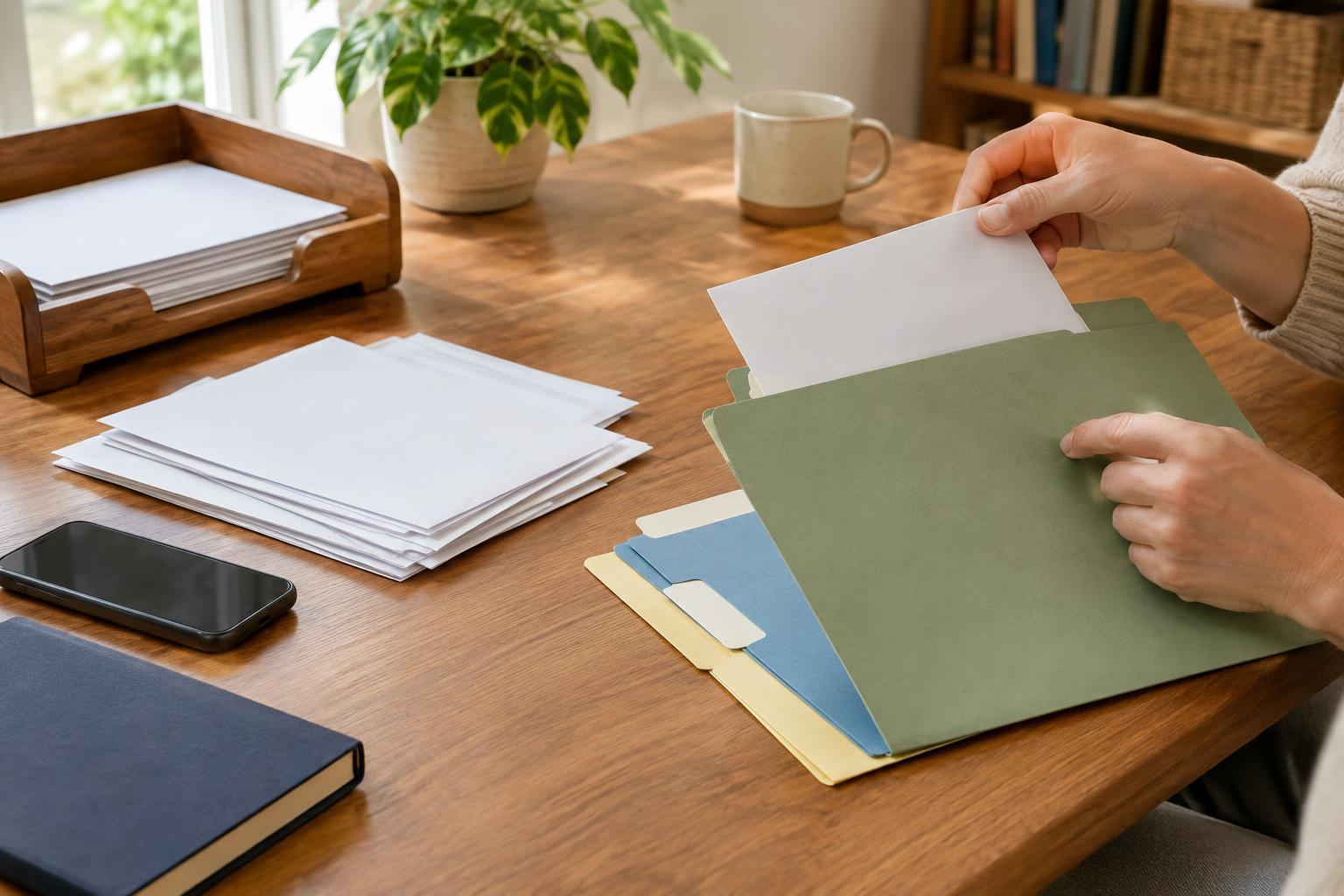
Label a paper folder with its subject and, where useful, the name of the organization involved. “Housing — landlord” is easier to recognize than “Important papers.” Within a broad folder, use dividers or smaller folders for recurring topics such as Applications, Letters, Payments, and Receipts. You can also separate records by year if a folder becomes crowded.
Put a date on loose papers when the date is missing or hard to spot, but write in a margin or on a removable note so you do not cover the original text. Keep pages that belong together in the order that makes sense to you, such as the application followed by the response. A brief note on the folder—“latest letter at front,” for example—can make that order easier to maintain.
Consider where someone else would look if you asked them to find a document for you. Clear words written large enough to read are usually more helpful than color alone. Color can provide an extra cue, but a written label still works if folders are moved, copied, or viewed by someone who does not know your color system.
Use a repeatable name for digital files
Digital filenames work best when they contain the same basic pieces of information in the same order. A simple pattern is date, subject, organization, and document type: “2025-02-14_Housing_Council_Letter.pdf.” Put the year first in dates so files sort in time order. If a document has no useful date, leave that part out rather than guessing.
Use ordinary words you would remember when searching. Names such as “scan003” or “final-final” give few clues about the contents. If you have several versions, describe what changed: “Care-plan_draft” and “Care-plan_submitted,” for example. Keep the original file when you make an edited copy, and label the copy so you can tell them apart.
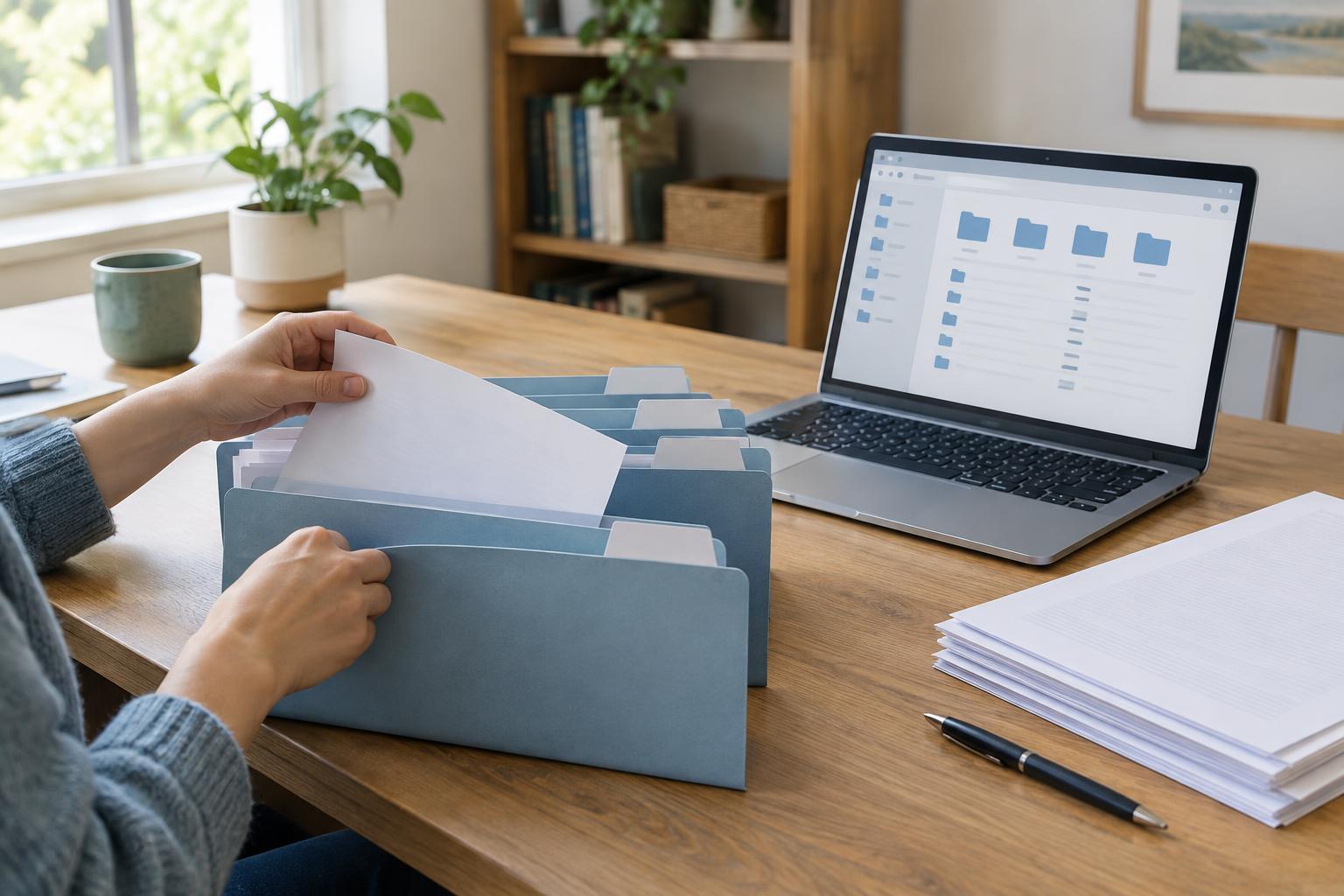
A digital folder structure can mirror your paper folders without matching them exactly. For instance, a Housing folder might contain subfolders for Applications and Letters. Keep it shallow enough to navigate easily; if finding a file takes many clicks, a simpler structure may serve you better.
Connect paper and digital records
Some records arrive on paper, while related messages arrive by email. Decide which version you will treat as your main reference, then make the connection visible. You might write “email saved in Housing/Letters” on a paper folder note, or include “paper original in Housing folder” in a digital index. Keep the note separate from the record itself when you want to preserve the original.
A one-page index can be enough: list your main categories, where the paper folders are kept, and where the digital folders are stored. An index is particularly useful if a trusted person sometimes helps you find records. Describe locations clearly, but avoid putting passwords or sensitive identification numbers on a sheet that others could easily see.
Maintain the system without making it a major task
Set aside an inbox folder or digital “To file” folder for records you have not labeled yet. When you have time, move each item to its usual home and give it a name that follows your pattern. A short, regular check is often more manageable than sorting a large pile at once. If a label repeatedly confuses you, change it; the system should fit the way you look for information.
Think about privacy and access as you choose storage locations. Keep sensitive paper records somewhere reasonably secure, and use the access controls and backup options available on your device or storage service for digital copies. If you share a computer or folder, check who can view it before saving personal documents there. The goal is a system that lets you find what you need while limiting unnecessary access to private information.