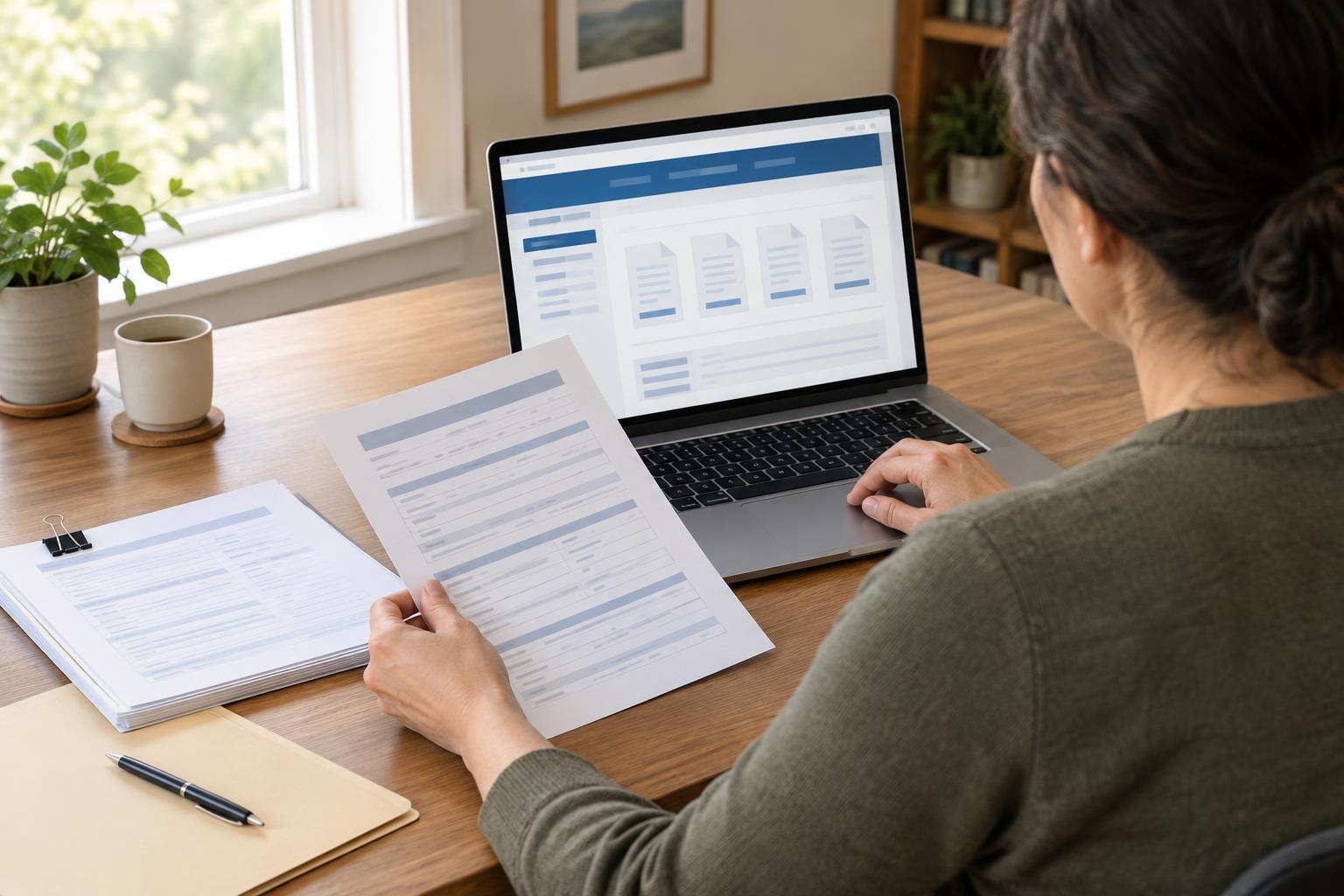
Start with the agency, not a form download
A search for a public-service form can lead to old PDFs, third-party copies, advertisements or pages for a different program. Begin at the agency website when possible. If you know the agency’s name, use a trusted directory or an official notice you already have to find its web address. Check the address and page title before entering personal information. An official-looking design or logo in a search result, by itself, does not establish that a page belongs to the agency.
Once on the site, look for navigation labels such as “Forms,” “Publications,” “Apply,” or the name of the service you need. An internal site search may work better than browsing menus. Try the form number if you have one; otherwise, search for the task in ordinary words, such as “report a change of address.” If the site has separate national, regional or local pages, make sure you are viewing the office responsible for your situation.
Match the form to the task
Several forms may have similar names but serve different purposes. Read the short description on the form page before downloading anything. Check who the form is for, what action it requests, and whether it applies to a particular program, location or method of submission. A form for starting an application may not be the one used to update an existing record.
Pay attention to whether the agency offers an online process instead of a printable form. Some pages provide a PDF to mail or deliver, while others direct people to a secure account to complete the task. Follow the agency’s description of the available methods rather than assuming a downloaded document can be submitted in any way. If you are helping someone else, check whether the site explains who may complete or sign the form.
Check the version and read the instructions
The page hosting a form is often as important as the file itself. It may identify the current version, link to instructions, or explain when a particular form should be used. Compare the form number and title on the page with those on the document. Look for a revision date or version label, but do not treat a recent-looking date alone as proof that you have the right form. Agencies may update instructions separately or keep older materials available for specific purposes.
Open any linked instructions before filling in fields. They may define terms, explain which sections apply, list supporting documents and describe how to submit the completed form. Also check for notices on the form page about changes or replacements. If a PDF saved on your device differs from the file linked on the agency’s current page, return to that page to assess which one the agency directs people to use.
Handle search results and files carefully
A general web search is useful for locating an agency page, but it is a less reliable place to choose a form file directly. Search results can point to archived pages or copies hosted elsewhere. If you arrive at a PDF through a search result, navigate to its parent page on the agency website and look for the form there. Avoid uploading personal documents to a third-party site simply to view or fill out a public form.
When you download a file, give it a clear name that includes the form number or task and, if helpful, the version shown on the document. Keep a copy of the instructions or note where you found them. Before printing, check that all pages opened and that no text was cut off. If a form is difficult to read or use with assistive technology, look for an accessible format or contact option on the agency site.
Confirm unclear details before submitting
If two official pages appear to disagree, do not guess which instruction takes priority. Return to the main page for the service and check whether it links to an updated process or a page for your local office. The agency’s contact page may provide a way to ask which form and submission method apply. When contacting an office, describe the task and provide the form number or page title, but share sensitive information only through a channel the agency identifies for that purpose.
Before submitting, review the instructions once more for signatures, attachments, deadlines and delivery methods. Keep a record of what you submitted and how, along with any confirmation the agency provides. This does not guarantee an outcome, but it makes it easier to follow up if a document is missing or you need to explain which instructions you followed.