Start with the papers you need to find
Public-service paperwork can include application forms, letters, identity documents, appointment details and records of phone calls. The aim of a filing system is not to keep every sheet perfectly arranged. It is to help you find the right item when you need to answer a question, complete a form or check what happened next.
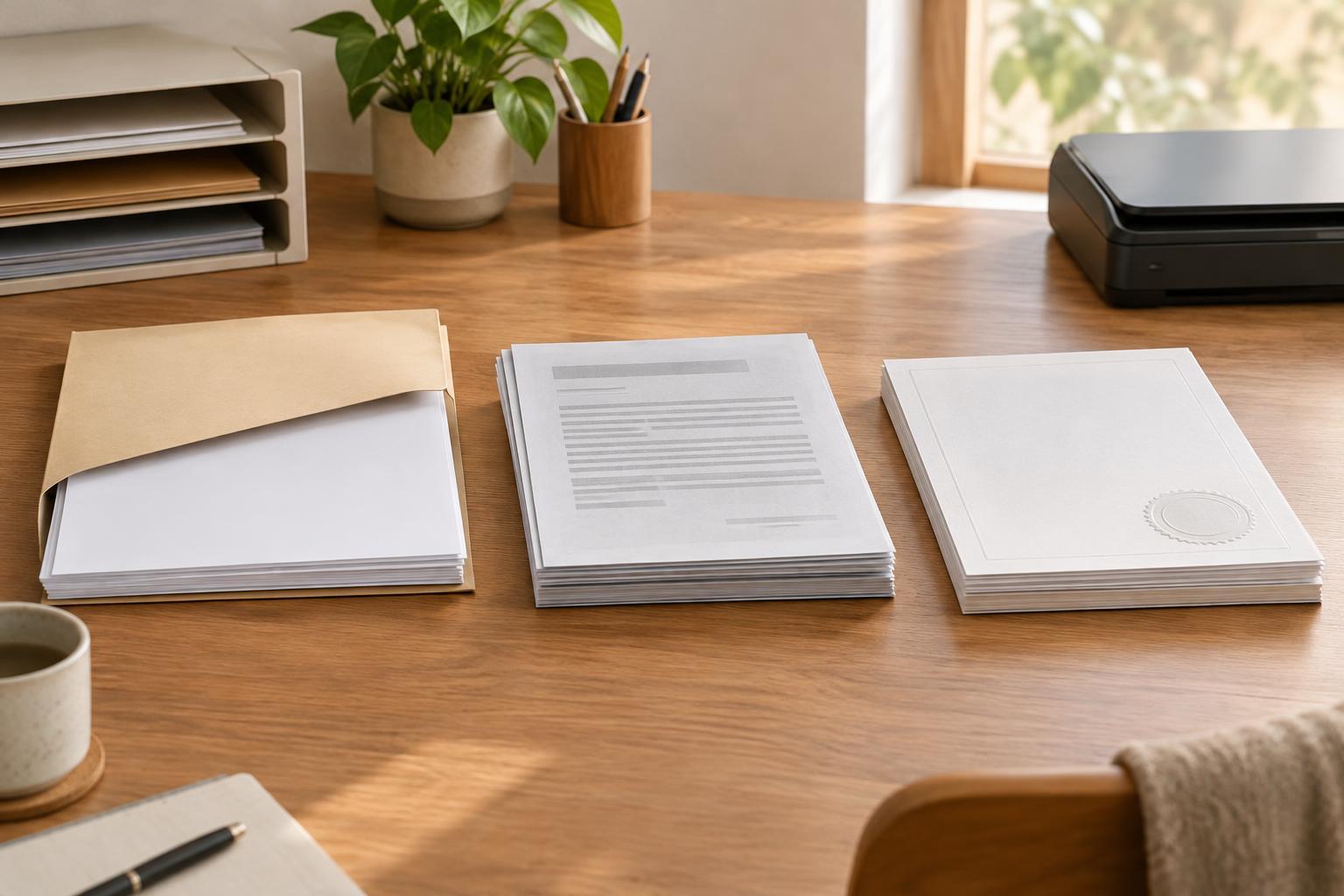
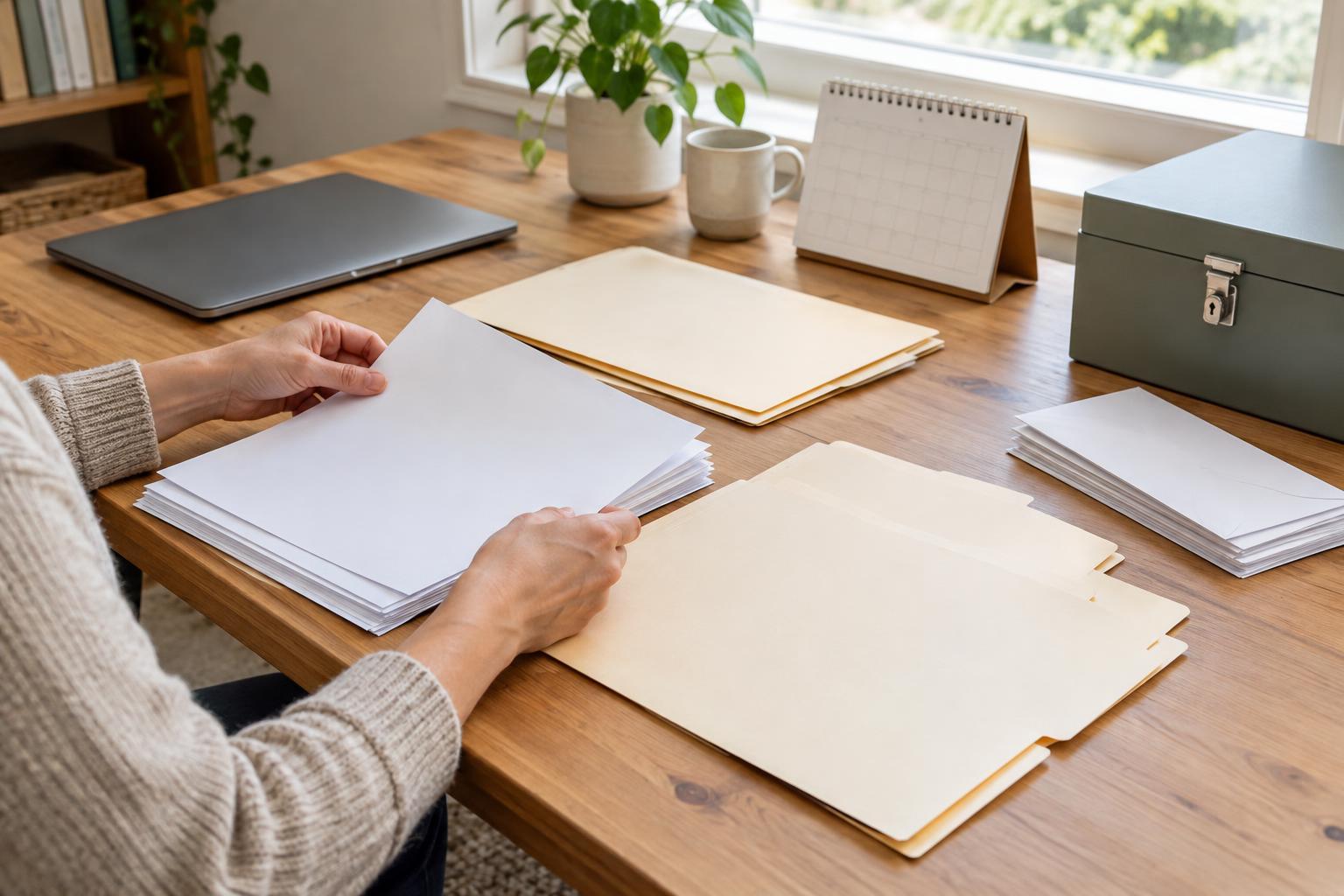
Begin by gathering papers from the places you normally leave them: a desk, a bag, an email inbox or a drawer. Sort them into three temporary piles: needs action, keep for reference and ready to review for disposal. Do not throw away a document just because it looks old. If you are unsure whether it may be needed, put it in the reference pile until you can check the relevant organization’s guidance.
A folder, a few envelopes or a small box may be enough. Choose a setup you can reach and use easily. A simple system you maintain is more helpful than an elaborate one you avoid.
Choose clear categories and name them consistently
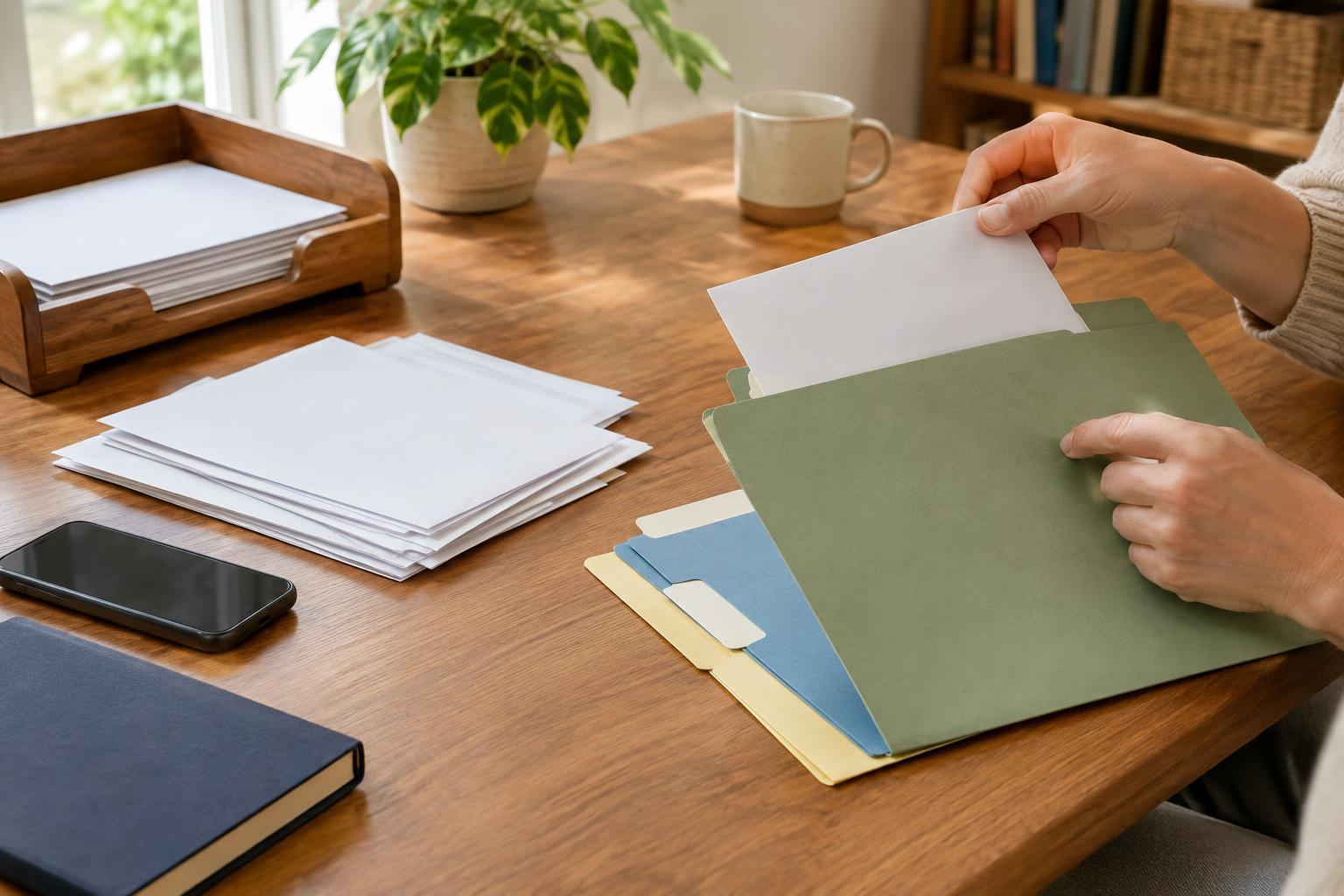
Give each service or household responsibility its own folder, then use a small number of categories inside it. For example, you might separate applications and submitted forms, notices and decisions, supporting documents, and contact notes. If you help someone else manage paperwork, keep their records separate from your own and respect any limits on what you are authorized to access or share.
Put the newest notice at the front of a paper folder, or choose another order that makes sense to you. Label folders in everyday language rather than relying on abbreviations you may forget. If several people use the system, agree on the same labels so a document does not end up in two possible places.
Keep original identity documents and other hard-to-replace items in a secure location. A working folder can hold copies or a note saying where an original is stored. Check whether a particular process asks for an original, a copy or a digital image before sending anything.
Give deadlines and next steps a visible home
Paperwork often becomes difficult to manage when a letter asks for a response but gets filed with completed records. Keep an action folder or tray separate from your reference files. When something arrives, look for the date on the document, what it asks you to do and any stated deadline. Add the next step to a calendar or a simple list, including where the related paper is stored.
A brief contact log can also help. Record the date you contacted an organization, the channel you used, the general subject and any next step you were told to take. Keep notes factual, and distinguish what a representative said from what you still need to confirm in writing. If you receive a confirmation number, save it with the relevant record.
Review the action folder regularly, even when you are not expecting a reply. Move completed items into the appropriate reference folder, but keep a note of any follow-up that remains open.
Make digital files easy to recognize
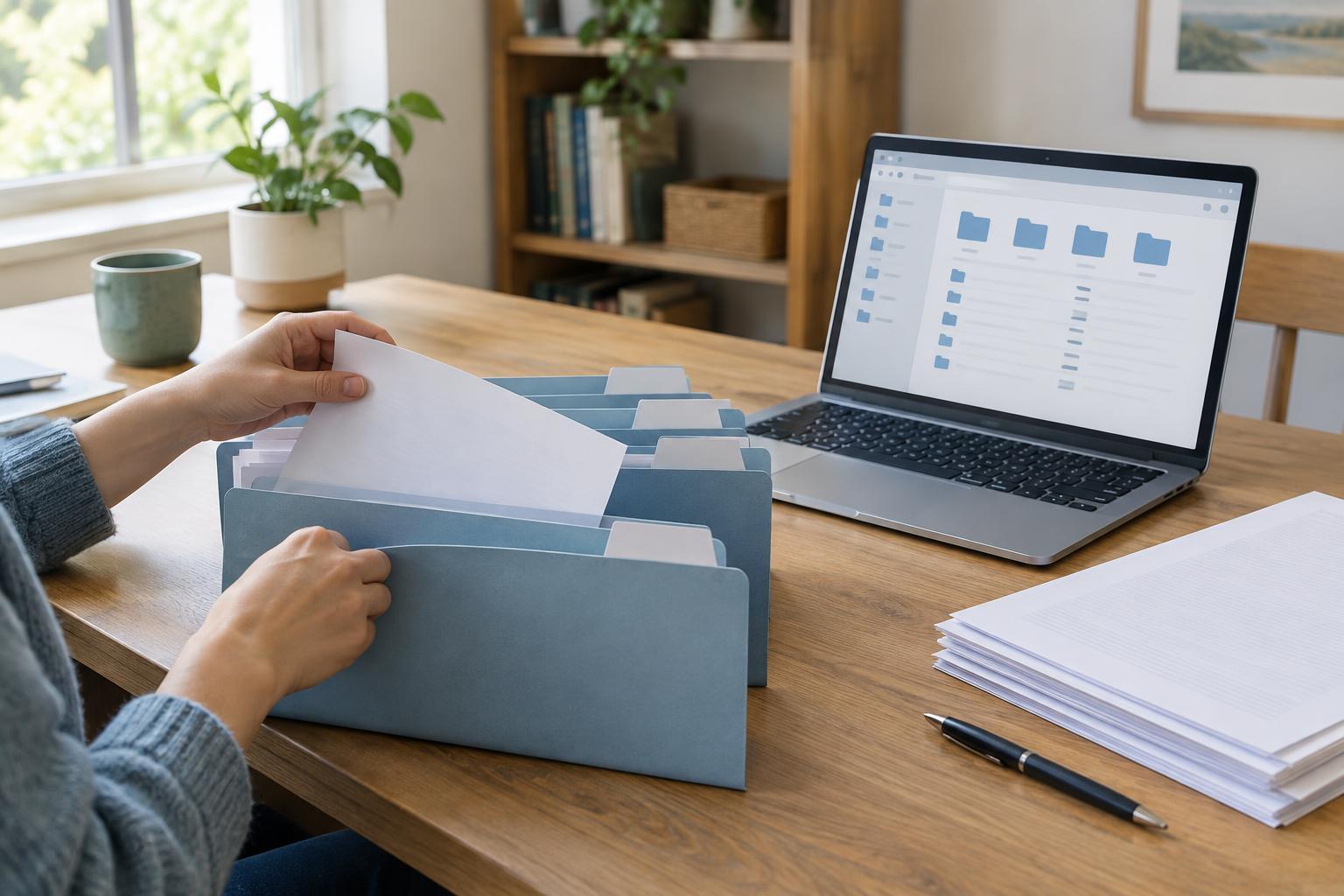
If you receive notices by email or download forms, create digital folders that mirror your paper categories. A consistent file name makes searching easier: a date, the organization or service, and a short description are usually enough. For example, a name such as “2025-03-12_service_application-receipt” identifies the item without requiring you to open it. Avoid putting sensitive identifiers in file names, especially if files may be shared.
Save an important attachment to your chosen folder rather than assuming it will remain easy to find in your inbox. If you photograph a paper document, check that every page is included and the text is readable. A photograph can be useful for your records, but it may not replace an original or meet an organization’s submission requirements.
Protect devices and accounts with available security features, and keep a backup of important files in a location you can access. If digital storage is inconvenient or unreliable for you, a paper-first system is a valid choice.
Keep the system private and manageable
Public-service records may contain addresses, identification numbers or information about other household members. Store paper folders away from casual view, and share documents only through channels you have checked with the organization concerned. Before uploading or sending a file, confirm that you have the right recipient and that every included page is necessary.
Set aside a short time occasionally to clear completed tasks and remove duplicates. Retention needs differ by document and purpose, so avoid applying one disposal rule to everything. Check relevant instructions before destroying records you might need for an application, review or appeal. When disposal is appropriate, use a method that protects personal details.
Your filing system can change as your circumstances change. If a category becomes too full, split it. If you cannot remember where something belongs, simplify the labels. The useful test is whether you can find a notice, see what needs attention and put a new document away without starting over.