Mistake 1: Keeping everything, but giving nothing a home
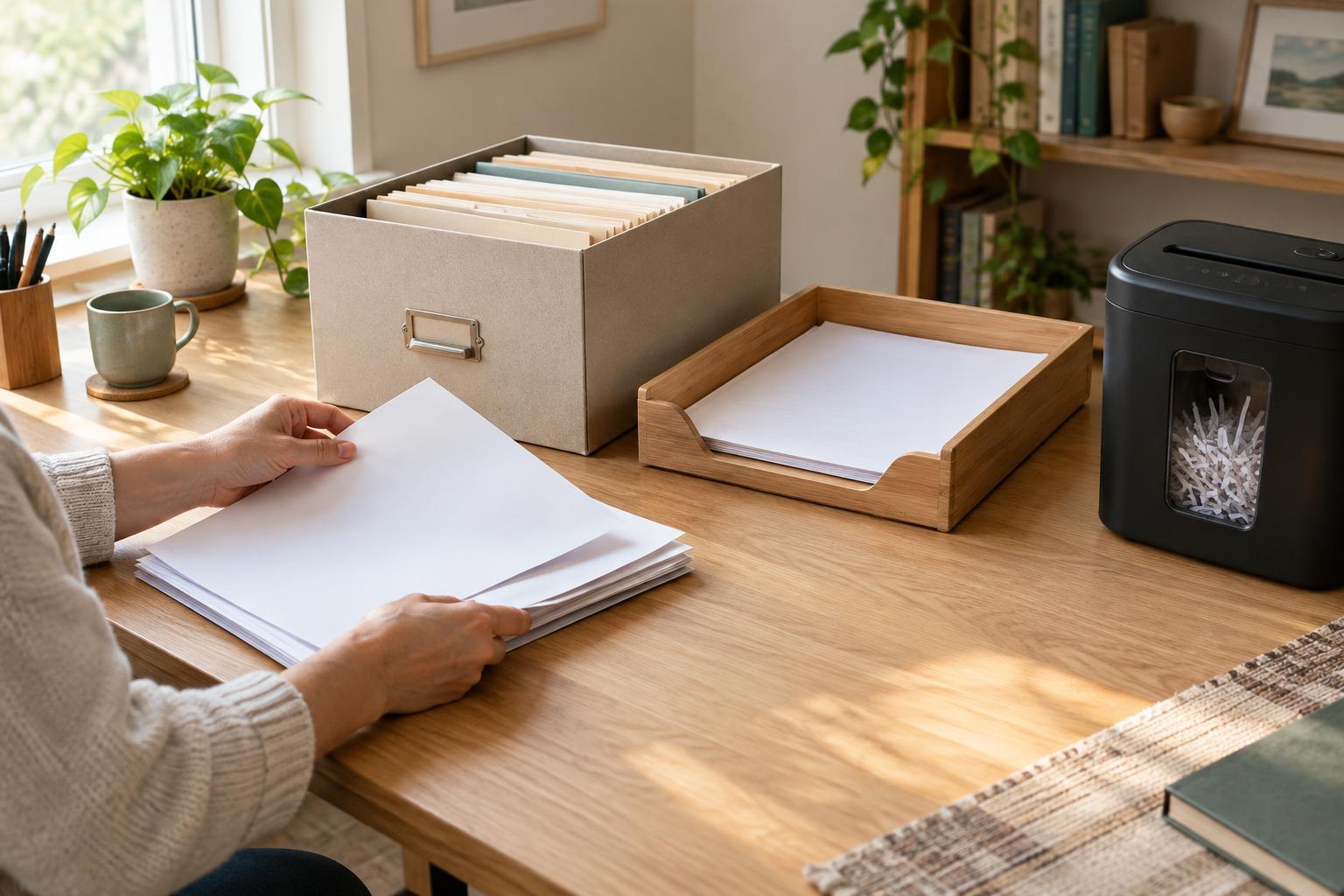
A growing stack of envelopes or a folder labeled “important” can feel organized because nothing has been thrown away. The difficulty appears later, when you need one particular letter, form or receipt. If unrelated papers share the same pile, finding an item depends on remembering when it arrived or what it looked like.
Choose a small number of categories that describe how you would look for a document: identity, housing, health, work, caring responsibilities and correspondence, for example. Within a category, keep papers for the same organization or matter together. An index card at the front of a folder can list what is inside. The goal is not a perfect filing system; it is a place you can predictably check.
Mistake 2: Filing by arrival date alone
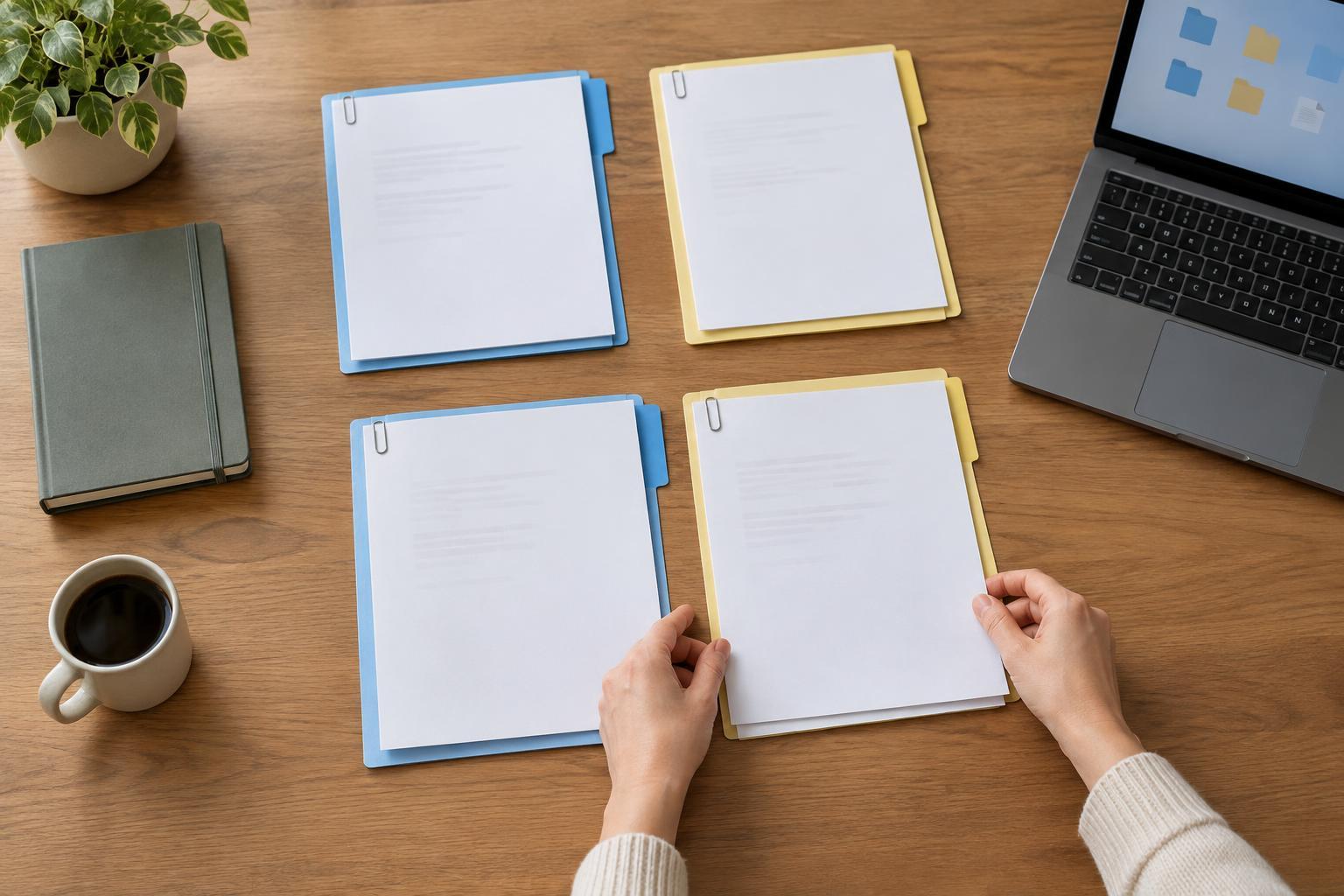
Dates matter, but a single chronological stack can hide the connection between related documents. An application, a request for more information, a response and a later decision may arrive weeks apart. If they are filed only by the day they arrived, reconstructing the sequence can take unnecessary time.
Group related paperwork first, then arrange it by date within that group. Keep envelopes when a postmark or return address may help identify a letter, and make a brief note if a document was submitted through an online account rather than by post. For your own tracking, distinguish the date on a document from the date you received or sent it. This makes it easier to follow what happened without relying on memory.
Mistake 3: Using file names that only make sense today
Digital files named “scan,” “new form” or “letter final” are hard to recognize months later. Automatic camera names create the same problem. Search tools can help, but only when the name or searchable text gives them something useful to find. A photograph of a page may not have searchable text at all.
Use a consistent, plain-language pattern, such as the organization or matter, document type and document date: “Housing-support_request-for-information_2024-05-08.” If several people in a household have similar paperwork, include a name or initials where that is appropriate for your privacy needs. Check that each scan shows the whole page, including the reverse side when it contains information. A descriptive name cannot rescue a cropped or unreadable copy.
Mistake 4: Losing track of originals, copies and submissions
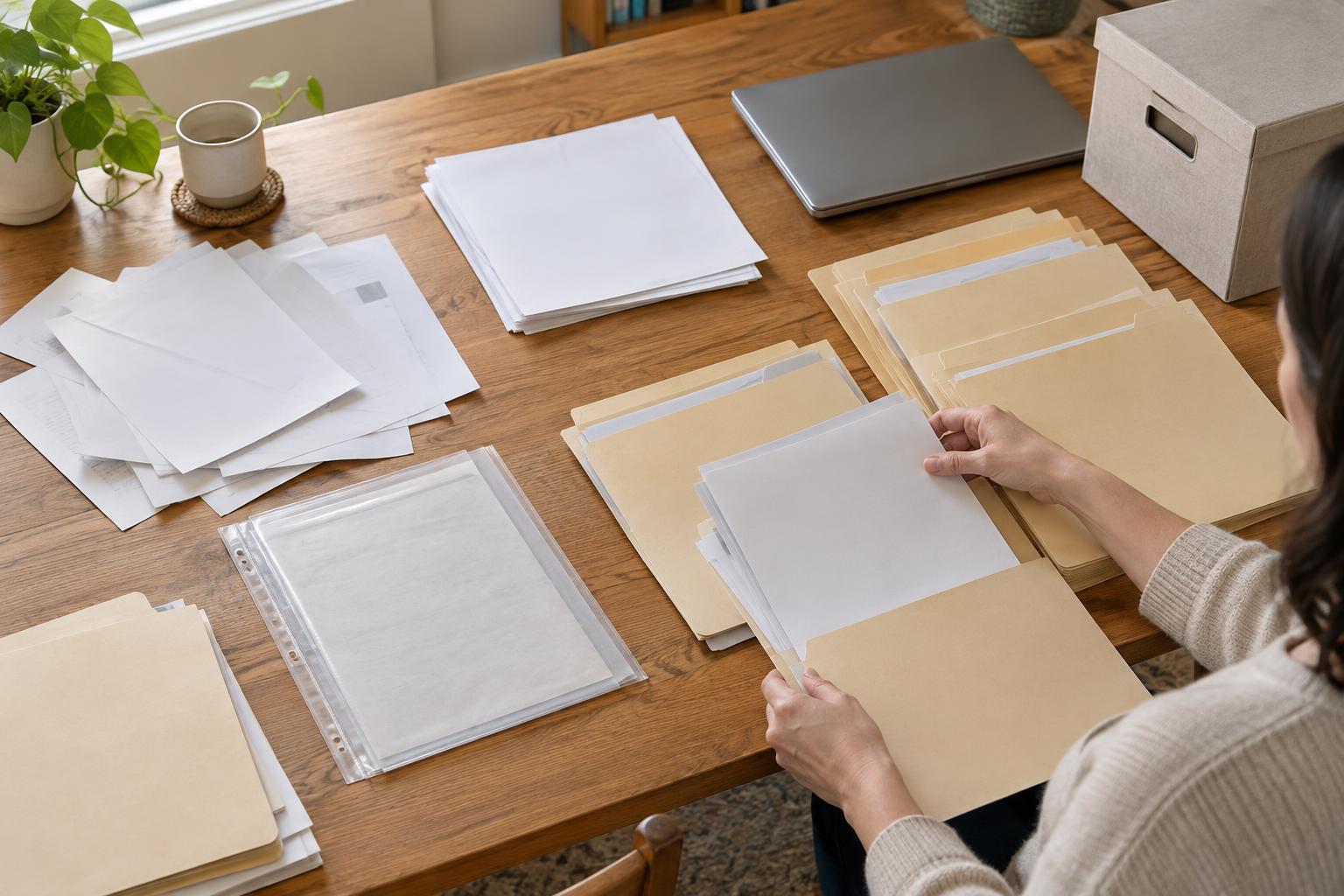
A printed copy, a downloaded form and a signed original may look nearly identical but serve different purposes. Trouble arises when they are mixed together, or when a completed form is saved without any record of whether it was actually sent. Retrievability means being able to identify the version you need, not just finding something with the right heading.
Keep originals in a clearly marked location and store working copies separately. For a matter in progress, a short cover sheet can record what you sent, how you sent it and where you saved any confirmation. If an online service provides a reference number or receipt, save it alongside the related documents. Avoid writing passwords on that cover sheet or storing login details inside a shared document folder.
Mistake 5: Depending on one device or one person’s memory
A carefully arranged digital folder is less useful if it exists only on a phone that can be lost, replaced or difficult to unlock. Paper systems can have a similar weakness when only one household member knows which drawer holds everything. Shared access is not always appropriate, especially for sensitive records, but a system should still be understandable to someone authorized to use it.
Consider a backup method you can maintain, such as an encrypted backup or a second secure copy of essential files. Keep a simple list of folder locations and naming conventions without exposing private account credentials. If you help someone else manage paperwork, agree on what you may access and where items should be returned after use. A brief review every few months can clear duplicate drafts, file loose papers and confirm that important documents remain readable.